Activity feed and class analytics
Two ways to see how a class is doing beyond individual grades: the Activity feed (a real-time stream of what students are doing right now - help requests, submissions, exam flags) and Analytics (the aggregate picture - completion rates, common mistakes, time-on-task across the whole class).
Select the class, then open Activity. This is the live feed a teacher watches during a session - help requests surface here the moment a student raises one.
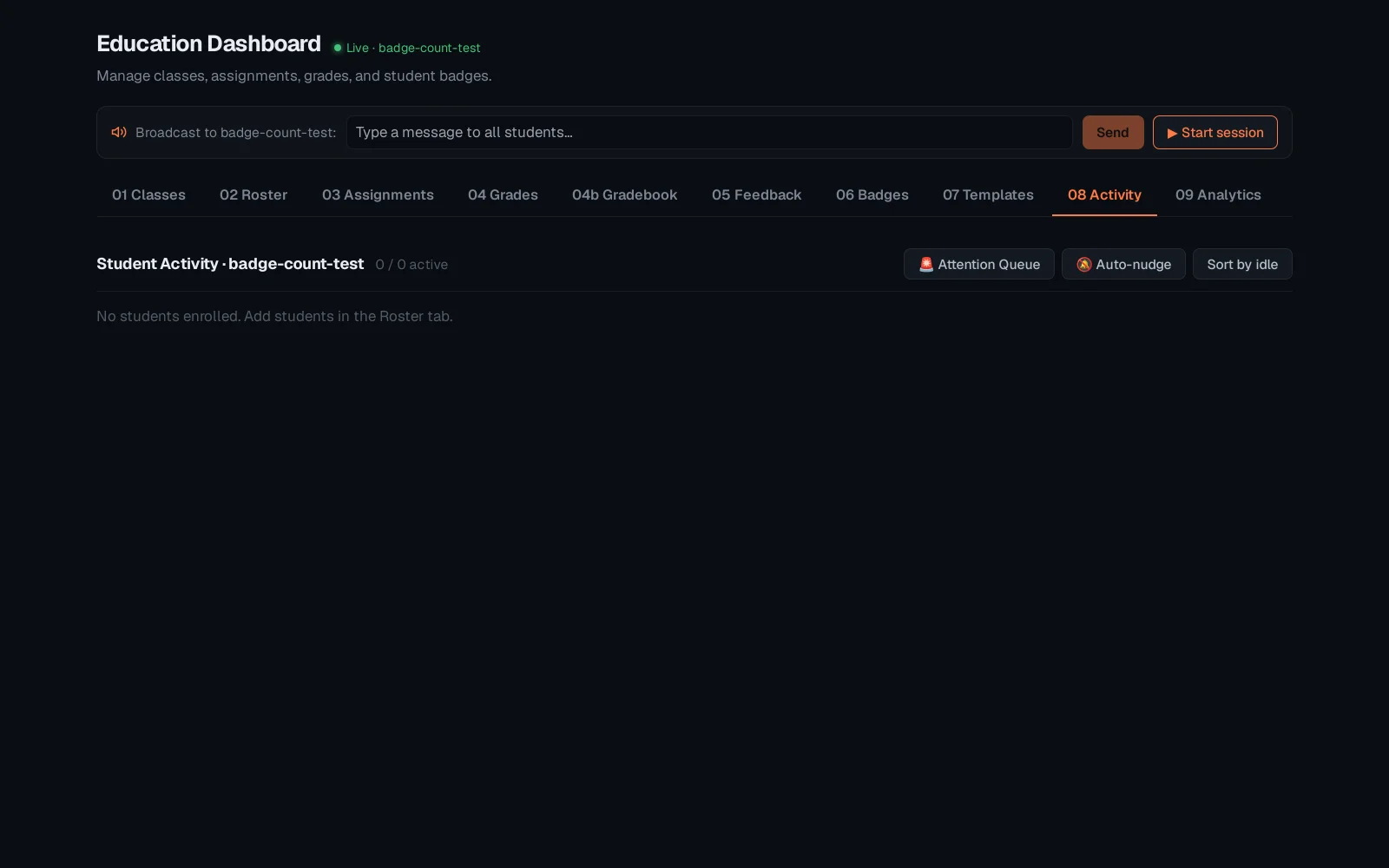
Analytics rolls the same data up: completion, common failure points, and time-on-task across the whole class - the pattern-spotting view rather than the moment-to-moment one.
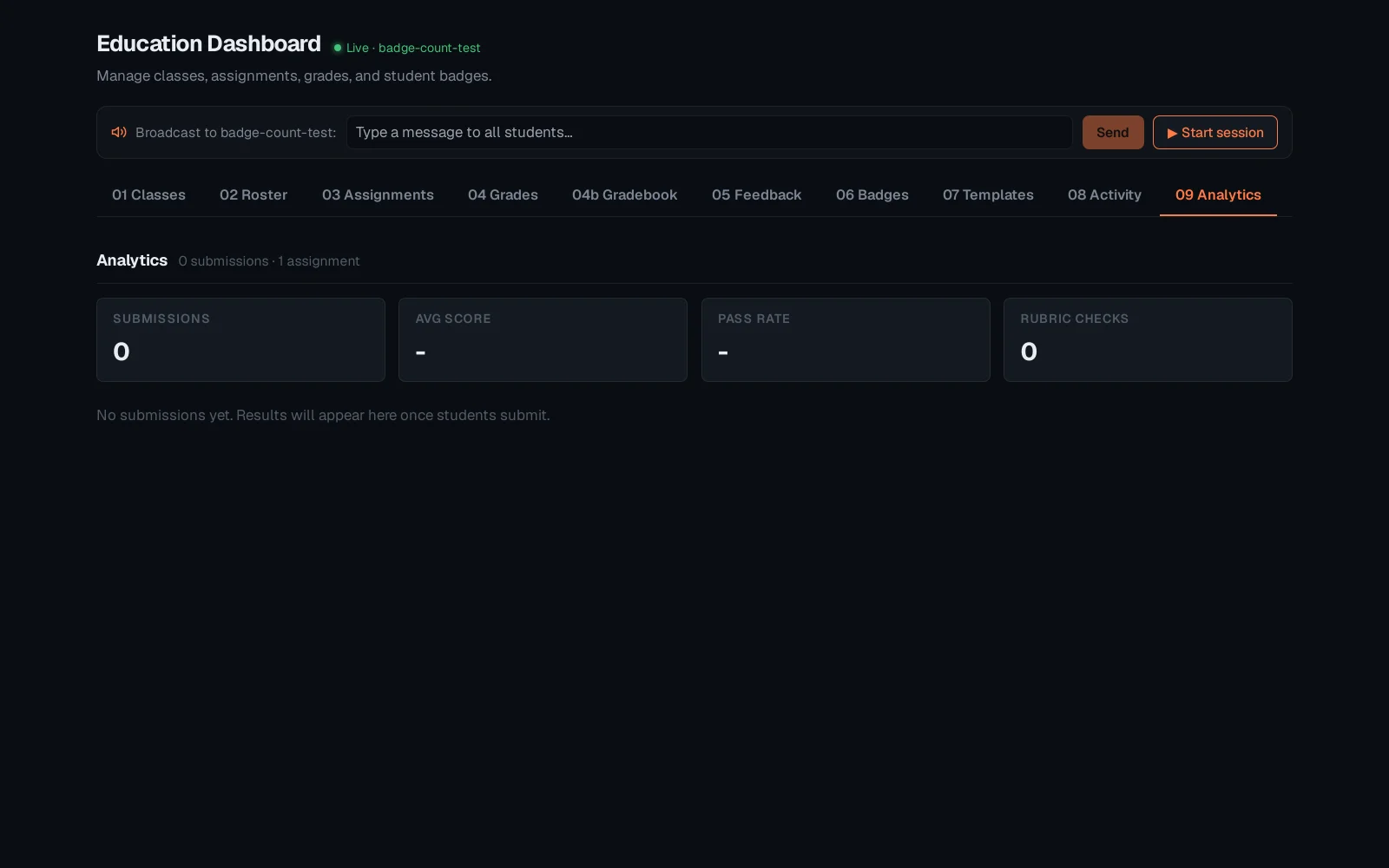
Activity is where you notice a stuck student in real time; Analytics is where you notice a whole class missed the same concept, worth revisiting before the next lesson. Both scope to the class selected in the Classes tab - see "Classes, roster and assignments" for that step.