Broadcasting a message to a class
The Broadcast bar sits above every tab in the Education dashboard once a class is selected - type a message and it reaches every student in the class at once, no per-student targeting needed.
Select the class - the broadcast bar appears above the tabs. Type a message and click Send.
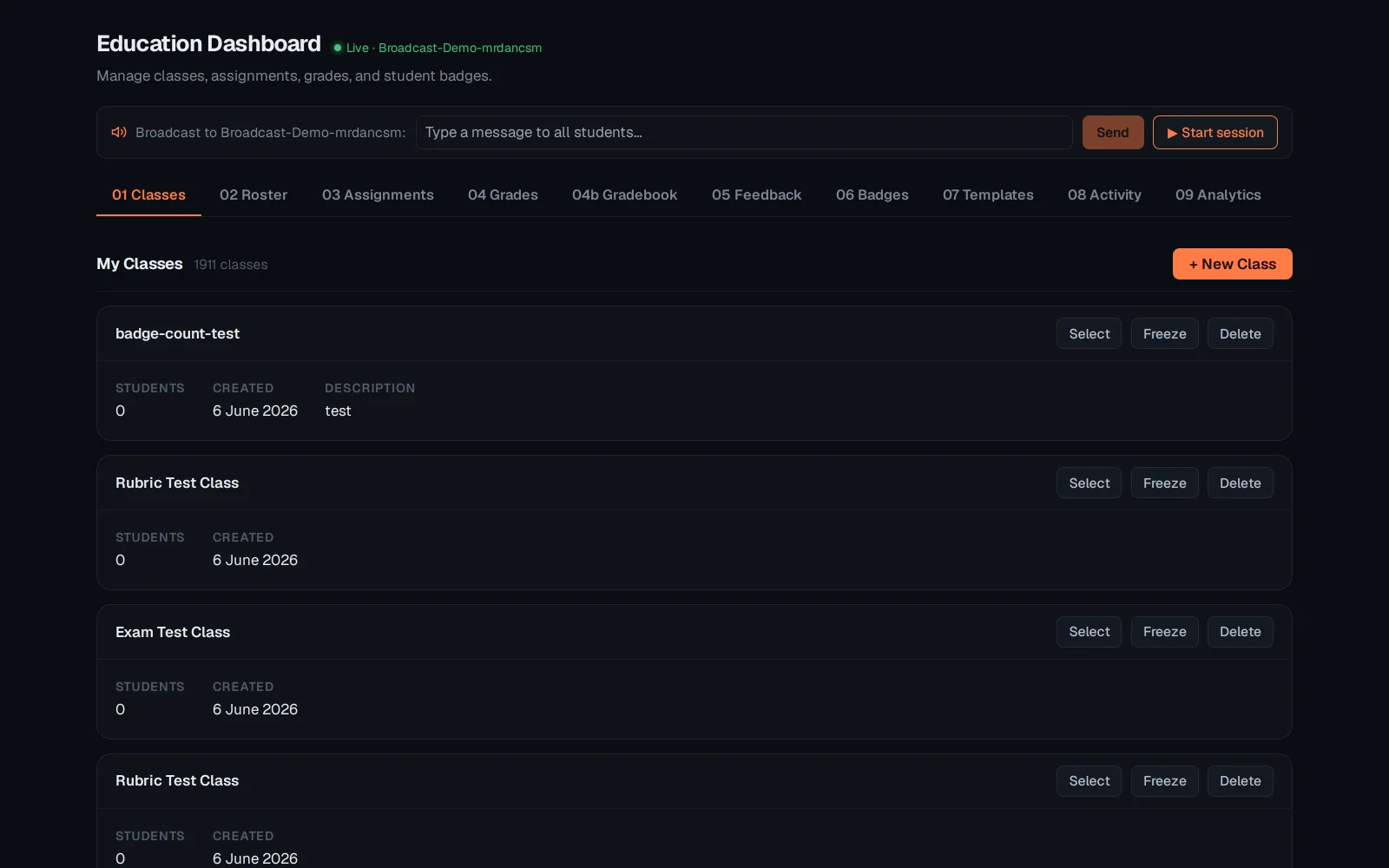
The message lands as a real live event in the class feed, not just a cleared input box.
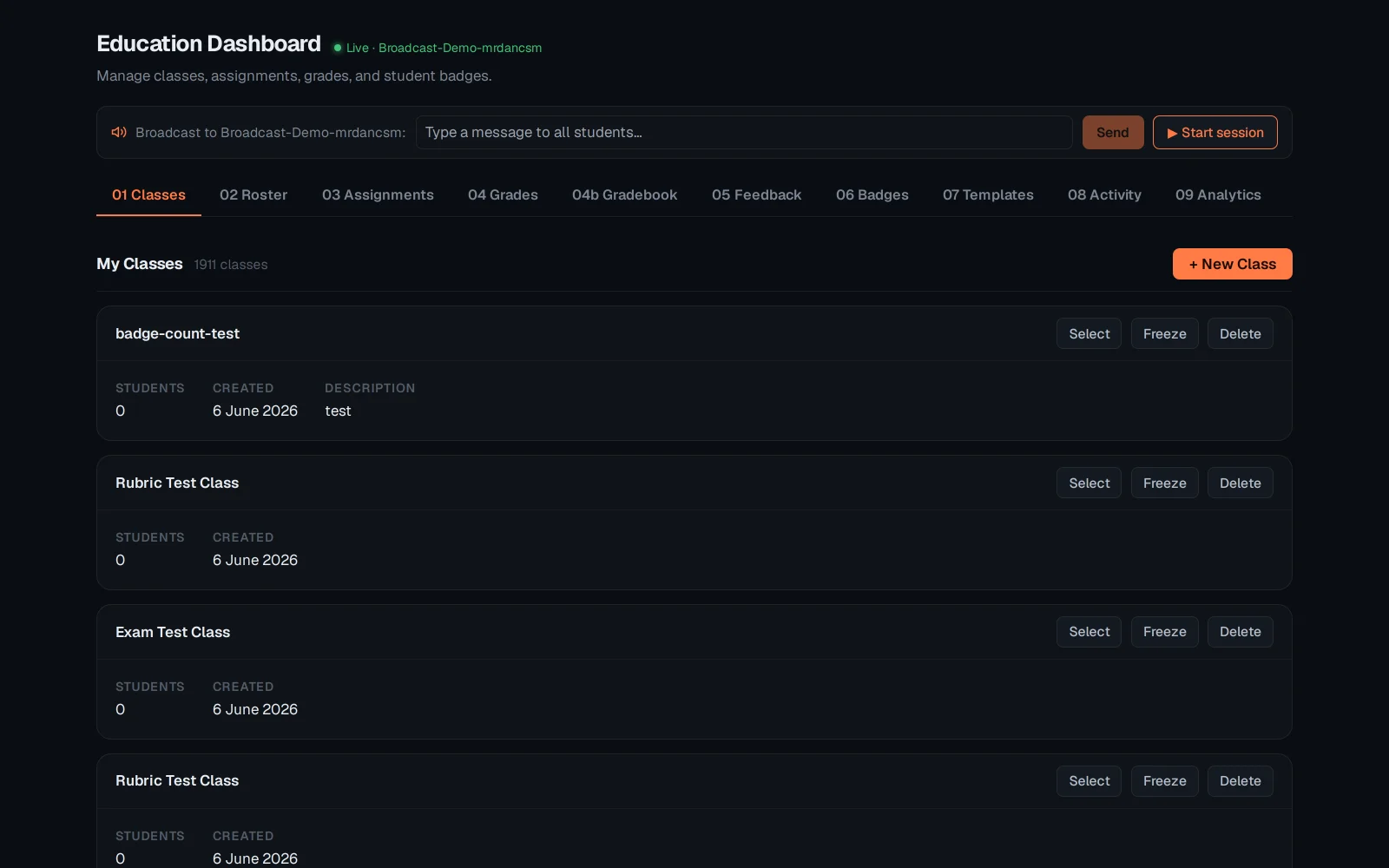
Broadcasts are one-shot and ephemeral - they arrive as a live event, not a stored announcement students can scroll back to. See "Per-student accommodations" for the other Education-dashboard feature that lives outside grading.