Exam mode: fullscreen lock and randomised question pools
Build a session as an Assignment and students work at their own pace with the tab open like any other page. Switch the format to Exam and a stricter mode kicks in: fullscreen is required to stay in the session, leaving it is flagged, and a few other settings tighten up automatically.
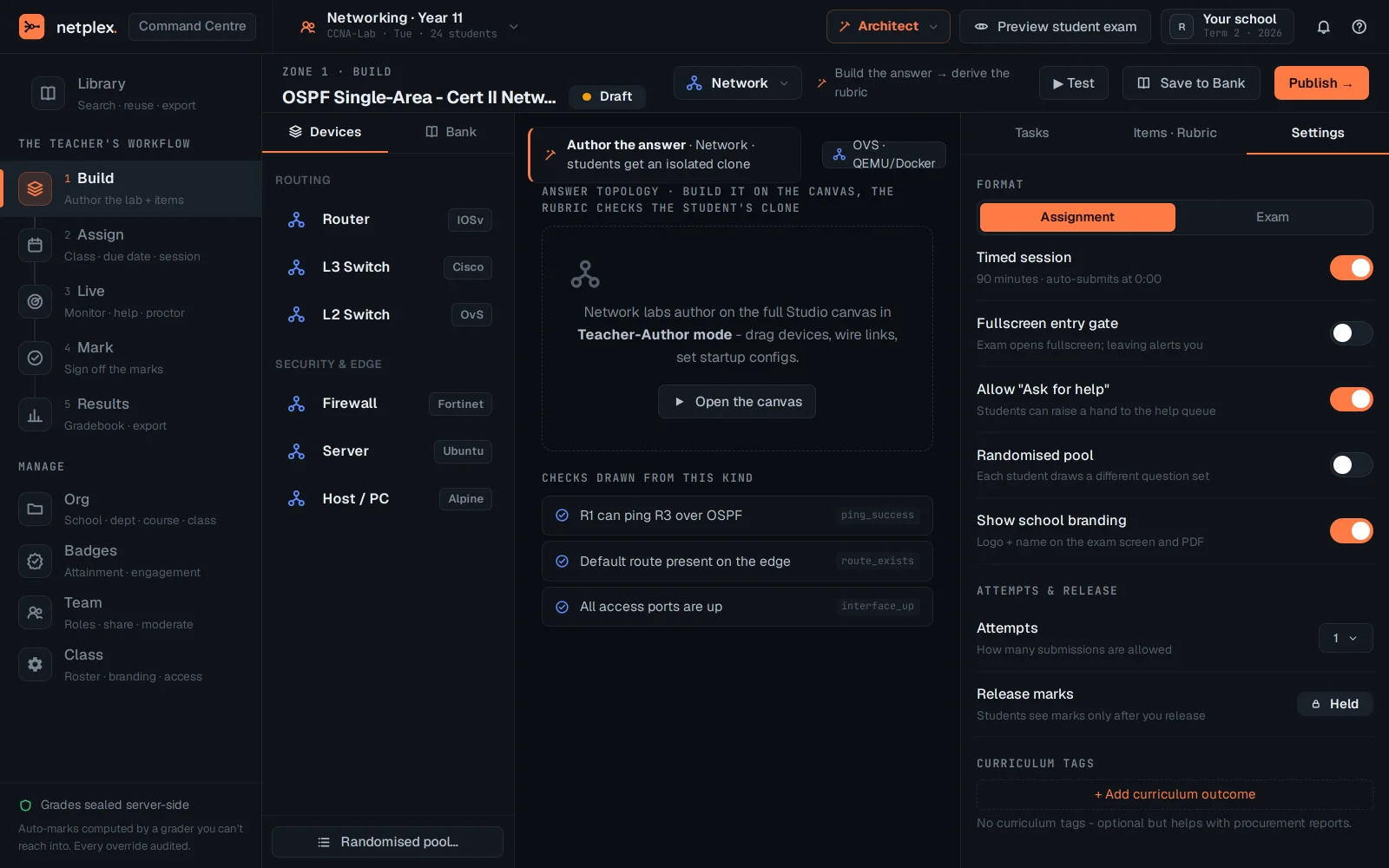
Open Command Centre → Build → Settings. Format starts on Assignment - a timed session with no extra lockdown.
Switch to Exam. The Fullscreen entry gate switch flips on by itself - it is driven by the format, not a separate setting you could forget to enable - and Show school branding puts your logo on the exam screen and any exported report.
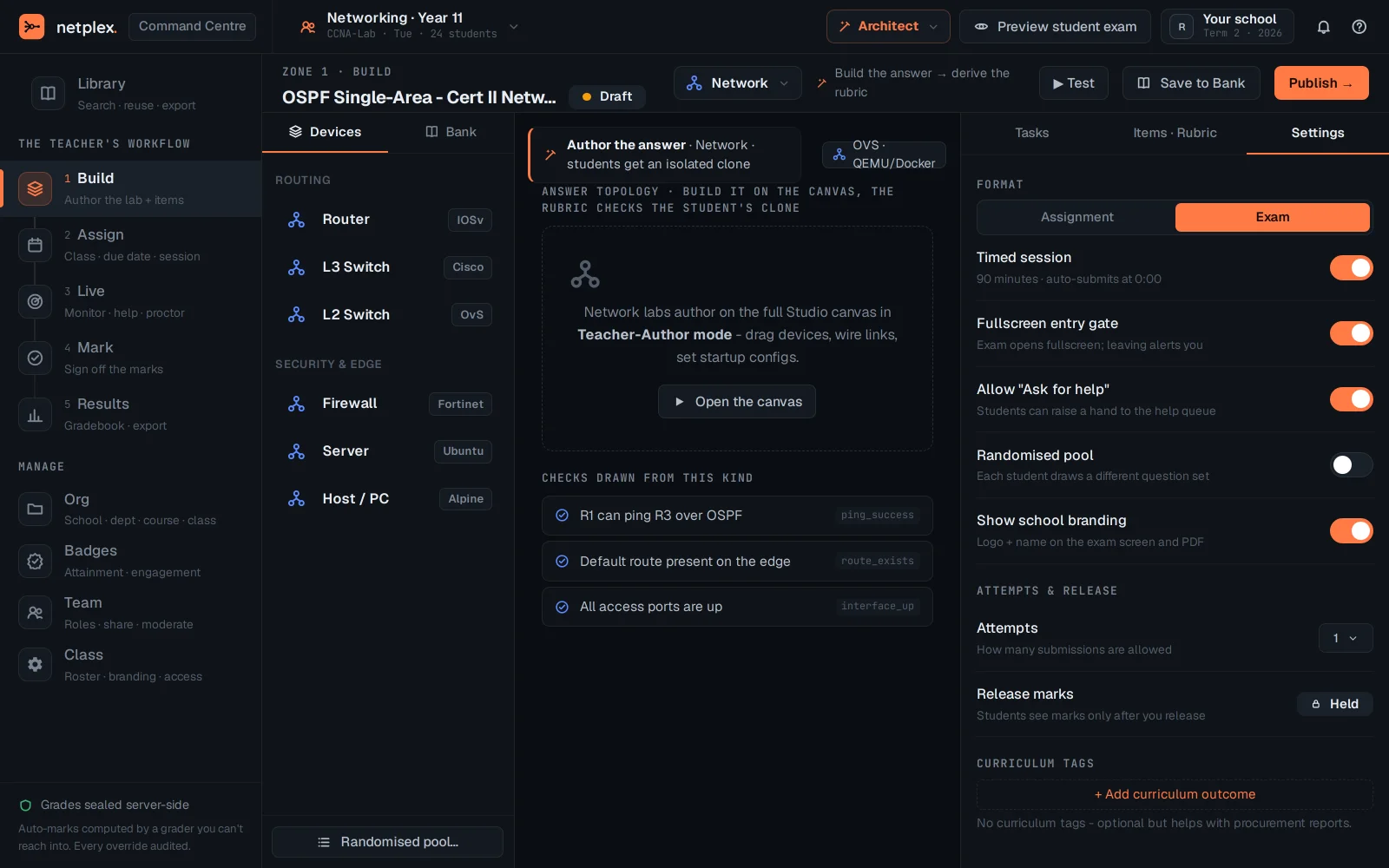
Randomised pool goes a step further - each student draws a different set of questions from a bank instead of everyone seeing the identical paper, which is only meaningful once there's more than one item per topic to draw from. Violation detection (tab-switch / fullscreen-exit flags) shows up live on the Live tab once a real exam session is running - see "The Command Centre" for that view.