Upgrading your plan with a licence key
Every paid feature in netplex. is unlocked the same way: paste a licence key. There is no separate installer for Pro vs. Architect vs. Enterprise - one build, and the key you activate decides what turns on. Hit a locked feature (a Pro-only tool node, a node-count ceiling, Presentation Mode) and netplex. offers the upgrade dialog right there, in context.
On the Free plan, an Upgrade entry appears in the navigation. Clicking it - or hitting almost any tier-gated feature - opens the same dialog: paste a licence key and the account activates immediately.
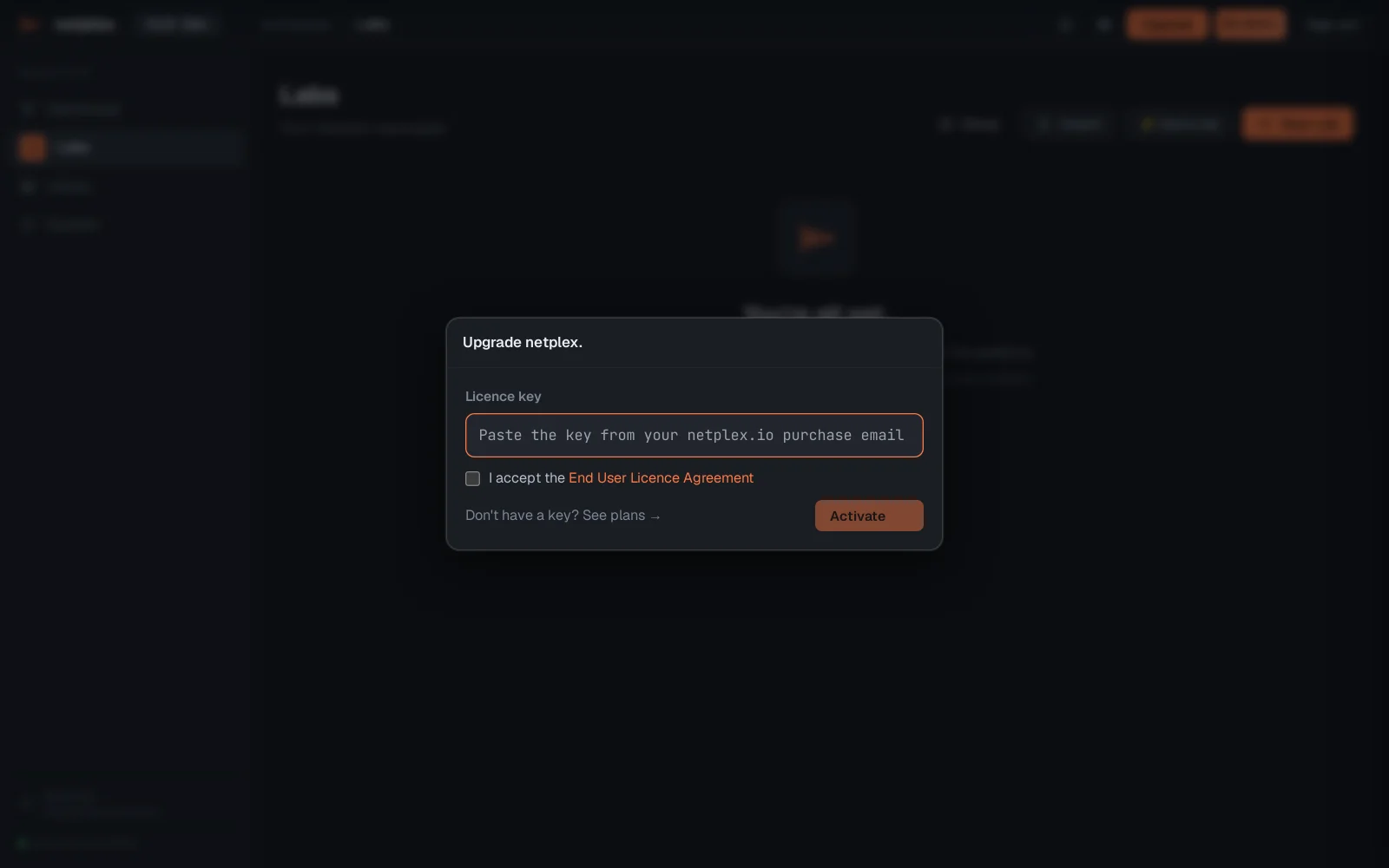
Activation is instant and needs no reload: the moment a valid key is accepted, entitlements refresh in the running session and locked features unlock live. Licence keys can be tied to a hardware fingerprint on Enterprise/Architect plans (see "Enterprise licence & hardware migration" for what happens on a hardware change). For what each tier actually includes, see netplex.io/pricing - the source of truth for plan features and limits.