Per-student accommodations and broadcasting to a class
Two things live on the Education dashboard that aren't about grading: per-student accommodations (extra time, an extended due date, an IEP-style note) on the Roster tab, and a broadcast bar that sends a message to every student in the class at once, from any tab.
Select the class and open 02 Roster. Each enrolled student has a small ⚙ button - accommodations for that one student, for this one class.
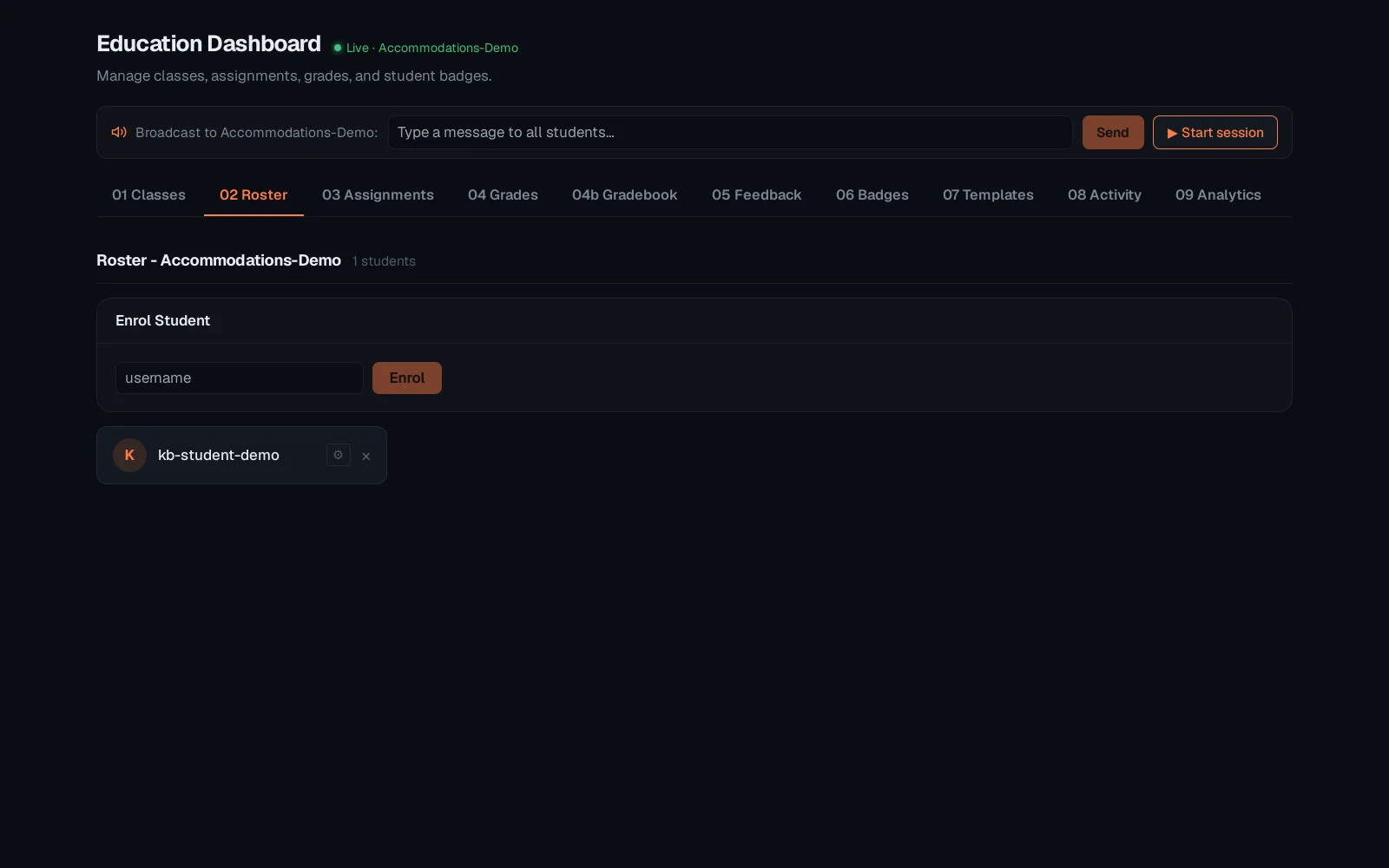
Set extra time and a note, then Save. It applies automatically wherever this student's timer or due date shows for this class - no per-assignment setup needed.
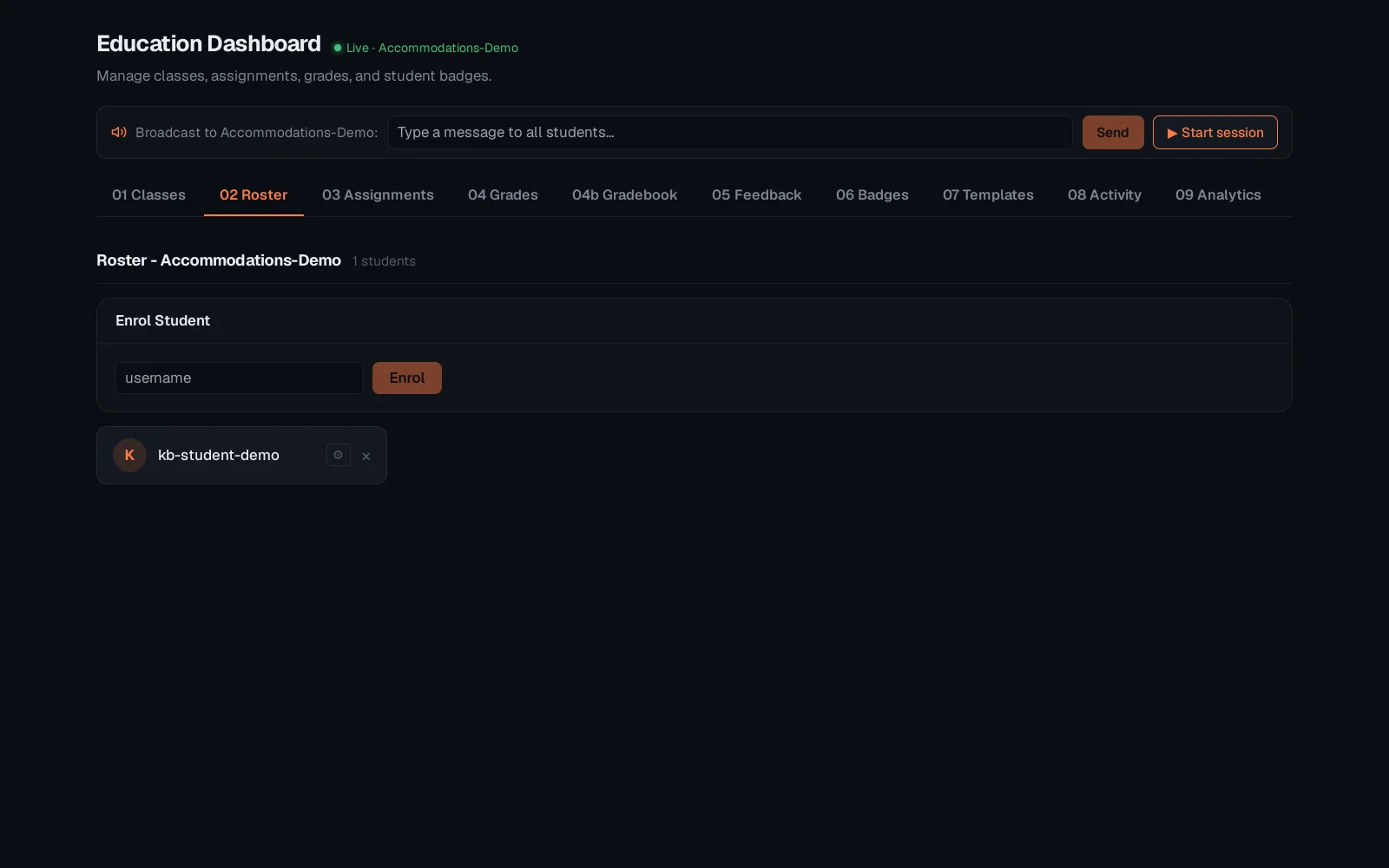
The Broadcast bar sits above every tab once a class is selected - type a message and Send puts it in front of every student in the class immediately, no per-student targeting needed.
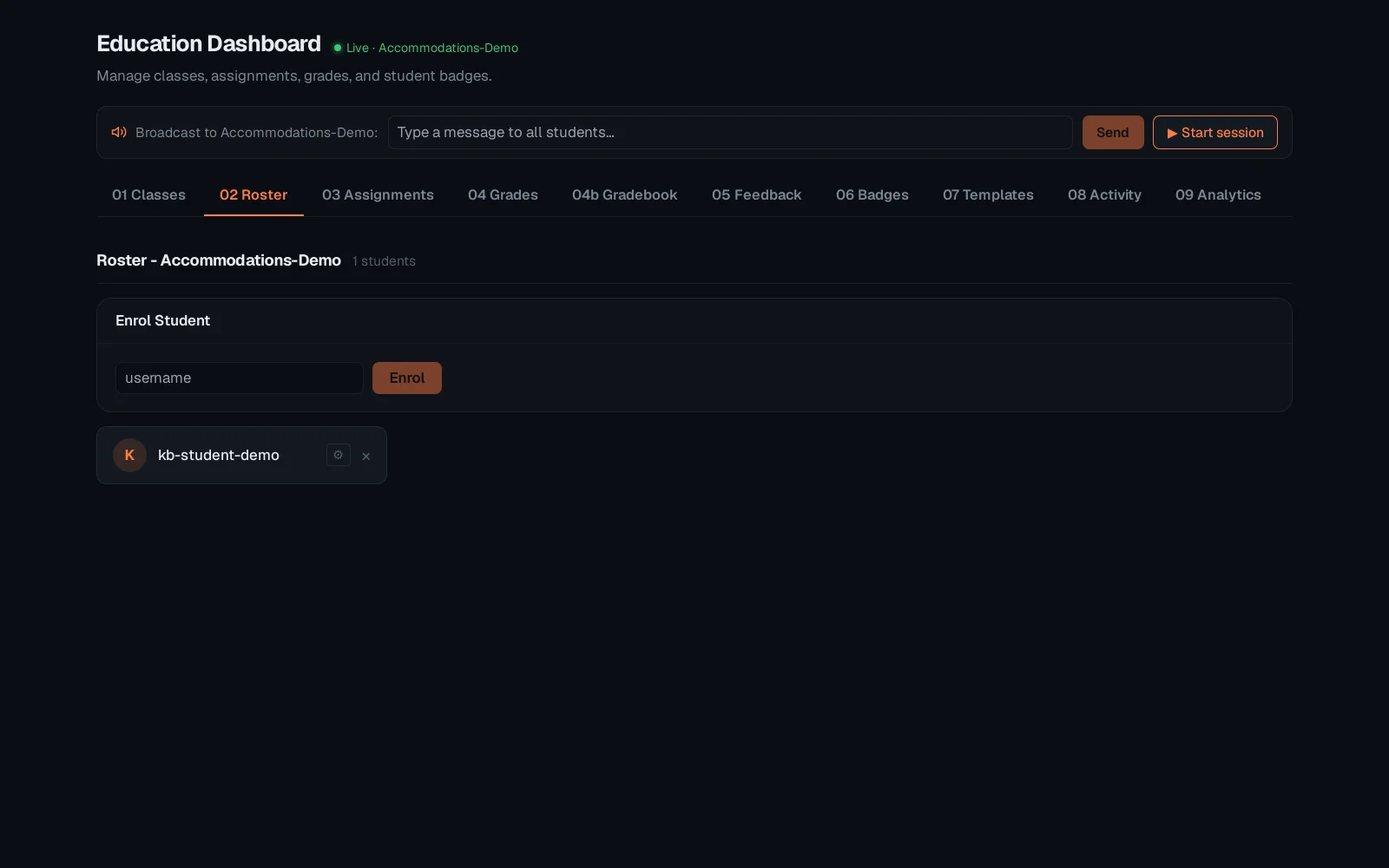
Accommodations are per student per class, so the same student can have different extra time in two different classes. Broadcasts are one-shot and ephemeral - they arrive as a live event, not a stored announcement students can scroll back to.