Command Centre: Org, Badges, Team and Class management
Below the numbered teaching workflow, the Command Centre has a second rail: Manage. This is the administrative side - the school/department hierarchy, the badge catalogue, who else teaches, and per-class settings - kept separate from the day-to-day Build → Assign → Live → Mark → Results flow so the two never get confused.
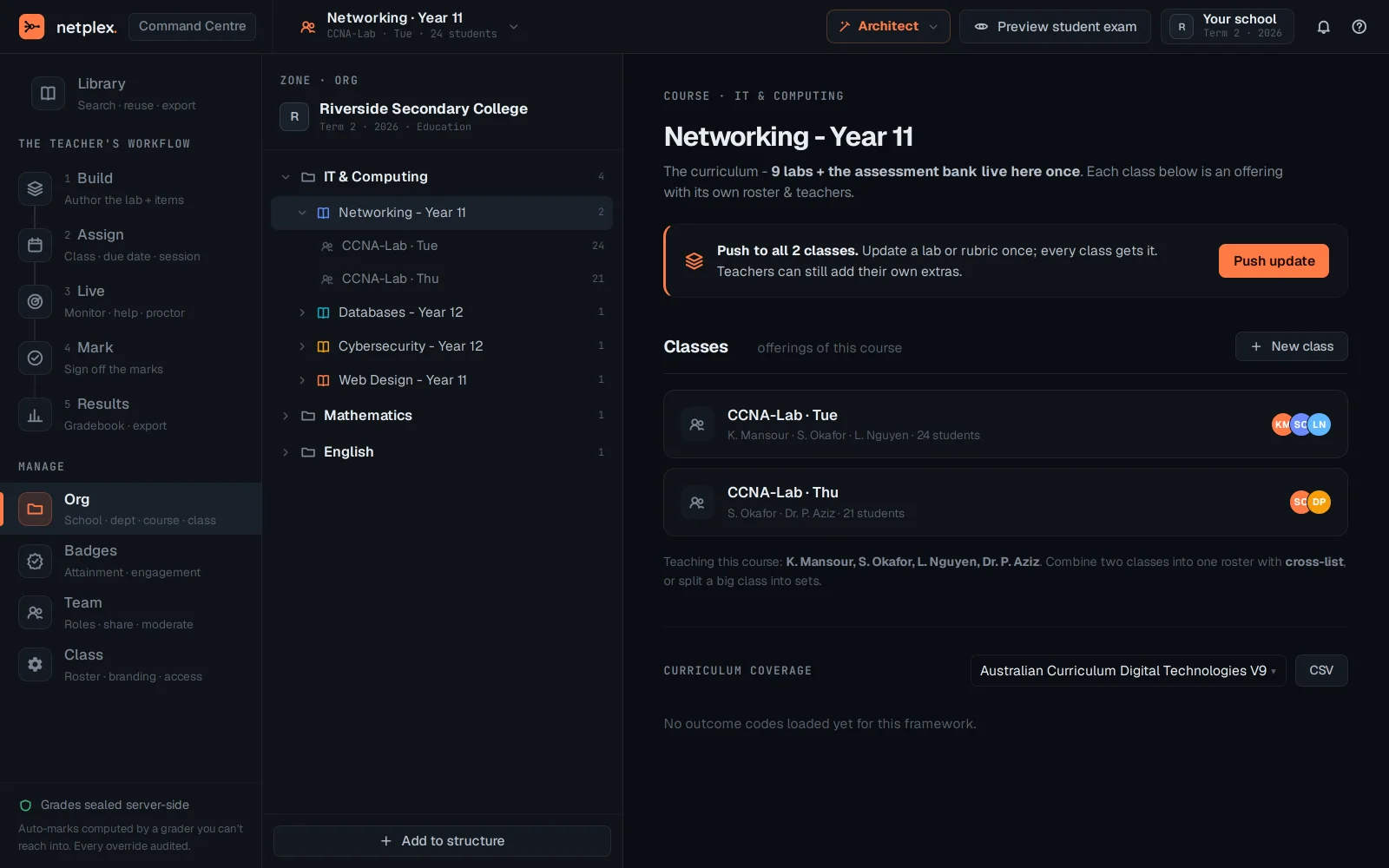
Open Command Centre → Org. This is the institutional hierarchy - school, department, course, class - the structure everything else in the Command Centre hangs off.
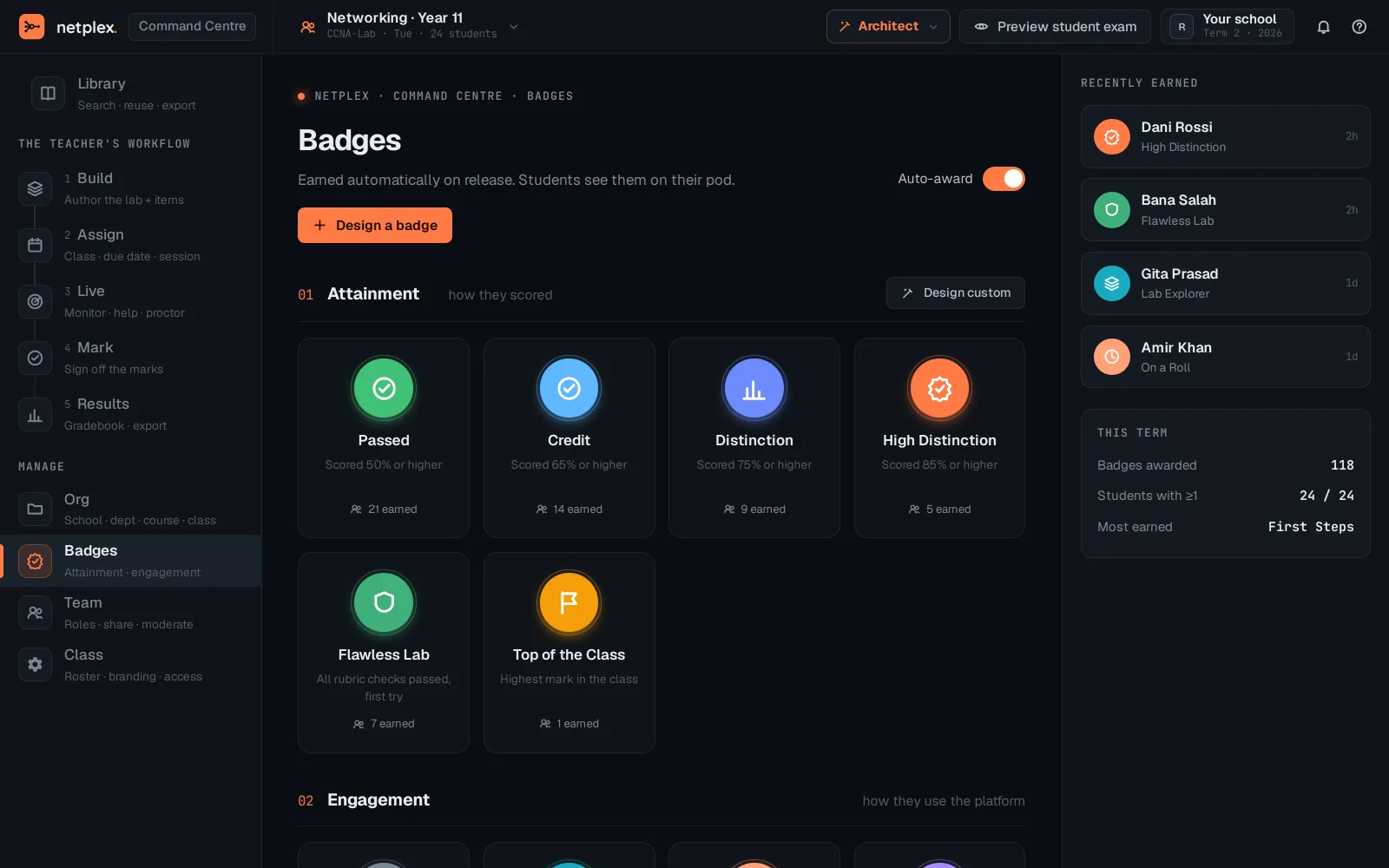
Badges manages the attainment/engagement catalogue from inside the Command Centre - the same catalogue as the Education dashboard's Badges tab, reachable without switching pages.
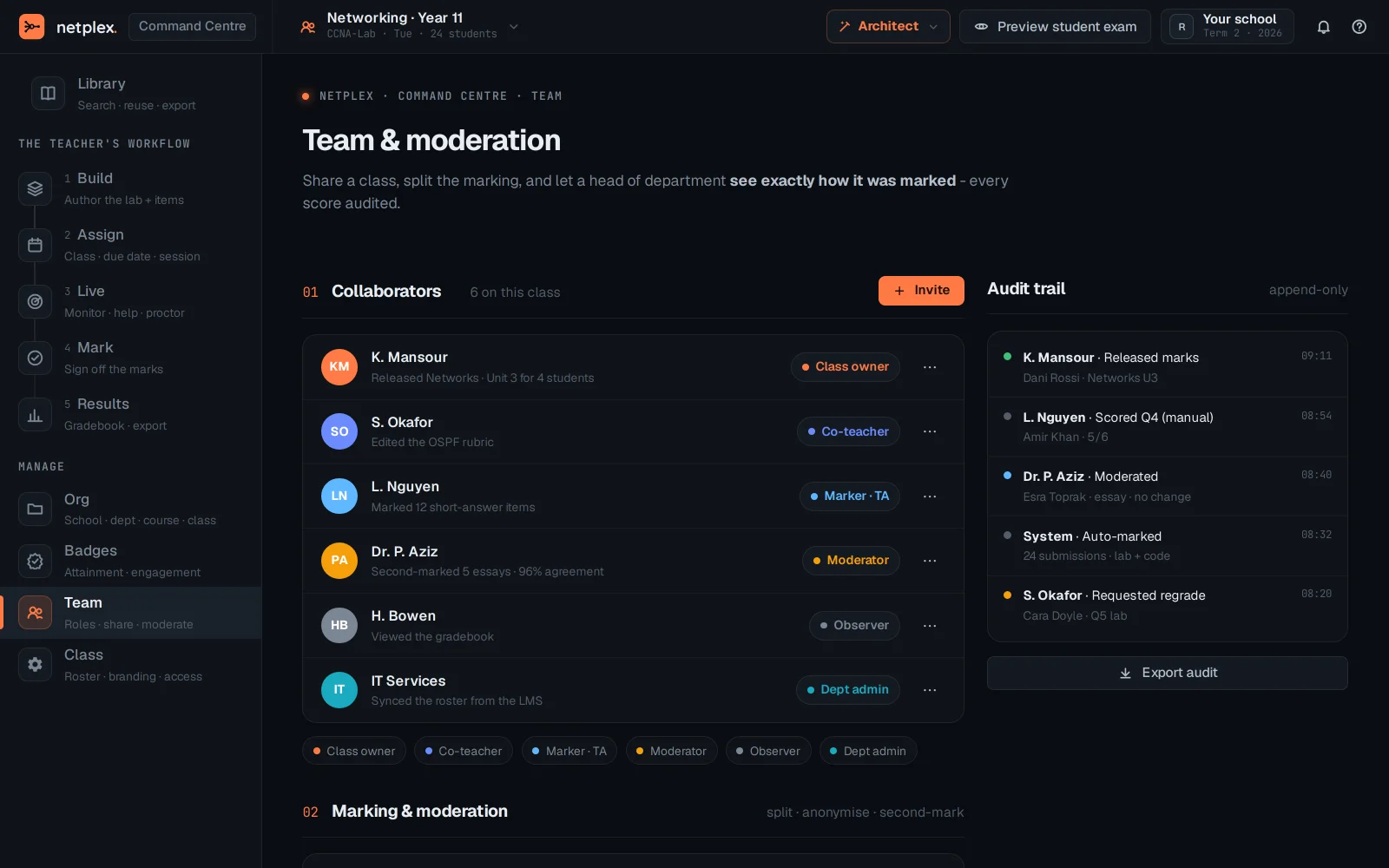
Team is who else can teach or moderate this class - roles and sharing, for when a course has more than one instructor.
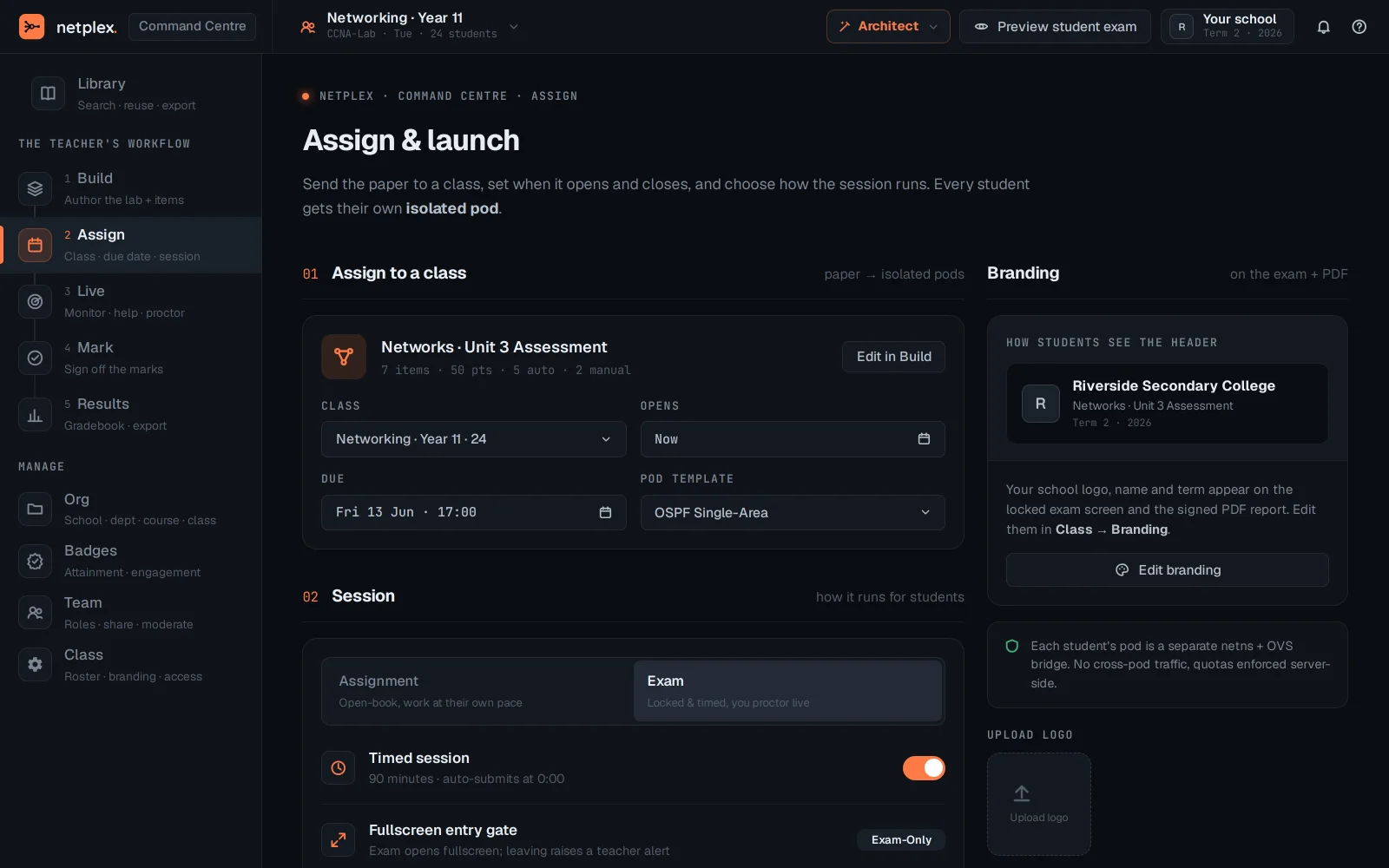
Class holds the per-class settings - roster access, branding, who can join - the administrative knobs for this specific class rather than the whole org.
Manage is where a course gets set up once at the start of term; the numbered workflow (Build → Results) is what a teacher touches every session after that. See "The Command Centre" for the day-to-day Live monitoring view.