Resolve a regrade request and bulk-release grades
A regrade request is a student asking a teacher to look again at a mark - the Gradebook tab is where it gets resolved, right alongside Release All, which seals and publishes every graded-but-unreleased submission for an assignment in one click instead of one student at a time.
Select the class and open Gradebook. A pending regrade request shows right at the top, with the student's reason and fields to approve with a new score, or reject.
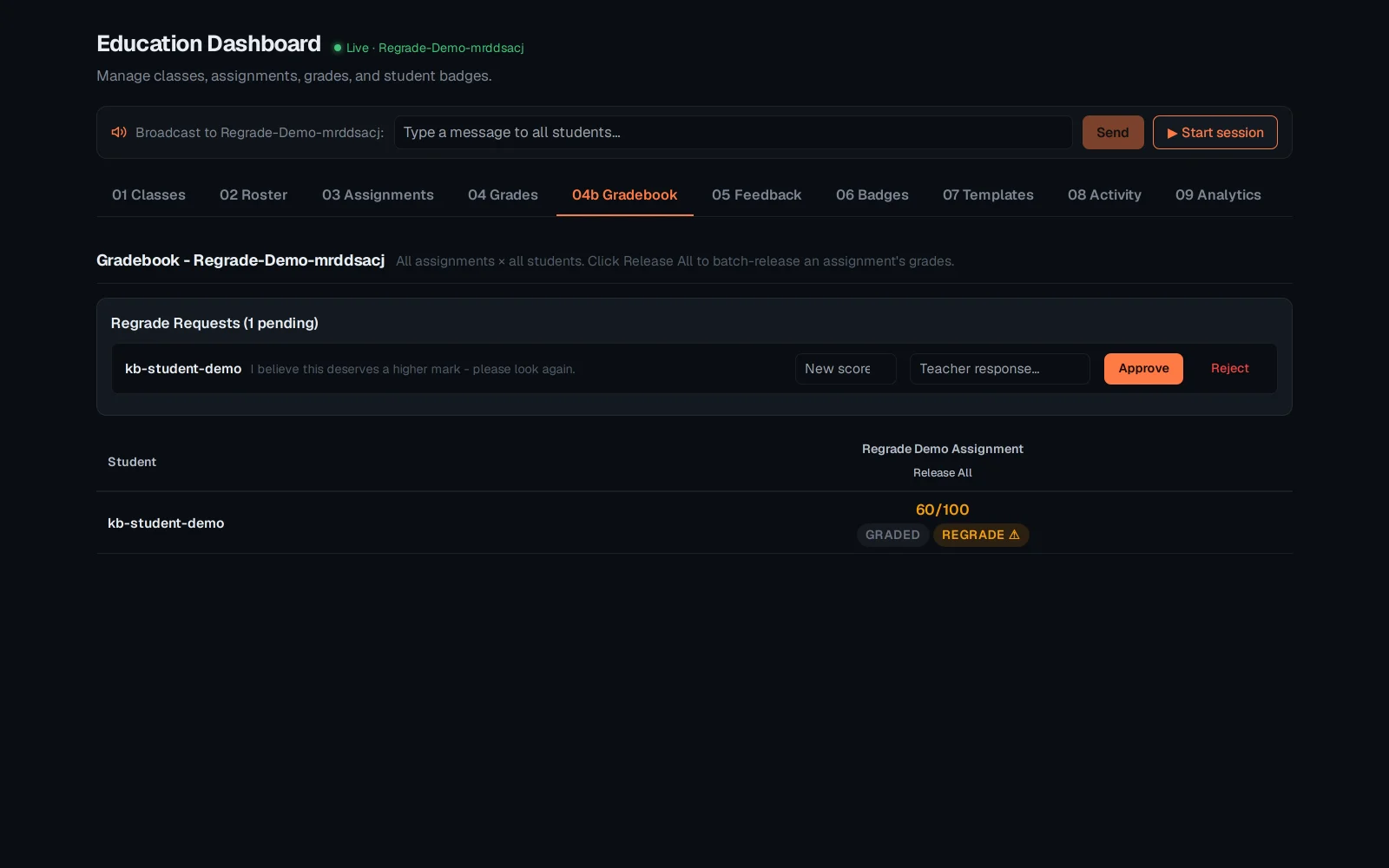
Fill in a new score and click Approve - the request resolves and the grade updates immediately, both logged to the append-only audit trail.
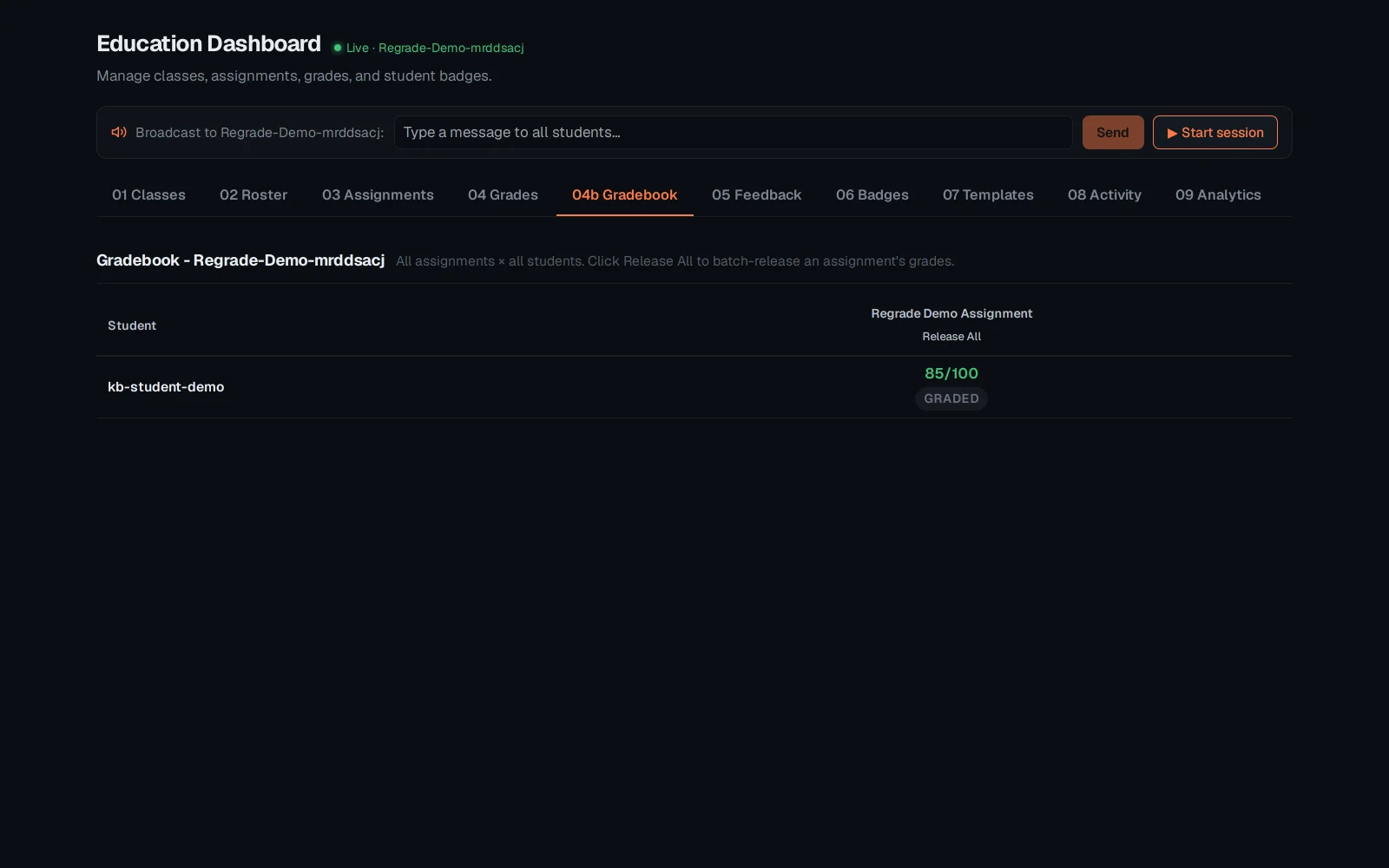
Click Release All on the assignment column - every graded, unreleased submission for it is sealed and published to students in one call, not one at a time.
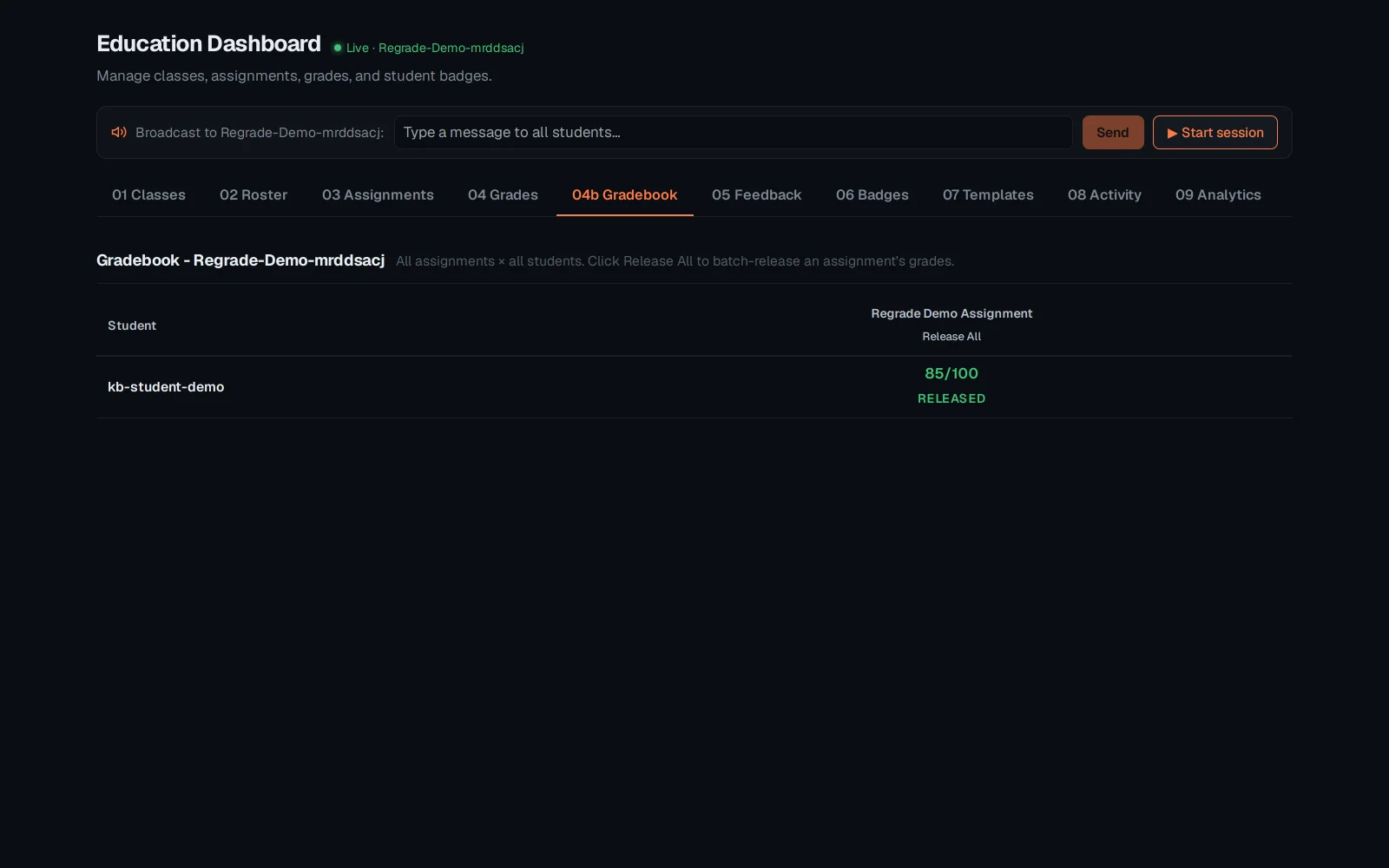
Both actions are logged to the same append-only audit chain as an individual override or release - a regrade approved here shows up in the submission's audit history exactly like a manual one would. See "Grading, gradebook and feedback" for the per-submission marking view these two actions build on.