Similarity detection: flagging near-identical submissions
Copied labs happen. The Similarity tab compares every locked submission for an assignment pairwise, scores how alike their outputs are, and flags anything above a threshold you choose - a candidate for a closer look, never an automatic penalty, and never shown to students.
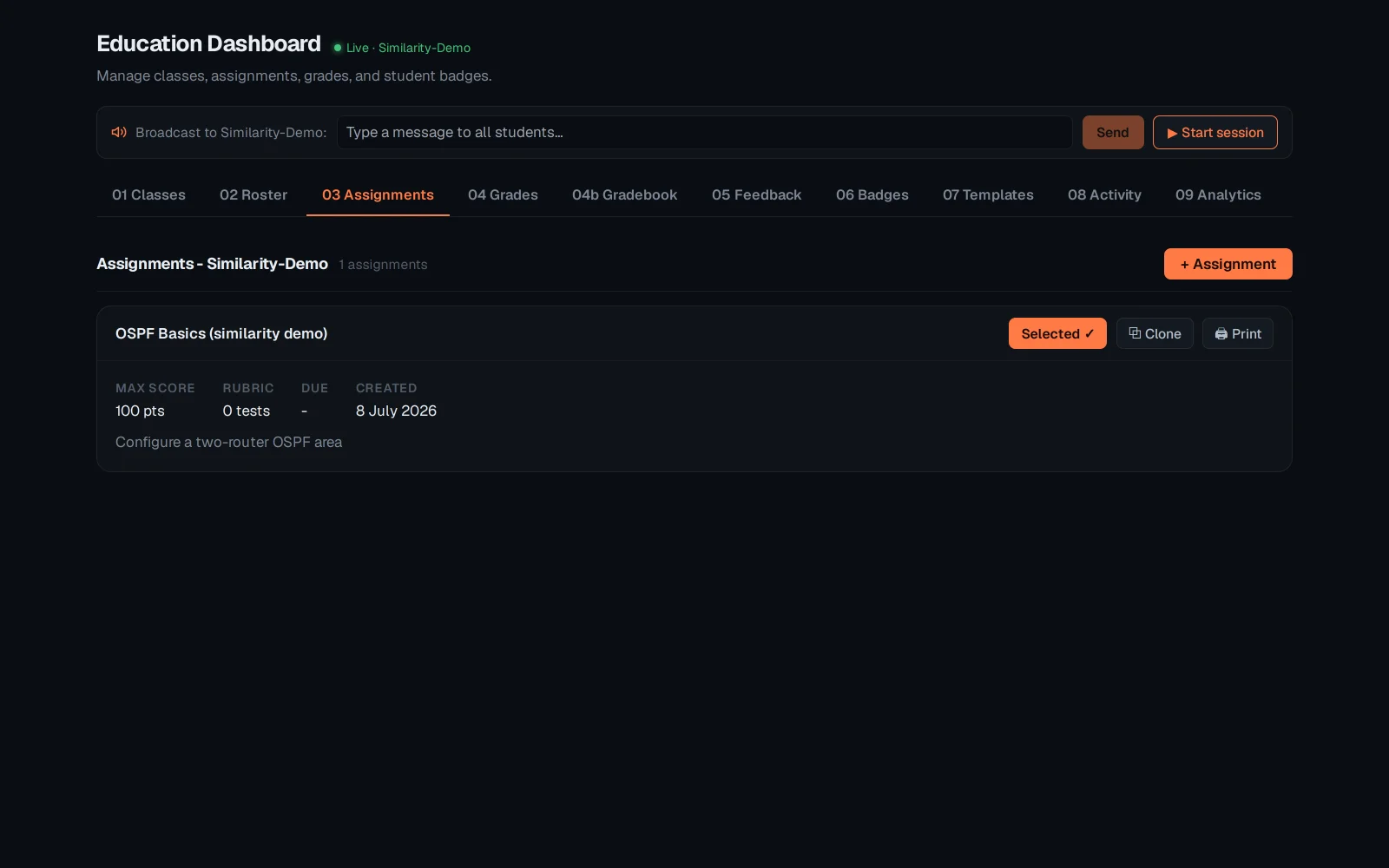
Select the class, open Assignments, and select the assignment - Similarity always scopes to one assignment at a time.
Switch to 10 Similarity. Pick the flag threshold on the right - lower catches more, higher only near-identical work - and the list updates: HIGH/MED/LOW tags, per-pair similarity percentage, which two students.
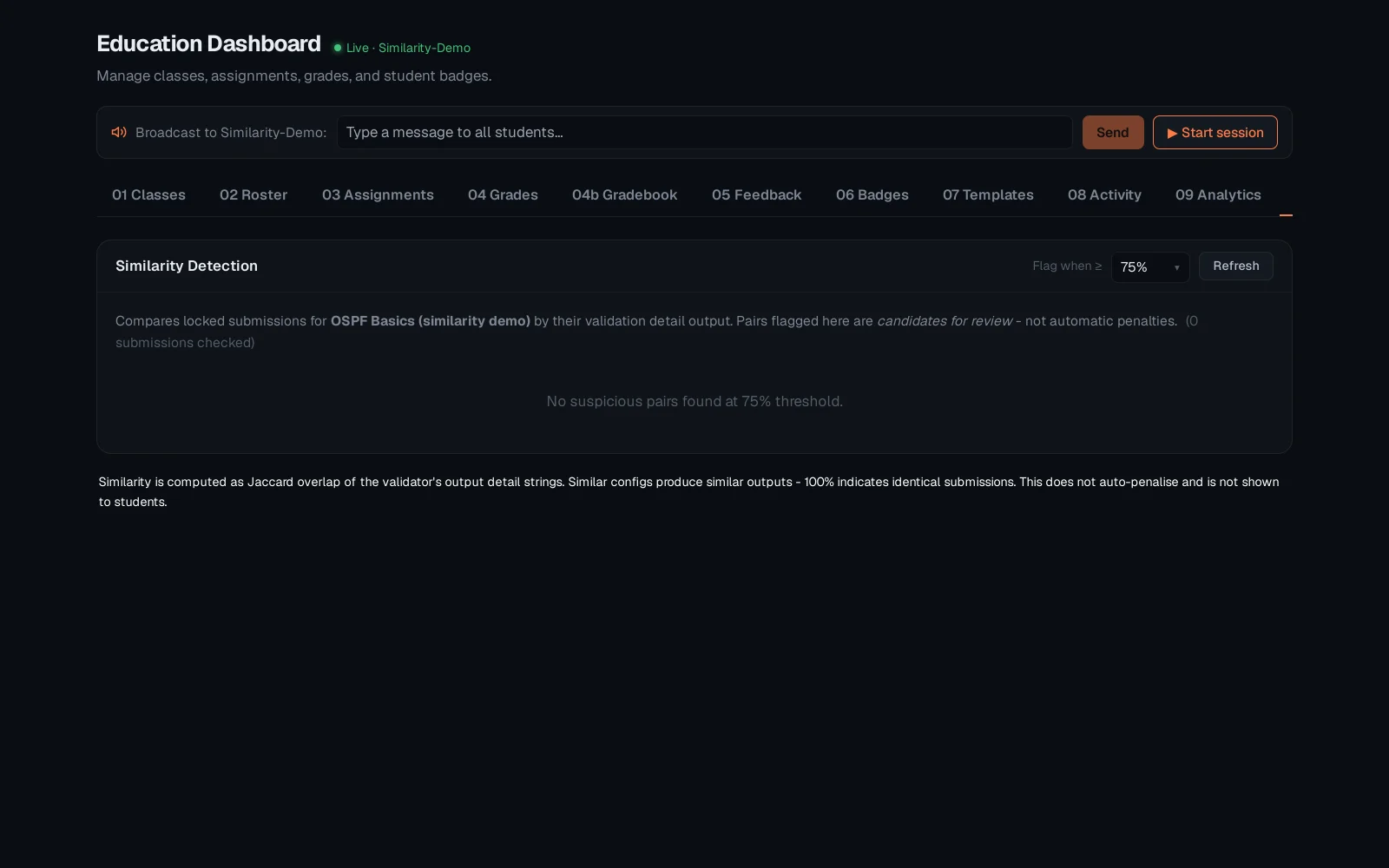
With no submissions yet this demo class correctly shows "no suspicious pairs" - the moment real locked submissions exist, the same view starts flagging them at whatever threshold you've set. See "Grading, gradebook and feedback" for what happens once you decide a flagged pair needs a closer look.