The student experience: what your class actually sees
Every other Classrooms article is written from the teacher's side. This one logs in as a student to show the other half: a locked-down pod with no left rail, no host or cluster settings, and only the one lab the teacher assigned - so you know exactly what your class will see before you hand out the join link.
A student's join link drops them straight into their pod - no dashboard, no library, no settings gear. Just the assignment title, the lab canvas, and a Submit button. There is nothing else to get lost in.
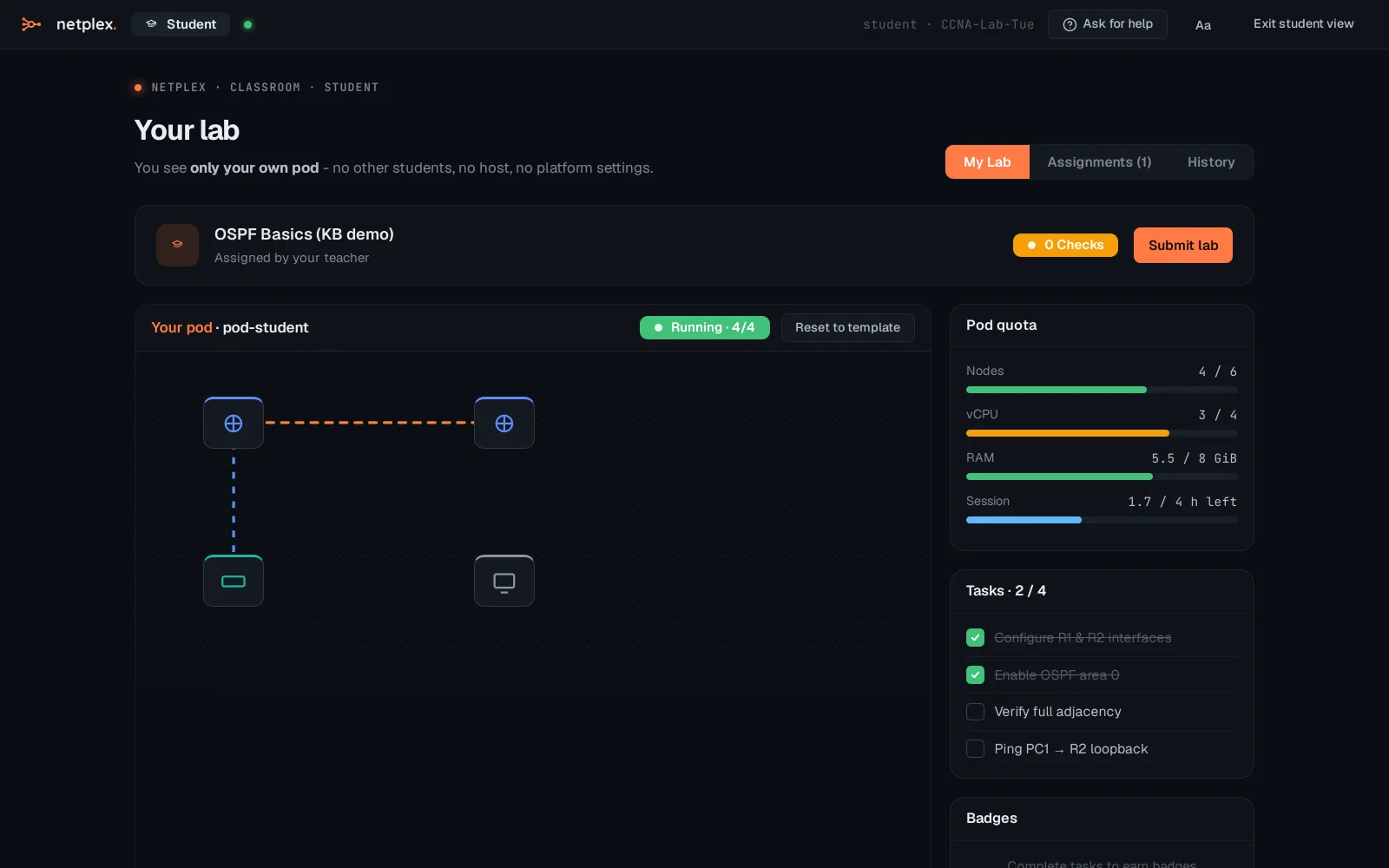
The My work tab lists every assignment handed to this class, with the current one marked - a student working across several weeks can always find their way back without asking the teacher for the link again.
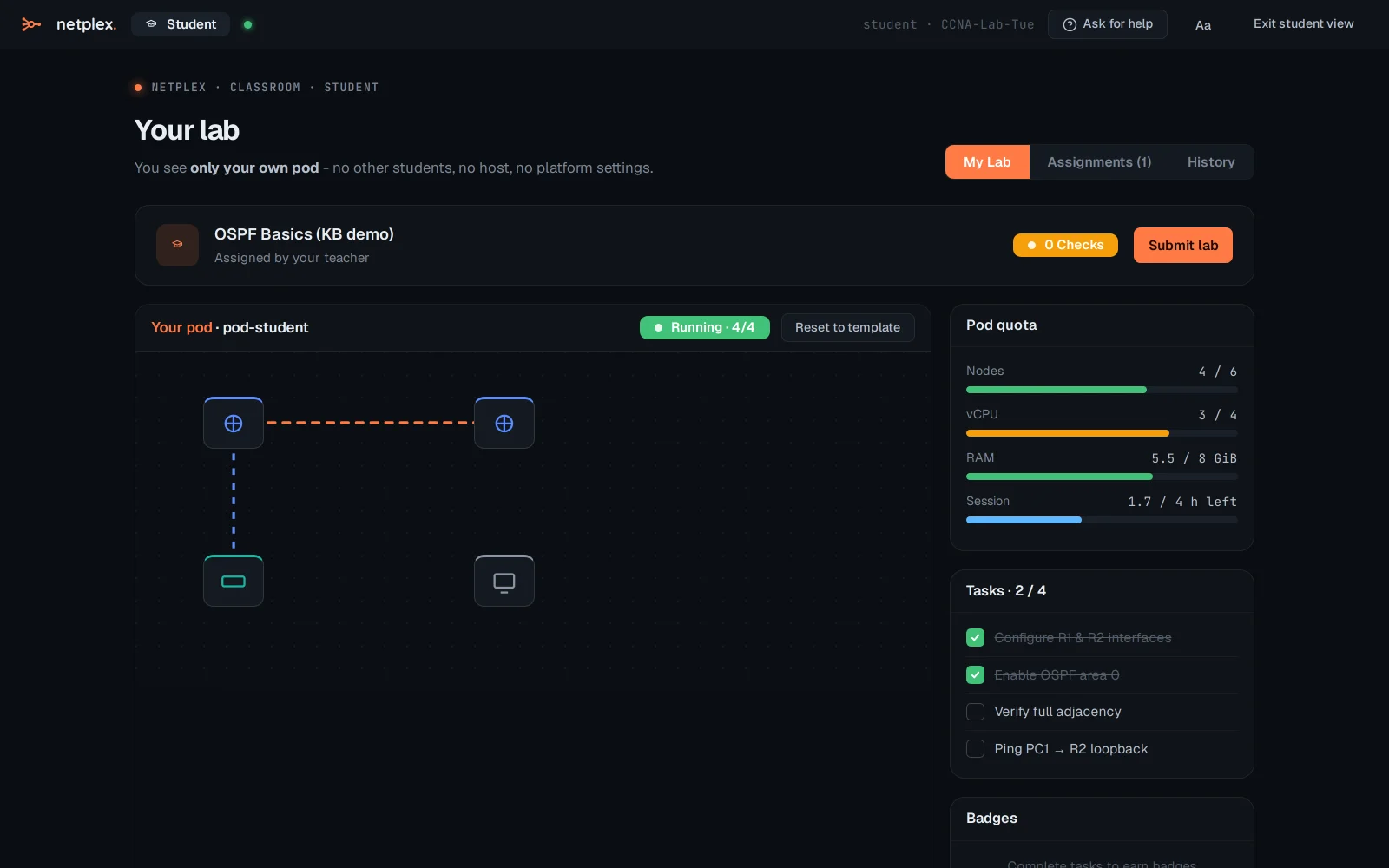
Because a pod is a real, isolated lab (not a shared one everyone edits at once), what a student breaks stays broken for them alone - and what they submit is graded from their own pod's real state, not a shared canvas someone else could have changed. See "The instructor console" and "Command Centre" for the teacher's side of this same session.