Create a team and add a member
Teams group people so labs, images and policy scope to a group instead of the whole tenant - a training cohort and a production team can share one netplex. install without seeing each other's work. Creating one and adding the first member takes two short forms.
Open People → Teams and click + New team. A name and optional description are all it takes.
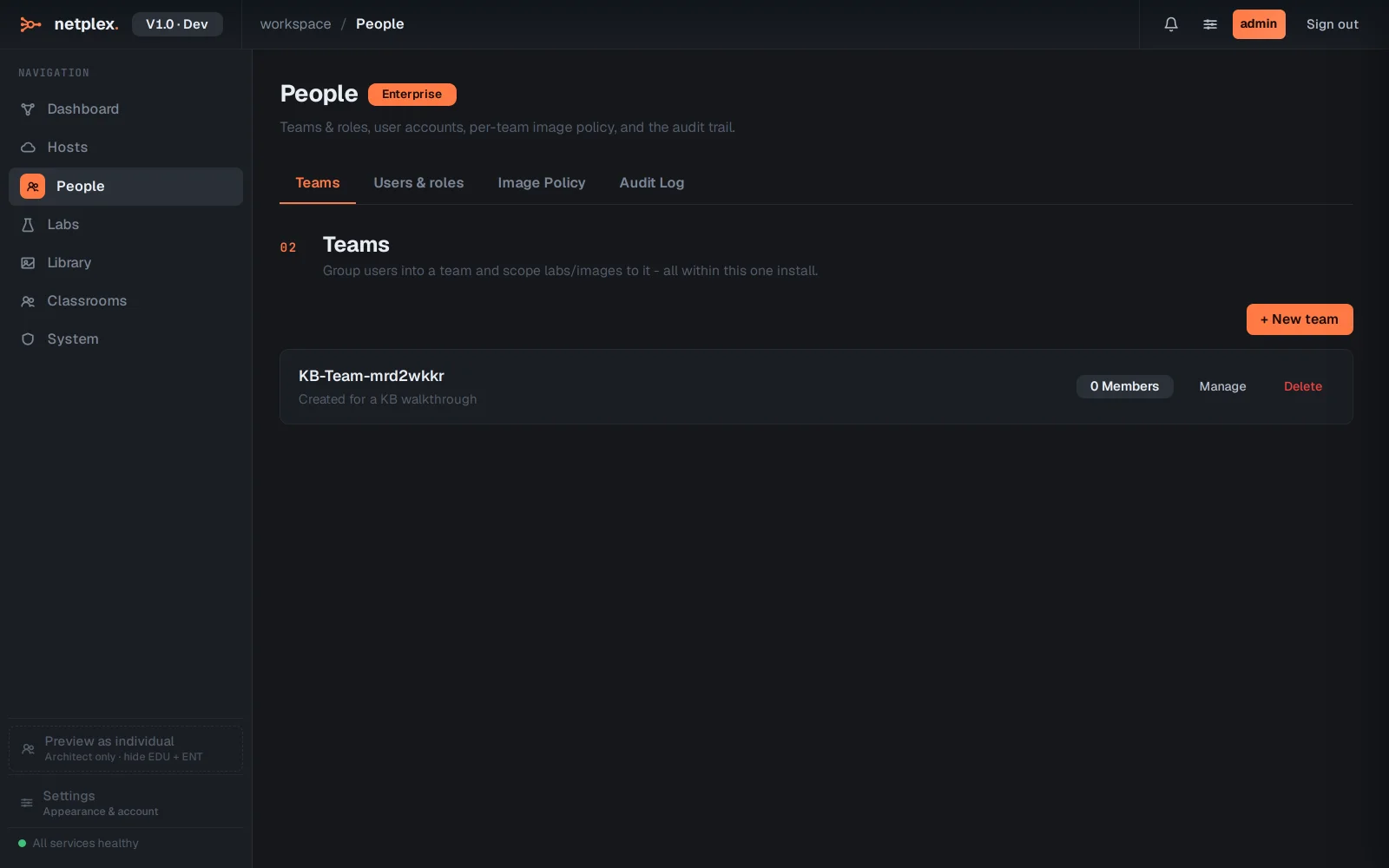
Click Manage on the new team, pick the unassigned user from the dropdown, and Add.
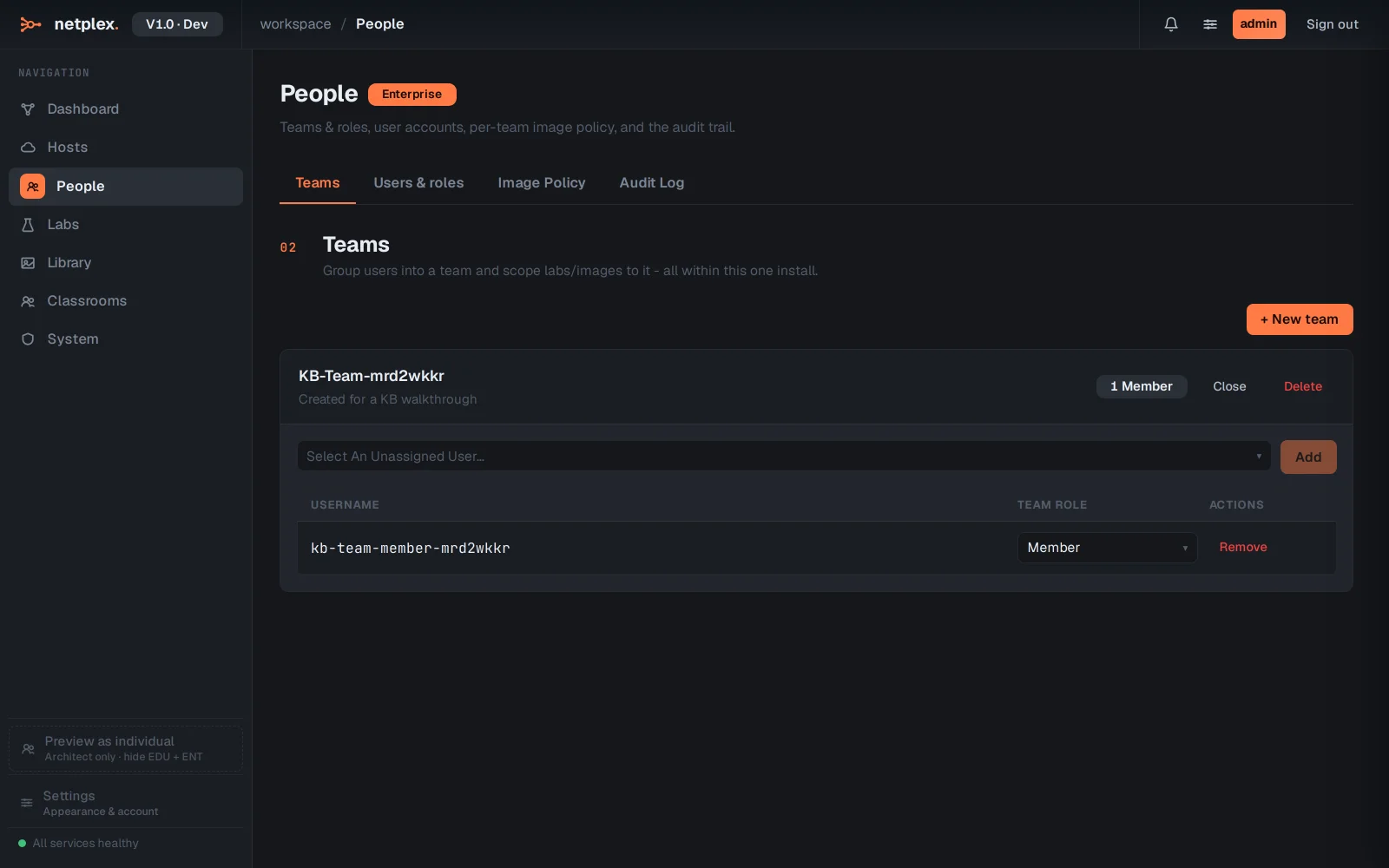
Each member's role within the team - member or team admin - is a separate dropdown right next to their name, and a user belongs to at most one team at a time. Deleting a team ungroups its members rather than deleting them; their labs and images are untouched.