Generate a join code to add a machine to the fleet
Adding a second machine to spread a lab across doesn't need a long token pasted into a terminal - Generate join code on the Hosts page produces a short, typable code the new machine enters directly, and it works whether that machine is on the same LAN or remote behind NAT (the join tunnels over WireGuard).
Open Hosts → Compute Fleet and click + Generate join code.
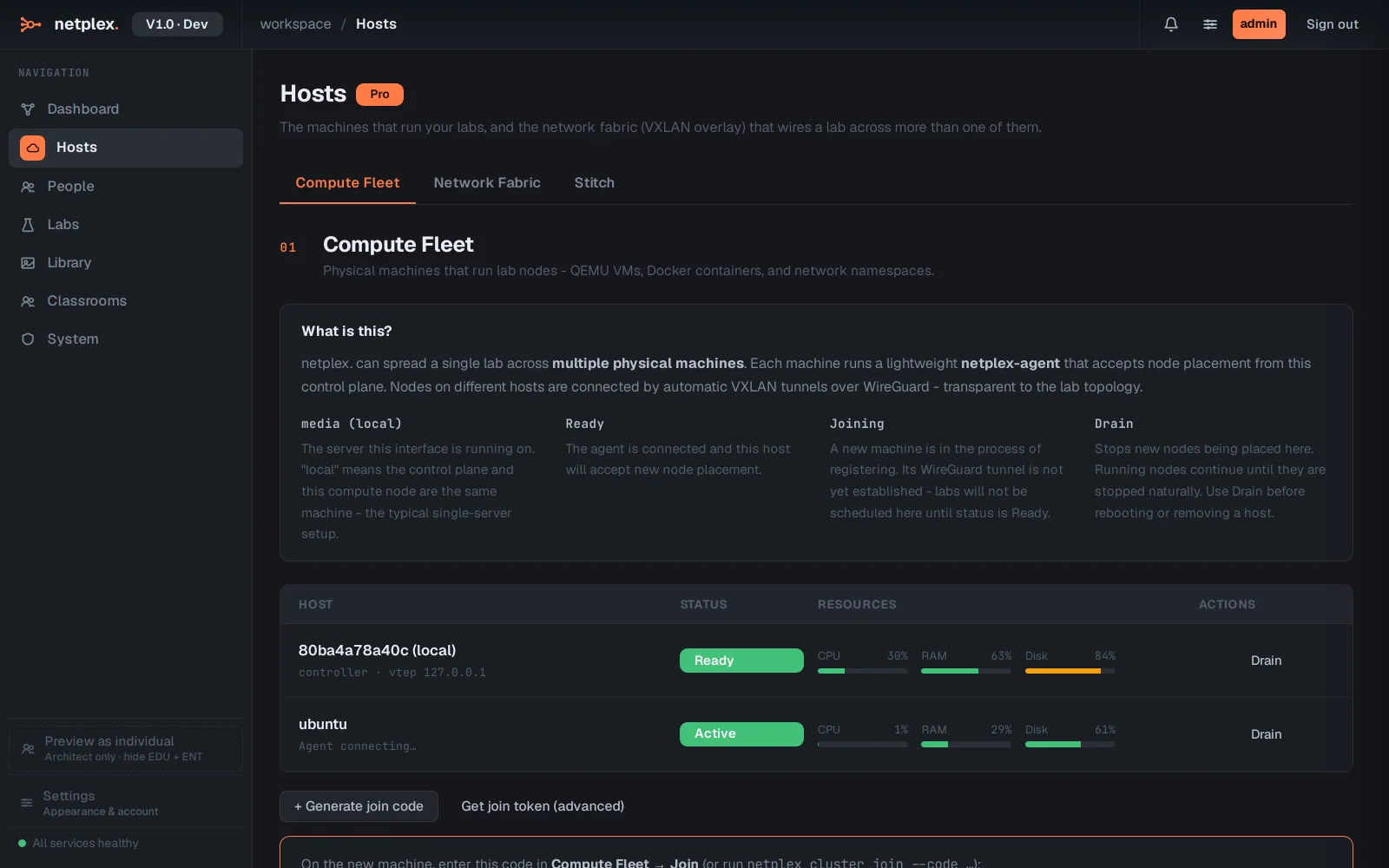
A real code appears - NPX-####-#### - valid for 15 minutes. On the new machine: netplex cluster join --code …, or enter it in that machine's own Compute Fleet → Join panel.
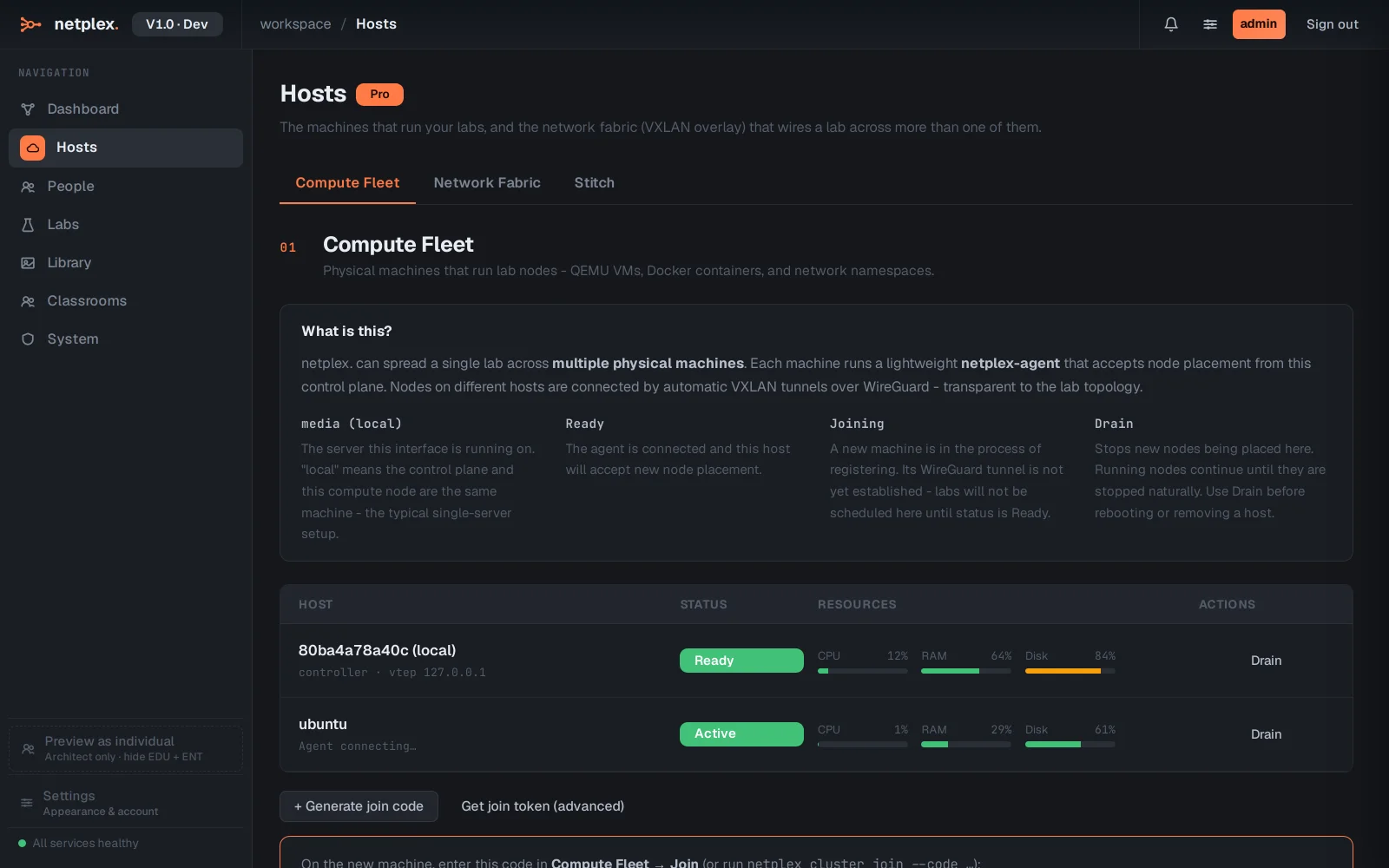
Prefer scripted or headless enrolment? Get join token (advanced) produces a full CLI command with an embedded token instead - same underlying join flow, no code to type. Machine limits still follow your tier (Pro 2, Architect 4, Team 8, Enterprise unlimited).