Assigning roles: who gets admin access
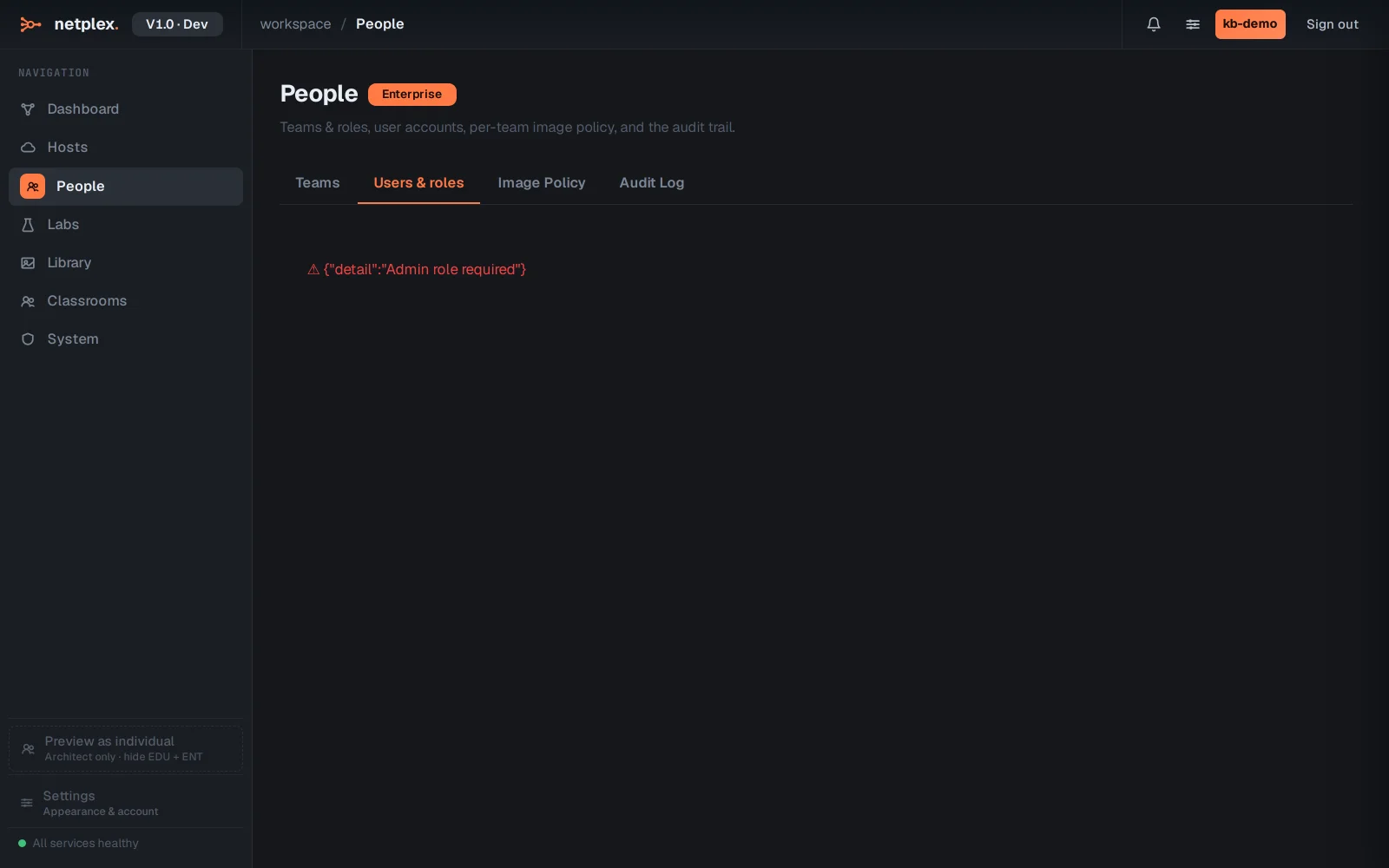
People → Users & roles is where access itself lives - every user in the organisation, and what level of control they hold. Day-to-day work should not need admin rights, so this is the tab that keeps "admin" rare and deliberate rather than the default.
Every user in the tenant is listed with their current role - Lab User, Admin or Viewer. Change it inline, without touching the account itself.
Lab User is the normal working role - build and run labs day to day; Viewer is read-only, for a stakeholder who needs visibility without edit risk; Admin additionally reaches People, Image Policy and platform administration. See "People: teams, roles, image policy and the audit log" for the full page these roles sit inside.