Pick a specific image version when several match
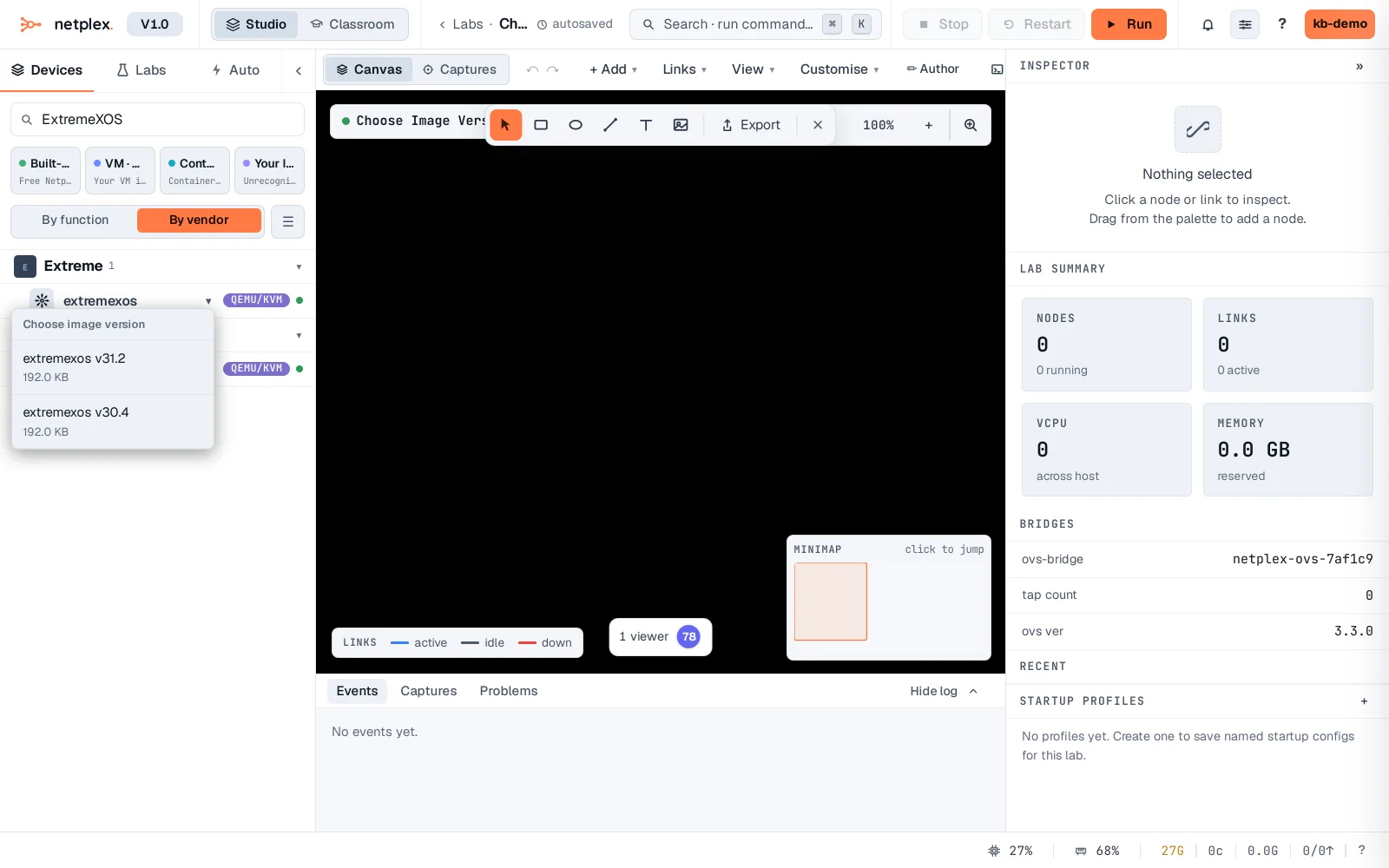
Uploaded two firmware builds of the same device - a stable one and a newer one you're testing? The palette doesn't hide either one. Any row backed by more than one matching image gets a small ▾ - click it to pick exactly which build a new node uses.
Filter the palette for the device - its row now shows a ▾ since two images match. Click it: each version lists separately, by version number and size.
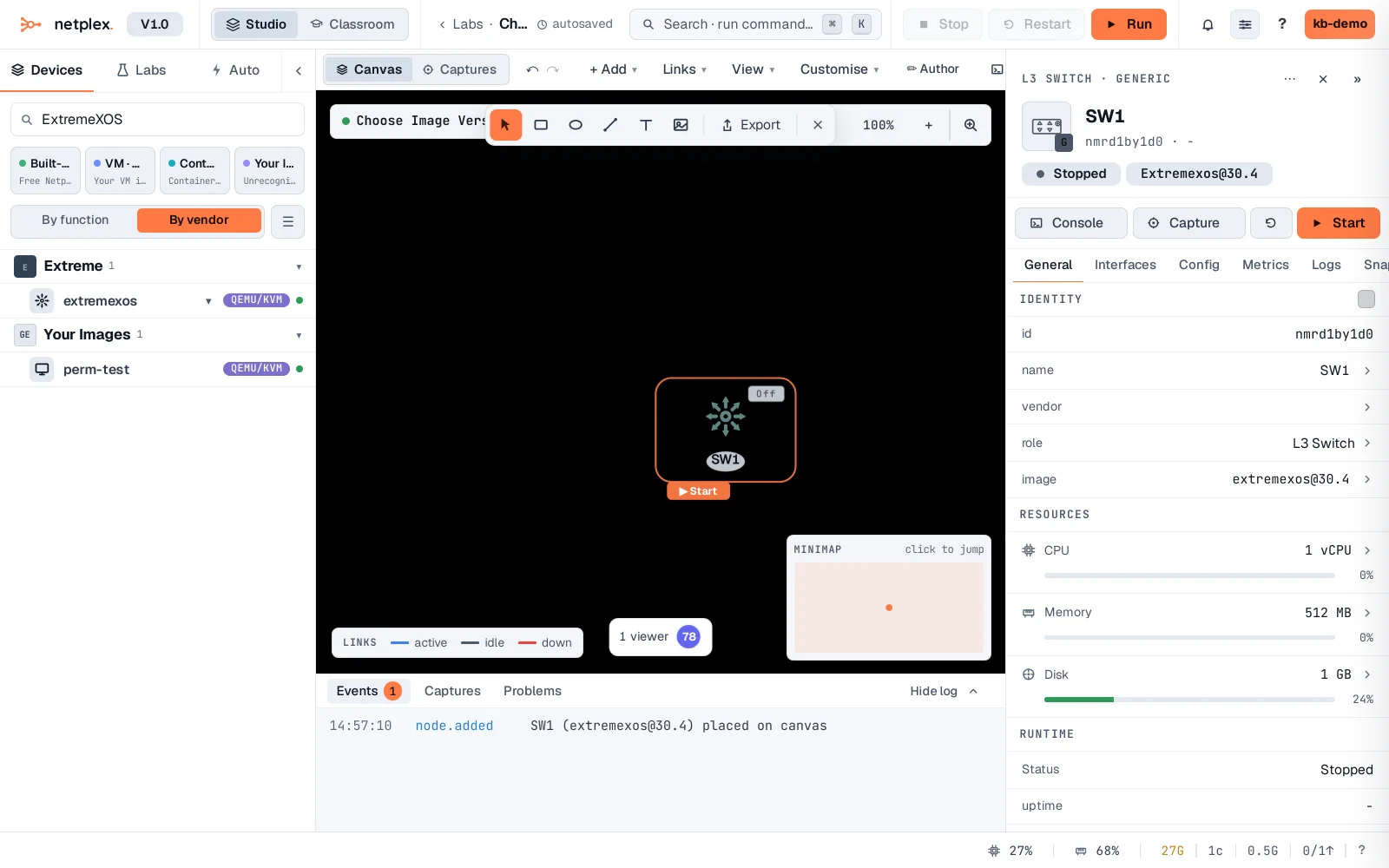
Pick the older build (v30.4) deliberately - a node is added pinned to exactly that version, not whichever the palette would otherwise default to (the newest).
Both builds stay independently available every time - nothing gets hidden or archived when a newer one is uploaded. Delete whichever you no longer need from the Library like any other image.