Fullscreen the canvas
The canvas toolbar's fullscreen toggle hides the browser chrome entirely, dedicating the whole screen to the topology - useful on a projector, a second monitor during a lab, or just to reclaim screen space while wiring up a large lab.
Click the fullscreen icon in the canvas toolbar to expand the canvas to fill the whole screen.
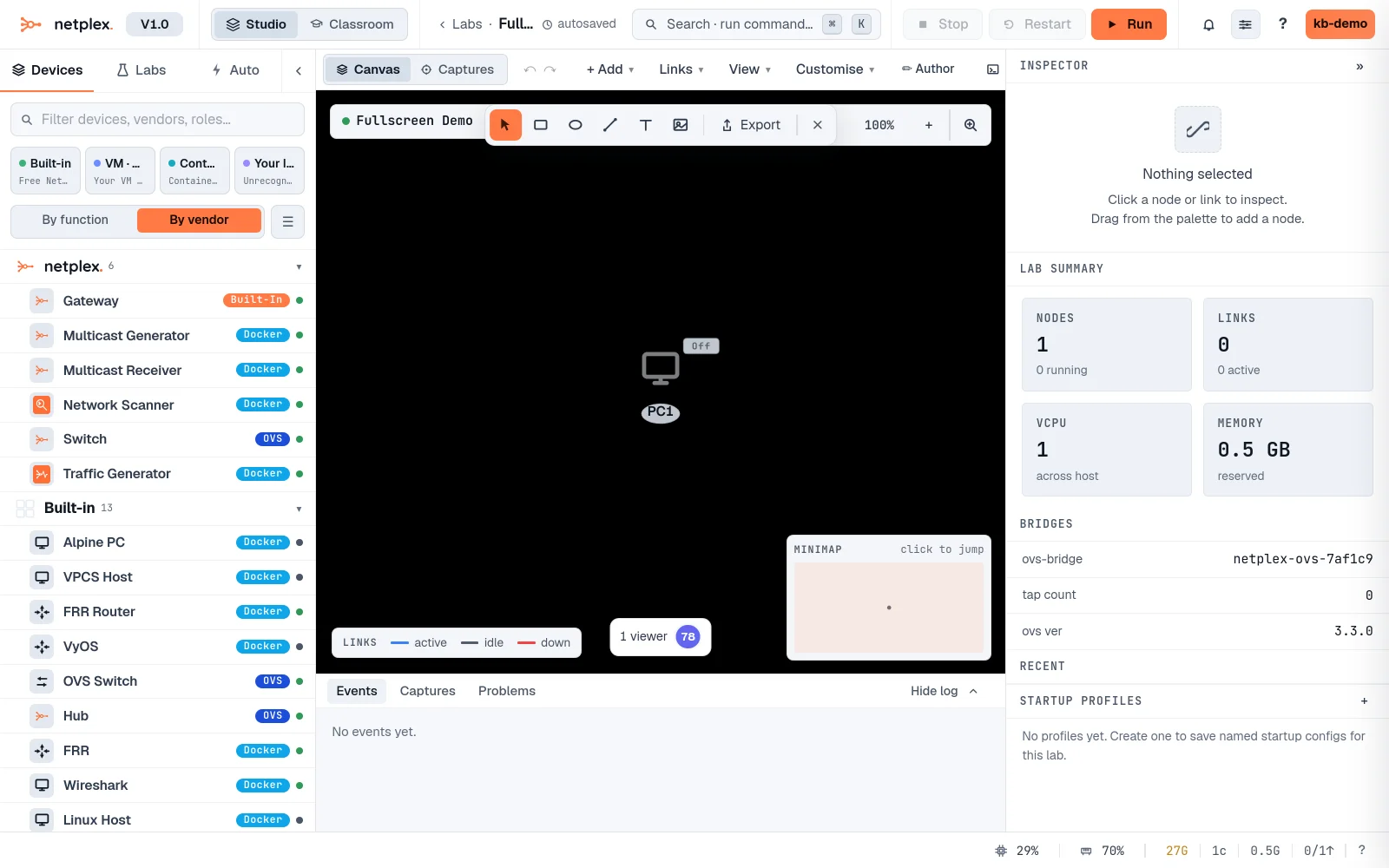
Click it again (or press Esc) to exit fullscreen and return to the normal layout.
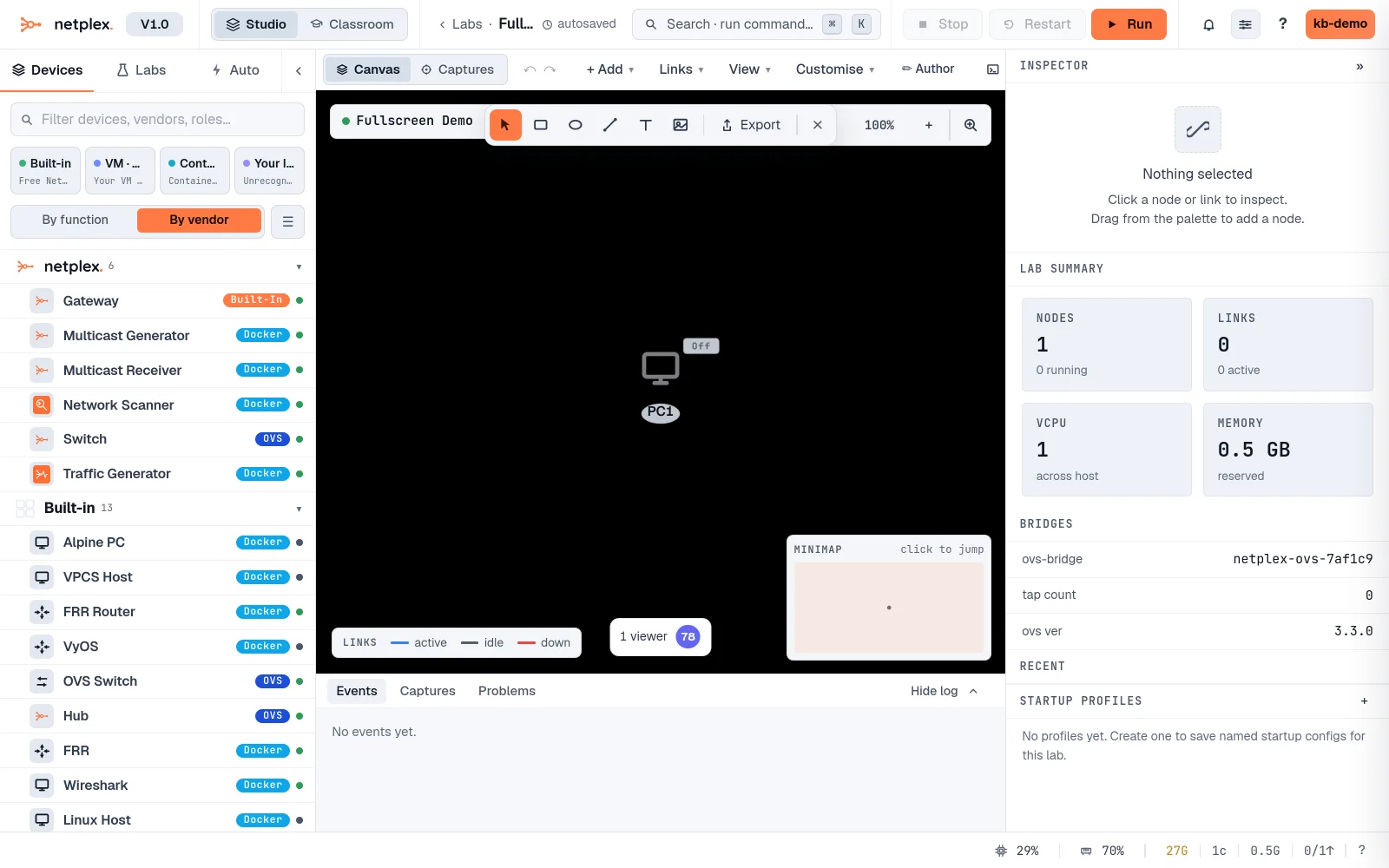
Fullscreen is a browser-level state - it never affects what is saved with the lab, and switching tabs or apps exits it automatically like any other fullscreen page.