Wire a link to a specific interface
The interface picker pre-selects the first free port on each node, and for a simple lab that is usually right. When it is not - you need Gi0/2 specifically, not whatever is next in line - both dropdowns in the picker are fully overridable, and already-used interfaces are shown greyed out so you can not double-wire one by mistake.
eth1 is already wired between SW1 and R1 (greyed out, marked "used"). Open Links → Draw link, click SW1 then R1 - the picker defaults both sides to eth2, the next free port.
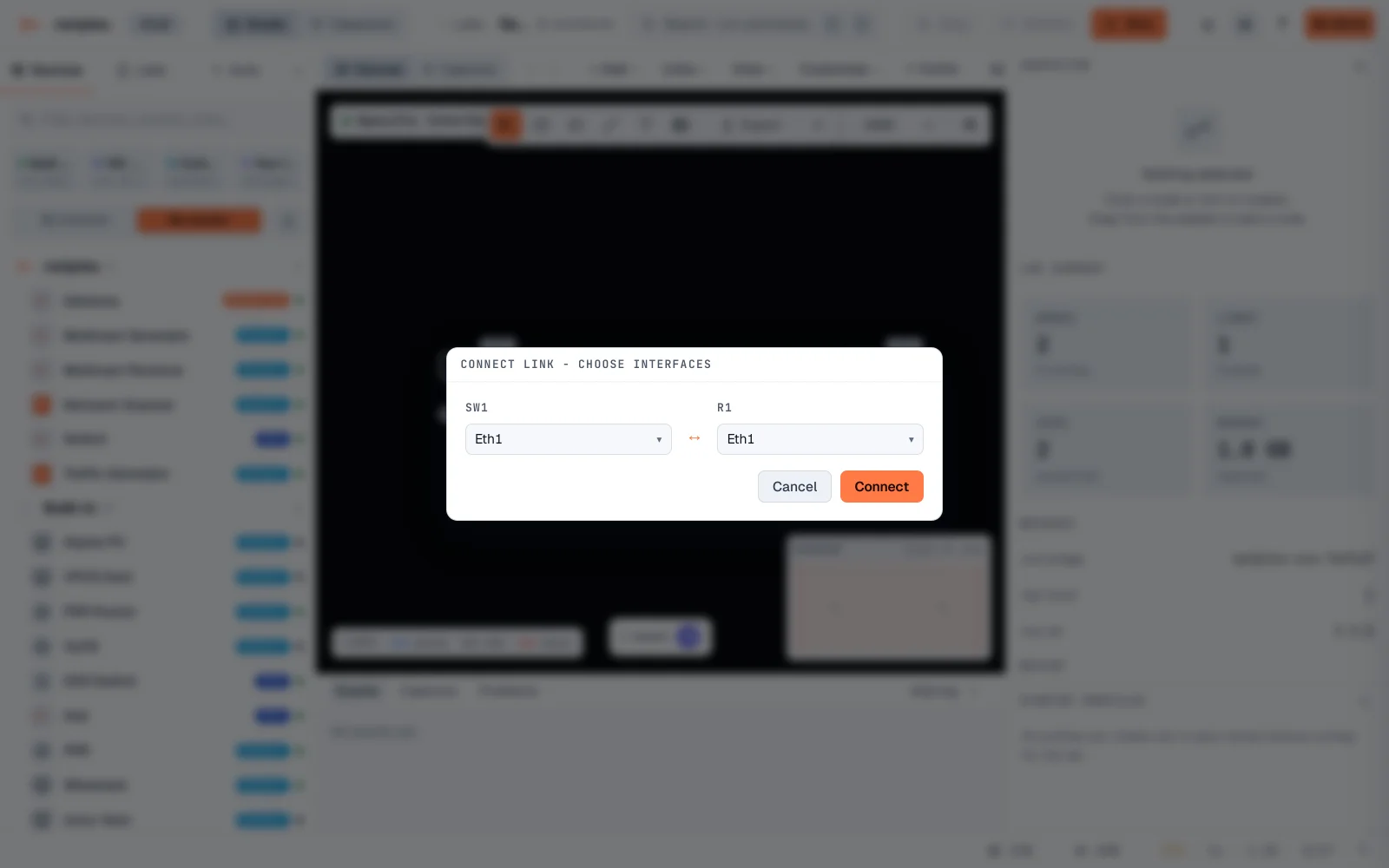
Override each side to the exact interface you want - here eth3 on SW1 and eth2 on R1, a deliberately mismatched pair (common when patching into a specific existing port on one side only). Click Connect.
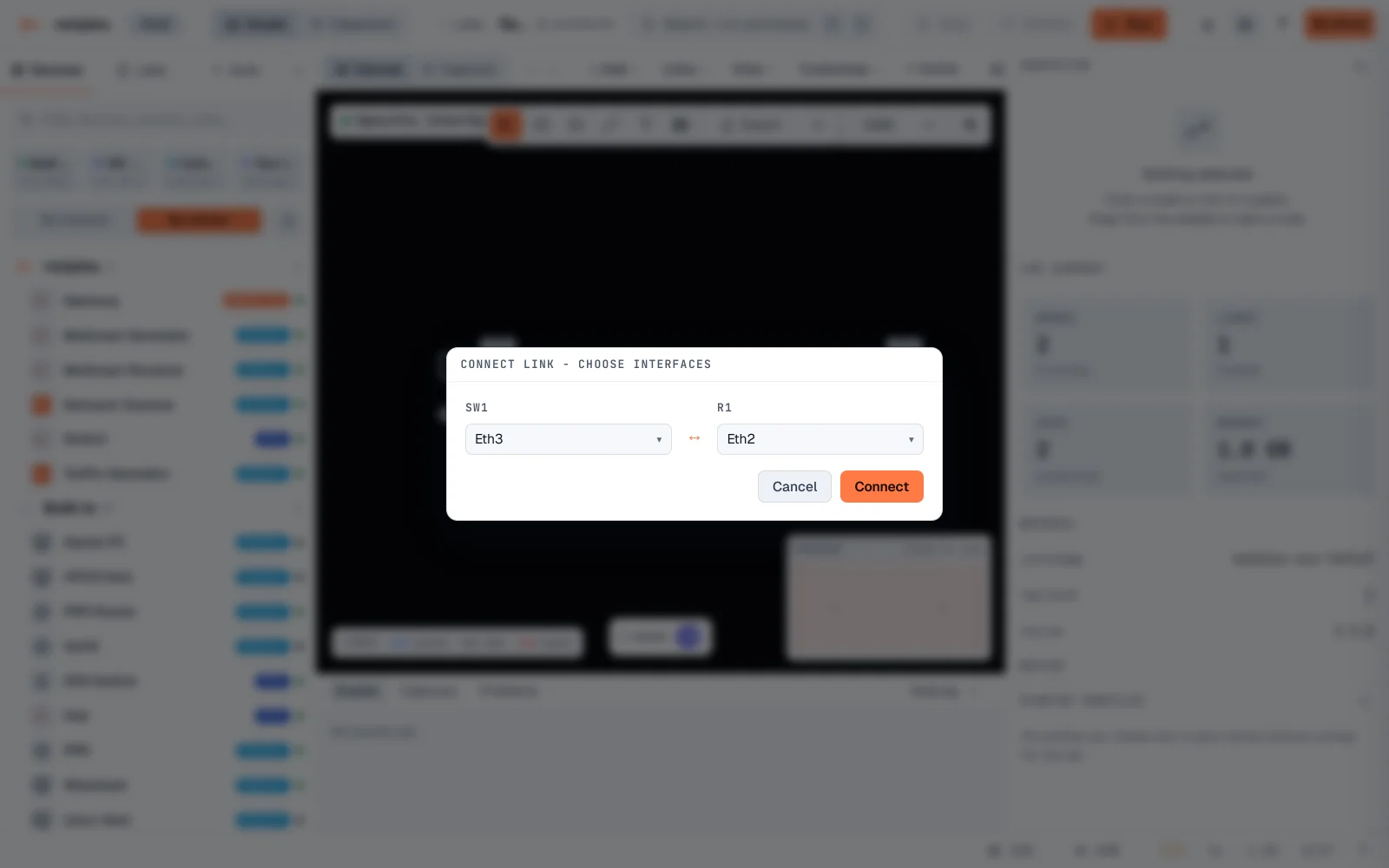
The new link is drawn immediately - and it really used the interfaces chosen, not the picker's defaults.
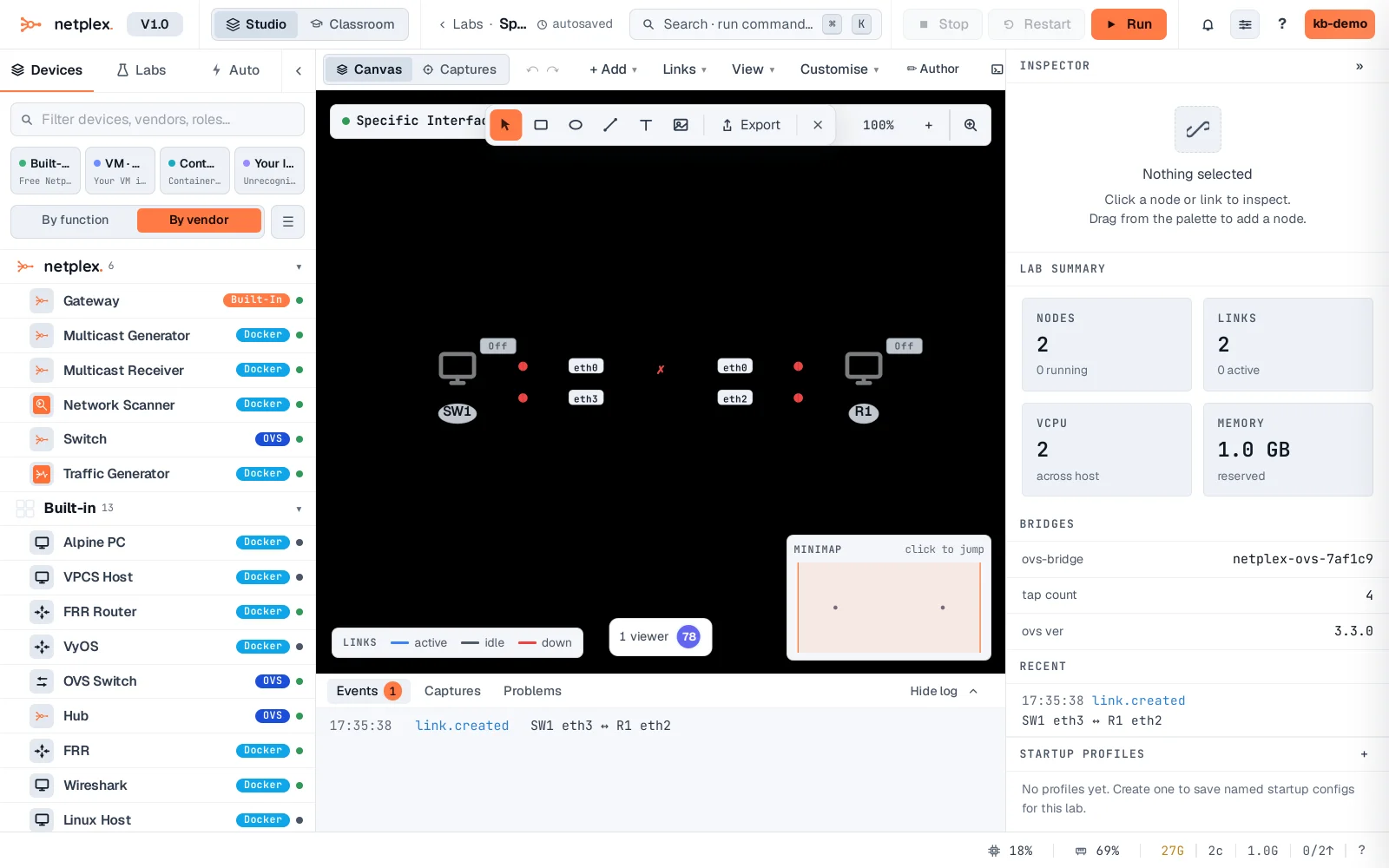
This matters most on devices with named, meaningful ports - patching a lab to mirror a real rack where "the uplink goes in Gi0/1" is a deliberate choice, not an accident of drag order. See "Add a link while the lab is running" for the same picker on an already-started lab.