Diff a device's running config against its startup config
Before saving or rolling back a config, it helps to see exactly what changed. The Config tab's Diff button compares the live running config against the saved startup config line by line - added lines in one colour, removed in another - so you know precisely what a save or rollback is actually going to do before you do it.
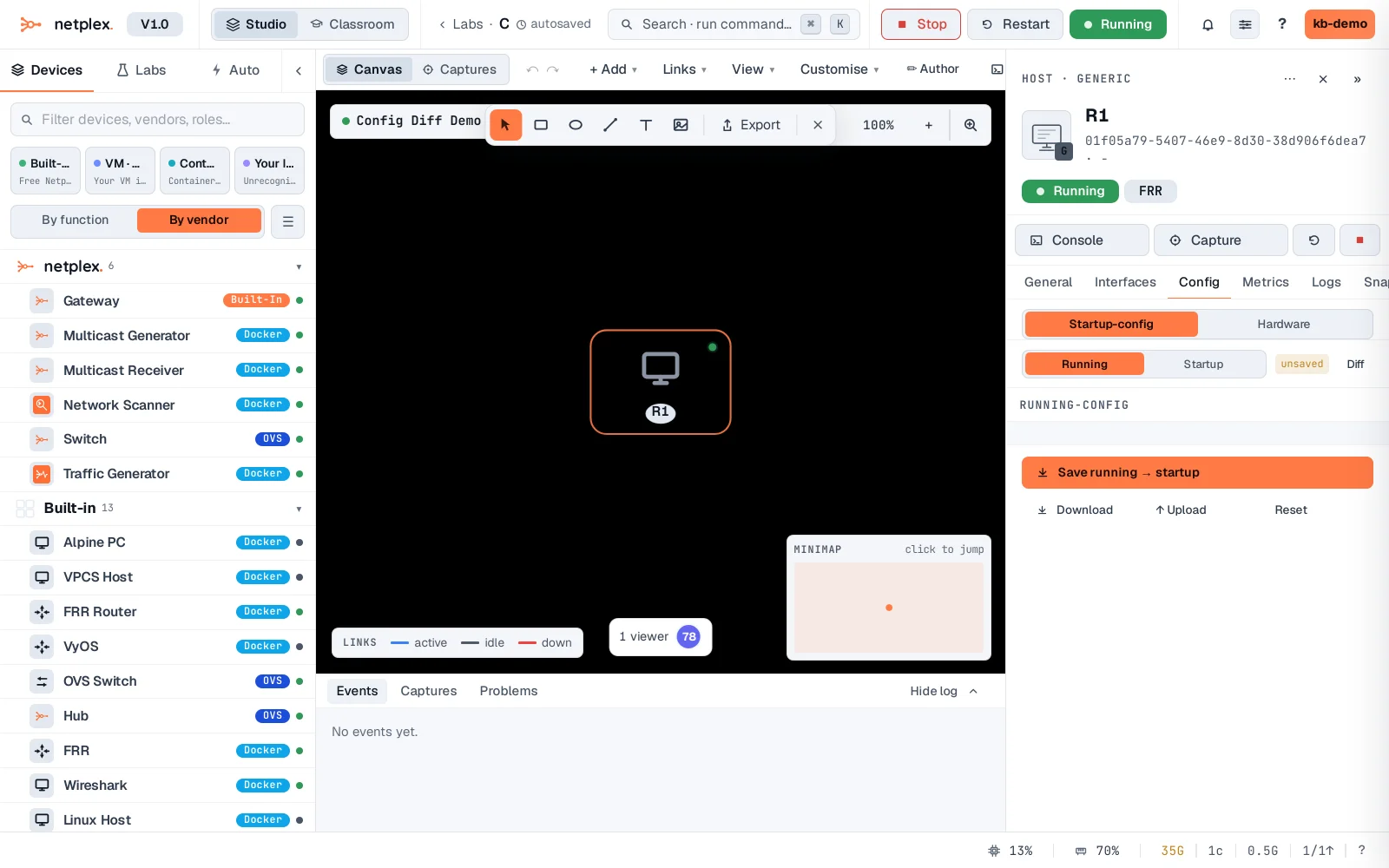
Select the node, open Config, and switch to the Running view. With a startup config already saved that differs from the live device, a Diff button appears next to it.
Click Diff. Lines only in the running config, lines only in the saved startup config, and unchanged context all render distinctly - the same delta a Save or Rollback would apply.
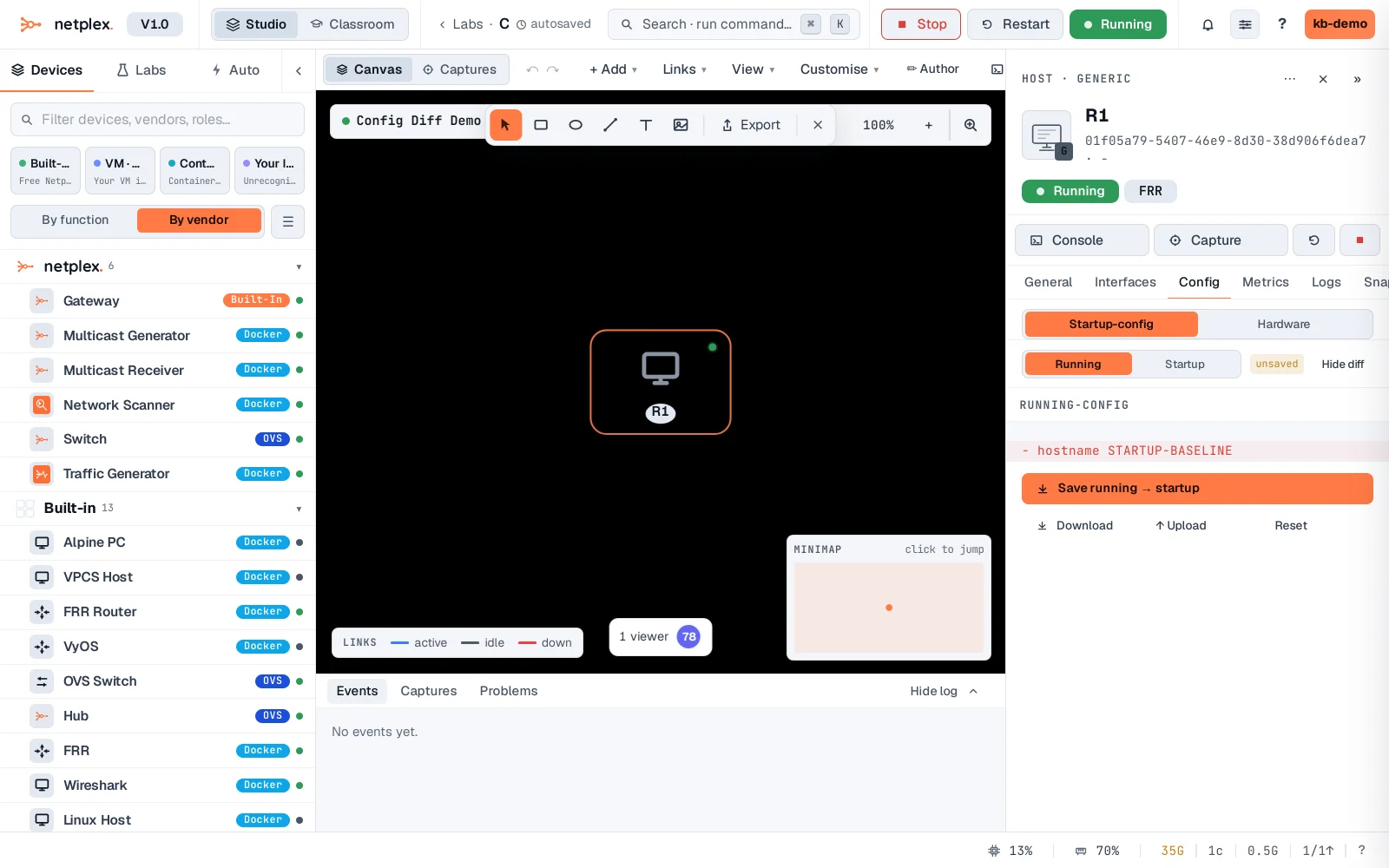
Diff is read-only - it never changes anything on its own. See "Save a device configuration" to push running → startup, or "Roll back a node to its saved startup config" to go the other way, once you know from the diff what each would actually do.