Export every device config in one zip
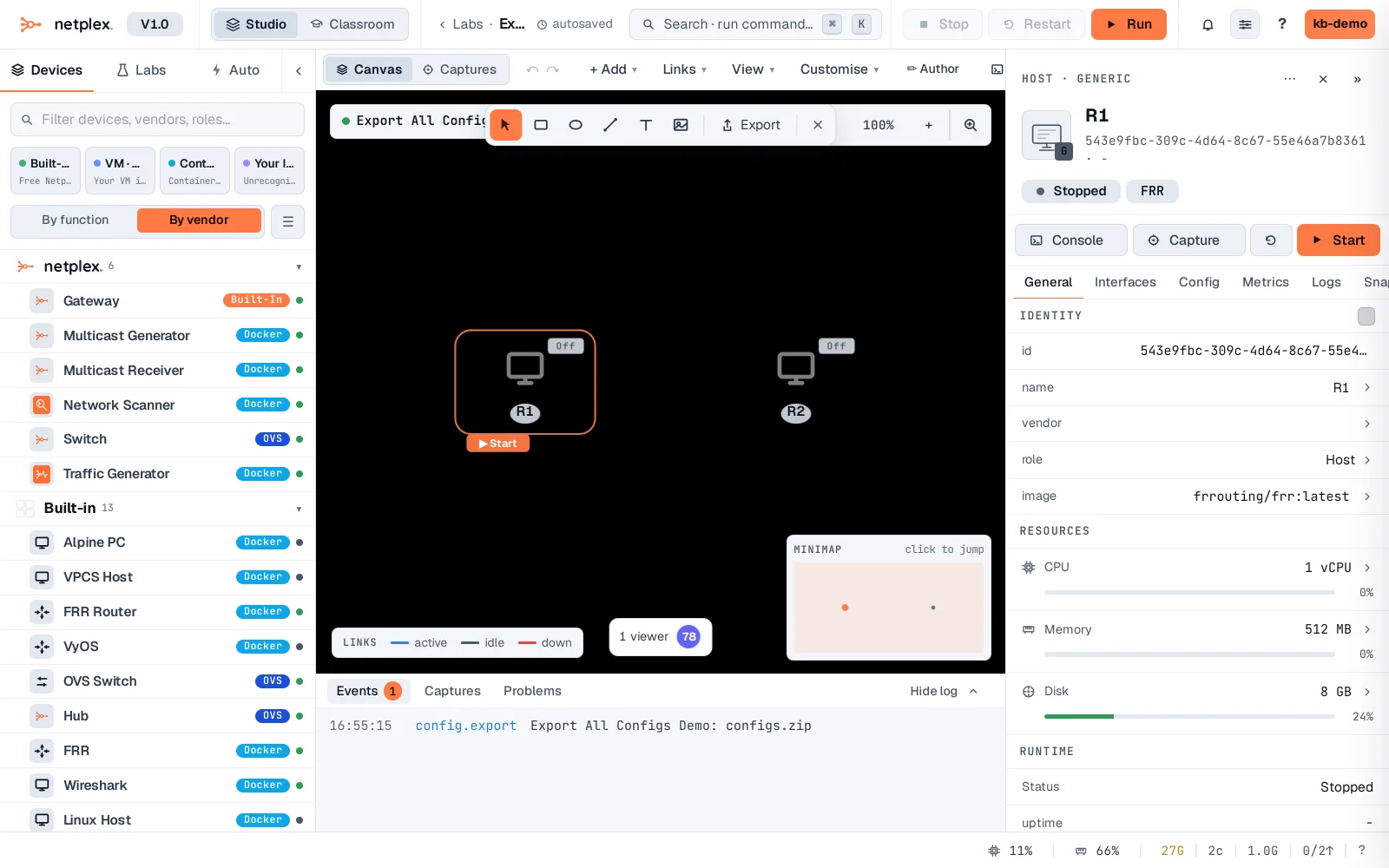
Need every device's config for an audit, a ticket, or an offline archive? Right-click any node → Config → Export all (lab) .zip downloads the whole lab's configs in one file - not just the node you clicked.
Right-click any node, open Config, and click Export all (lab) .zip. A real archive downloads immediately, containing every device's config in the lab - not just this one.
Only startup configs are included - the same file each device would use on its next boot, not a live running-state dump. For one device at a time instead, use the Inspector's own Export button - see "Export a single node's config to a file".