Diff and restore a lab from its backup history
Every stop auto-commits your lab's topology to git (see "Back up your labs to git"). The Auto-backup panel in Settings turns that history into something you can actually use: a per-commit diff, and a one-click restore back to any point - refused server-side while the lab is running, so you can never restore over live state by mistake.
Open Settings → General → Auto-backup and expand the history. Each row is a real commit - one per stop - newest first.
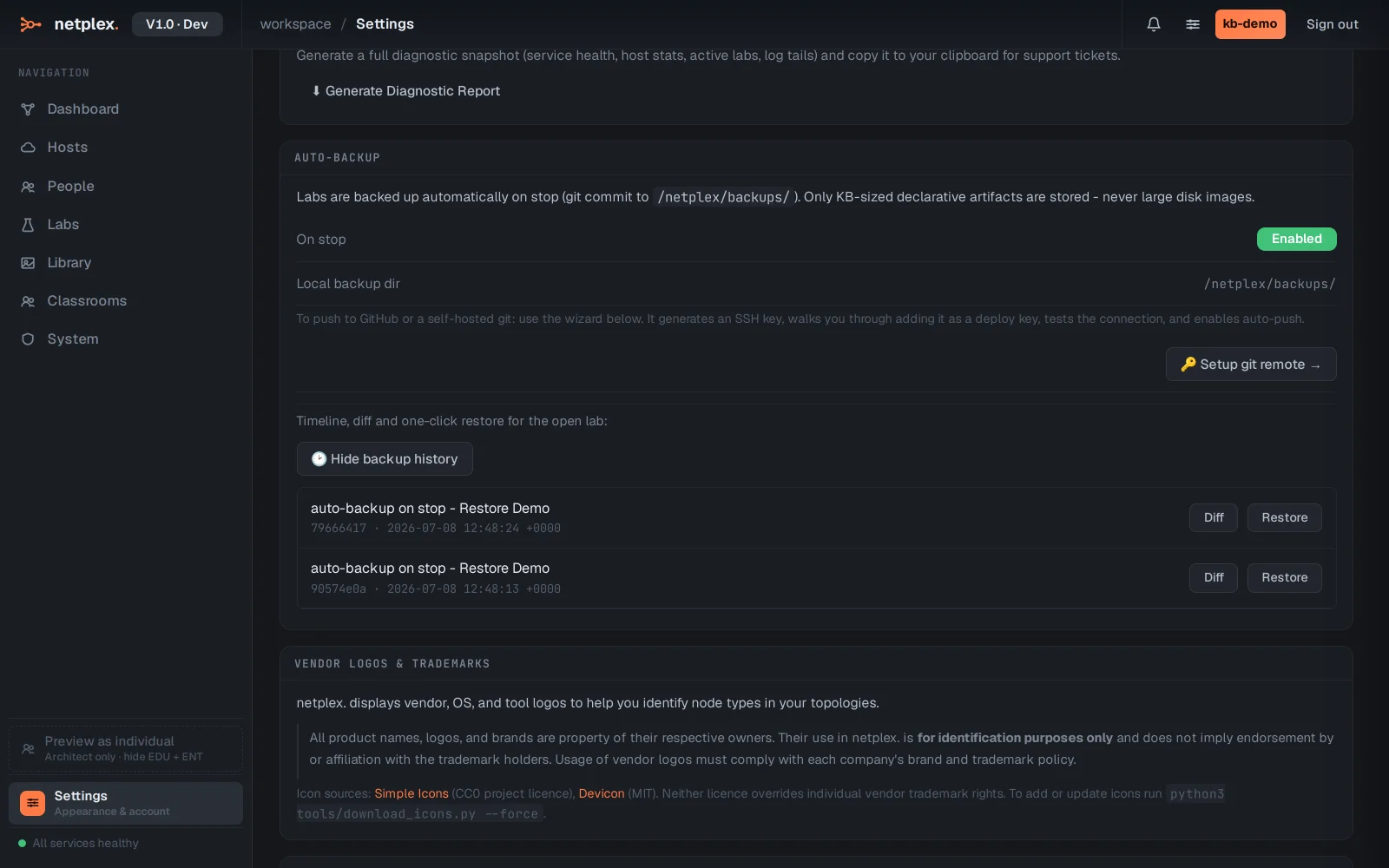
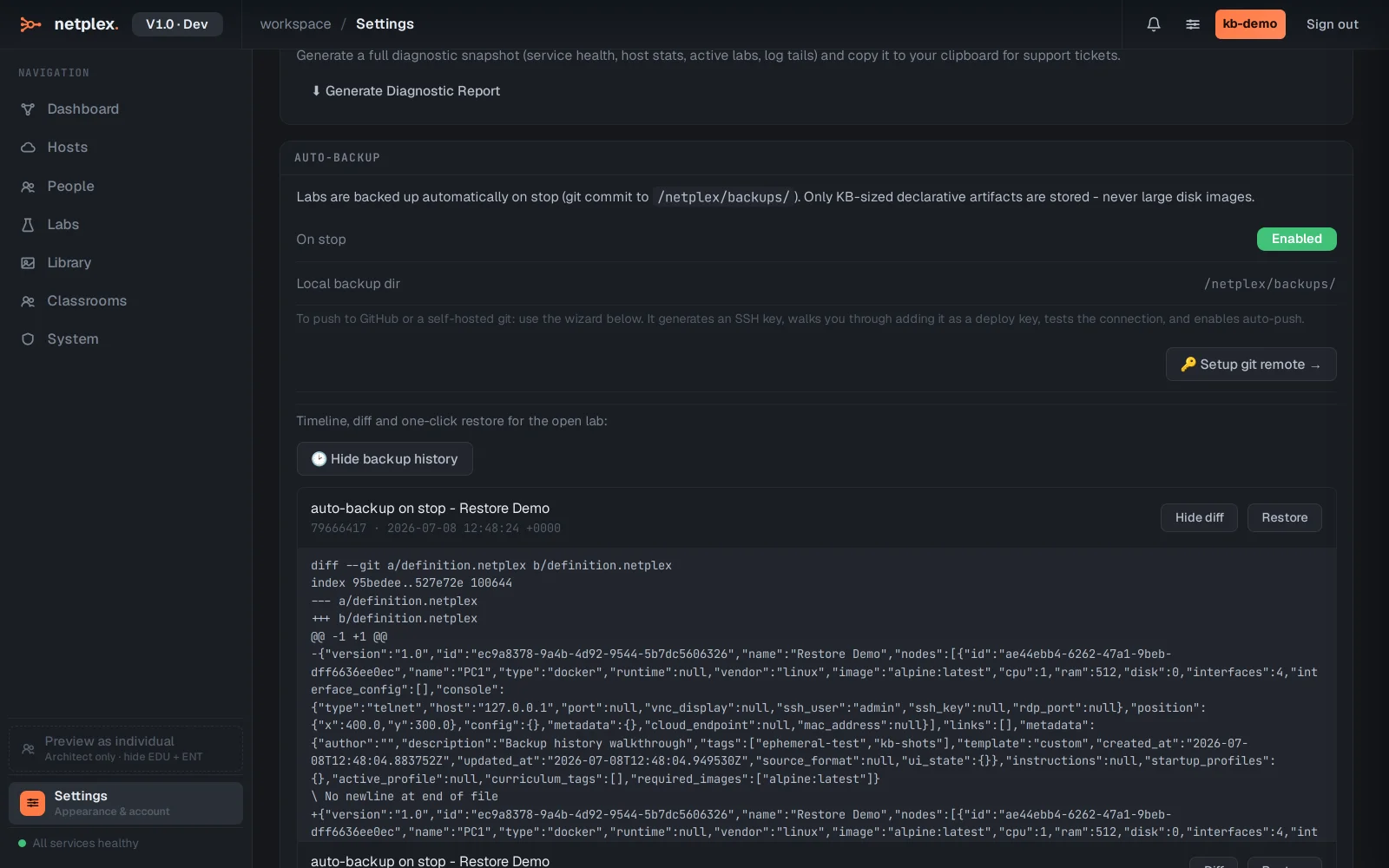
Click Diff on the latest commit to see exactly what changed - here, PC2 being added to the topology - before deciding whether to restore anything.
Click Restore on the older, one-node commit. netplex. asks for confirmation, then reverts the lab's topology to exactly that point - PC2 disappears, because at that commit it never existed.
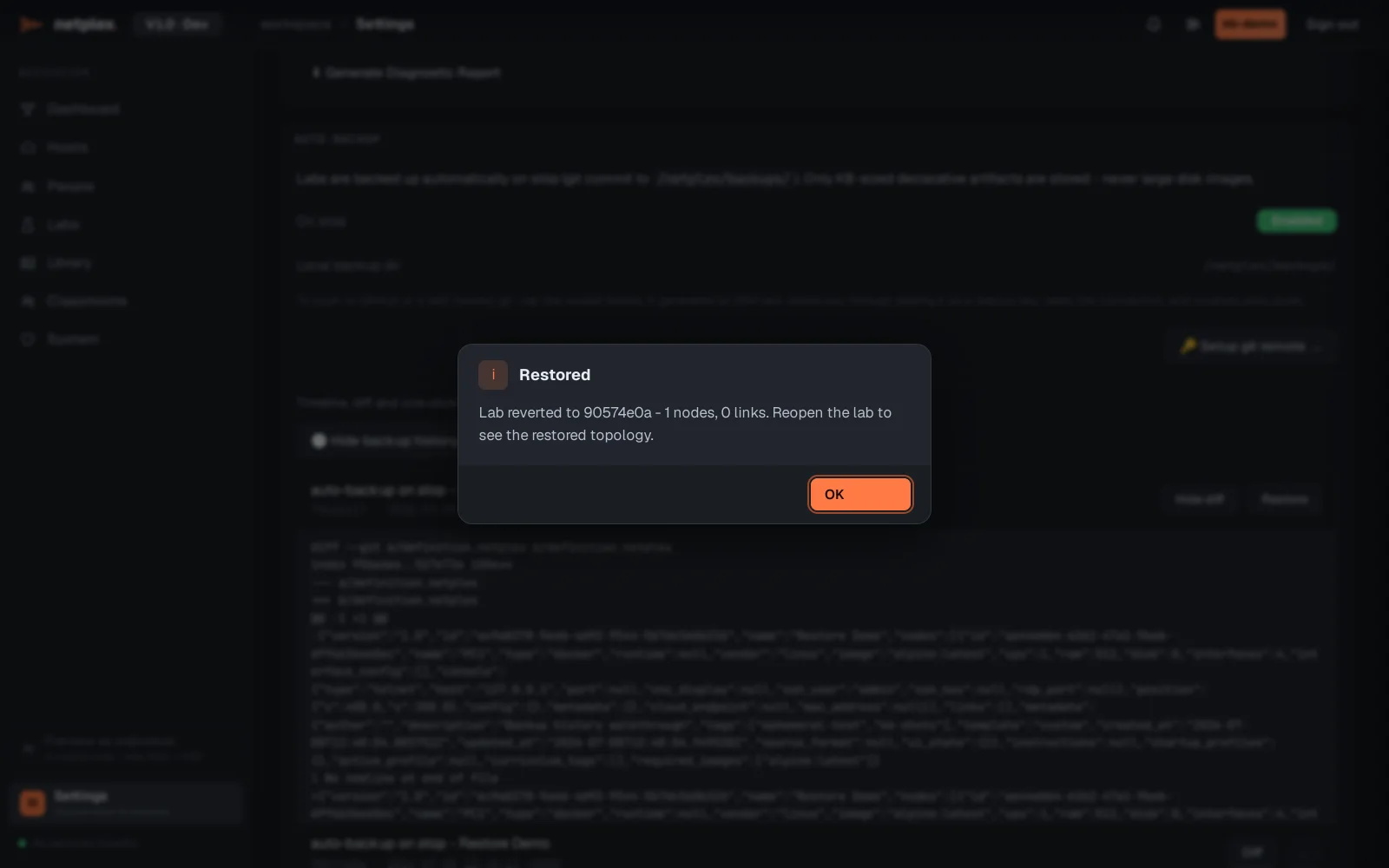
Restore only works while the lab is stopped - trying it on a running lab returns a clear "stop the lab first" message rather than silently clobbering live state. Combine this with "Config rollback" (per-device running-config history) for the two layers of undo netplex. keeps: topology-level and device-level.