Per-student accommodations
A student's accommodations - extra time, an extended due date, an IEP-style note - live on the Roster tab, one ⚙ button per enrolled student, scoped to this one class.
Select the class and open 02 Roster. Each enrolled student has a small ⚙ button.
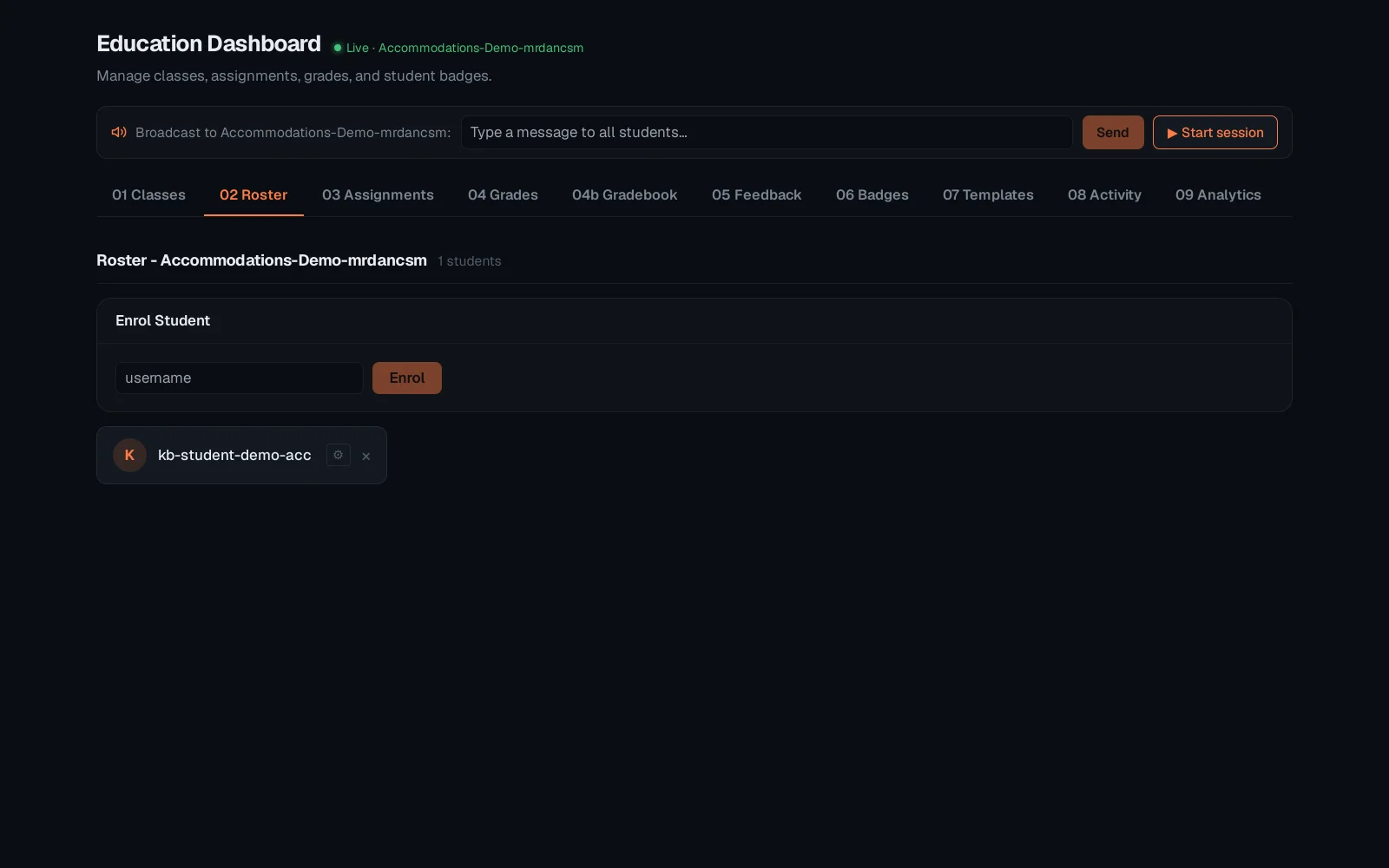
Set extra time and a note, then Save. It applies automatically wherever this student's timer or due date shows for this class - no per-assignment setup needed.
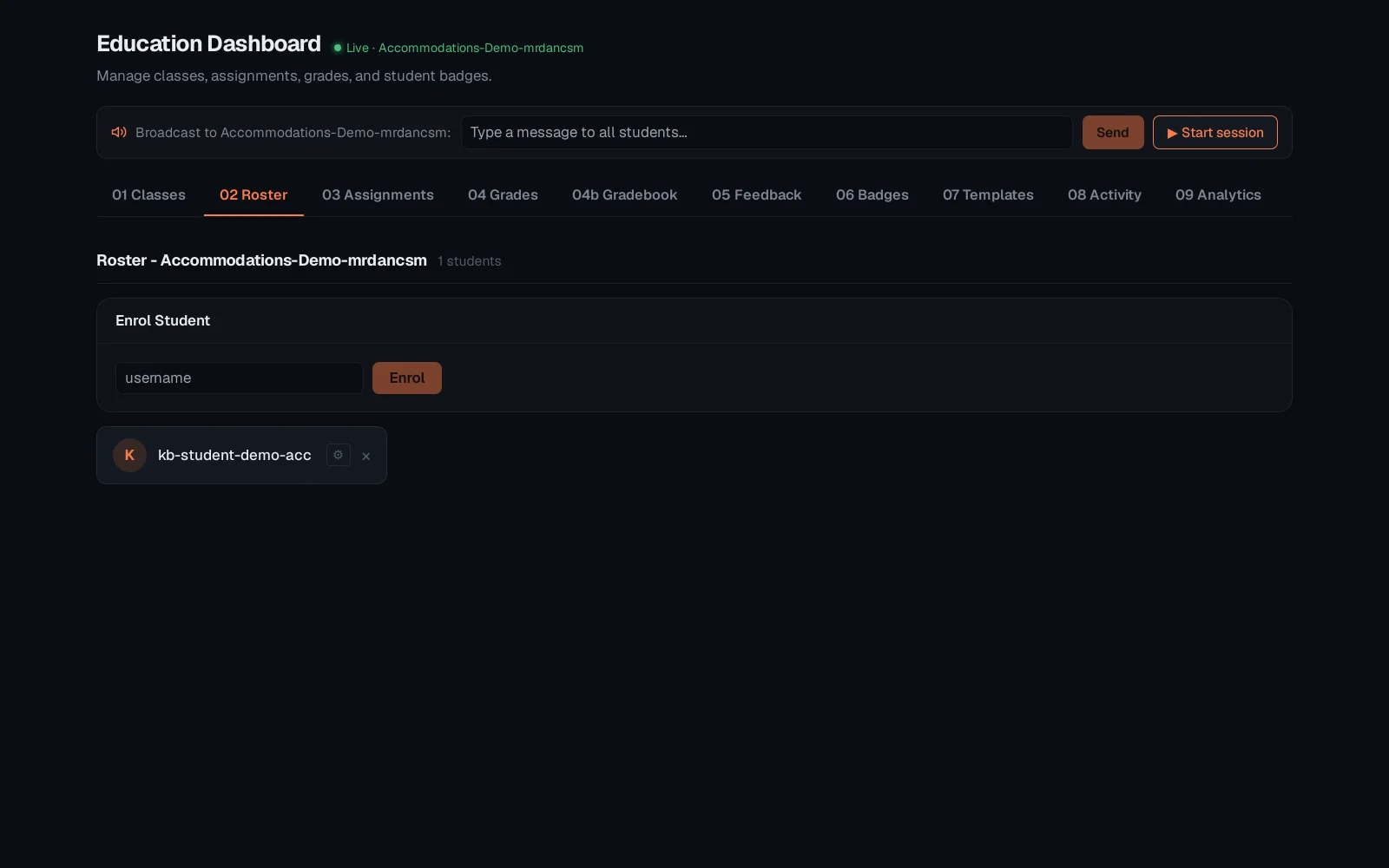
Accommodations are per student per class, so the same student can have different extra time in two different classes. See "Broadcasting to a class" for the other Education-dashboard feature that lives outside grading.