The Assignments tab
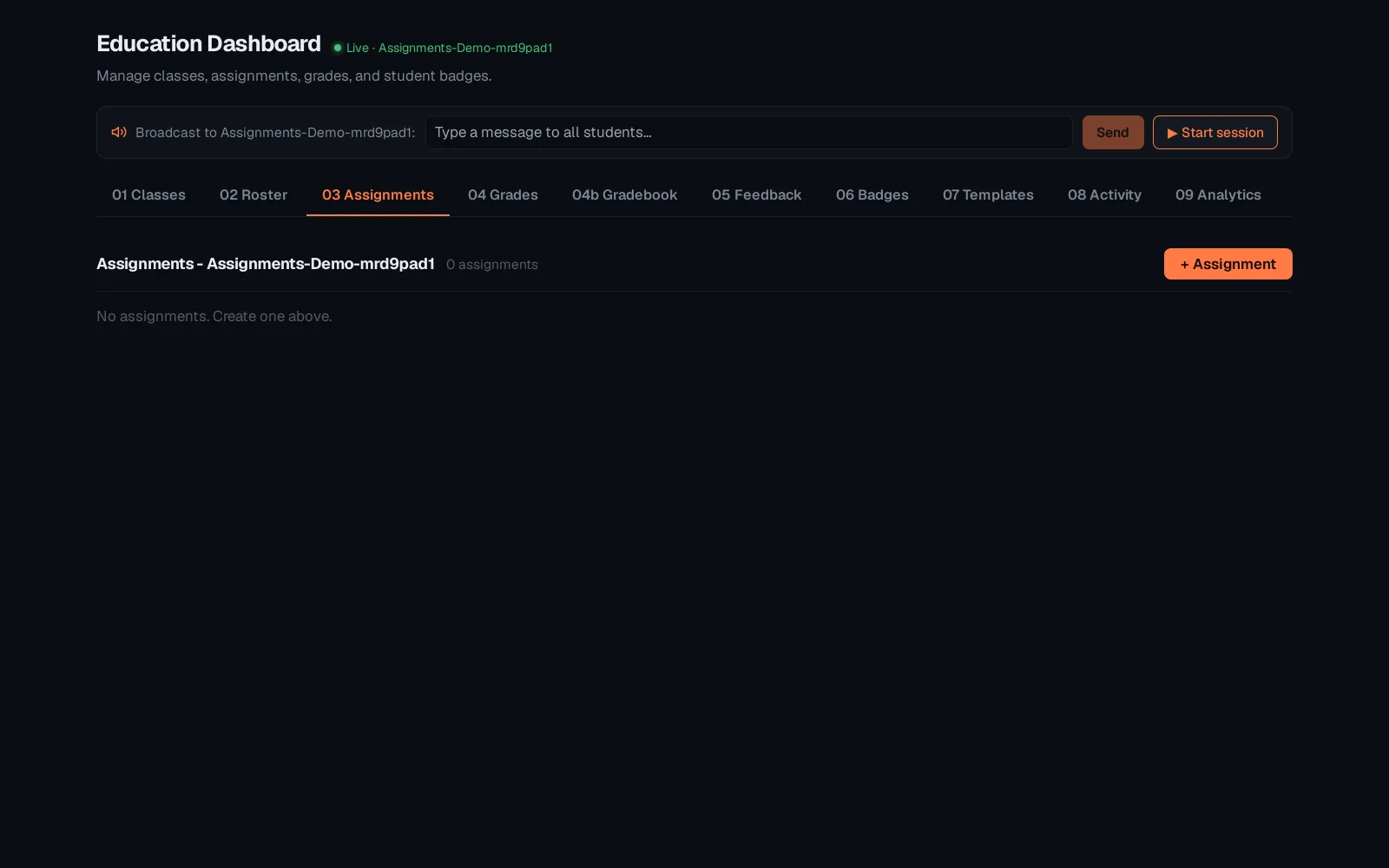
The Assignments tab lists everything set for a class - labs, exams, due dates, each with its submission state at a glance. This is what a student's own queue mirrors on their side.
Select the class, then open Assignments. A fresh class starts with none; + Assignment sets the first one - a lab, an exam, and a due date.
See "Classes, roster and assignments in the Education dashboard" for how the class itself and its roster get set up first.