Drop files straight into the server uploads folder
Uploading through the browser isn't the only way to get an image onto netplex. - copy a file directly into the server's /netplex/uploads/ folder (SCP, a NAS mount, a script) and the Library page notices within seconds and offers to import it. Useful for big vendor images you'd rather not push through a browser upload.
Open Library. A file just landed in the uploads folder - within a few seconds of it settling, a banner appears: N images ready to import, found in the real server path.
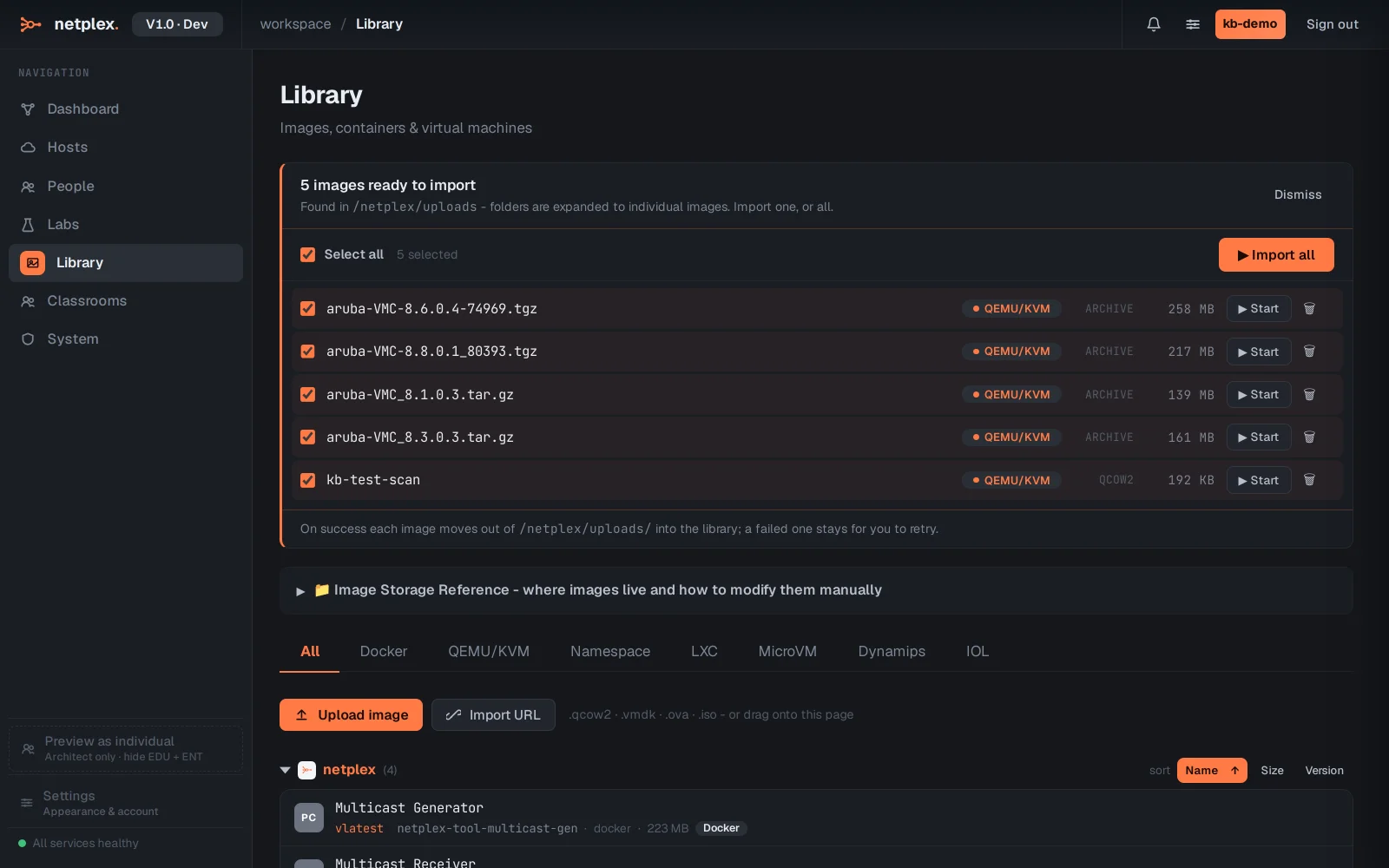
Click Start on the row (or Import all). Each image marches through the same pipeline every import goes through - detect, convert, set permissions, organise into the library, boot-test - live, one pill per step.
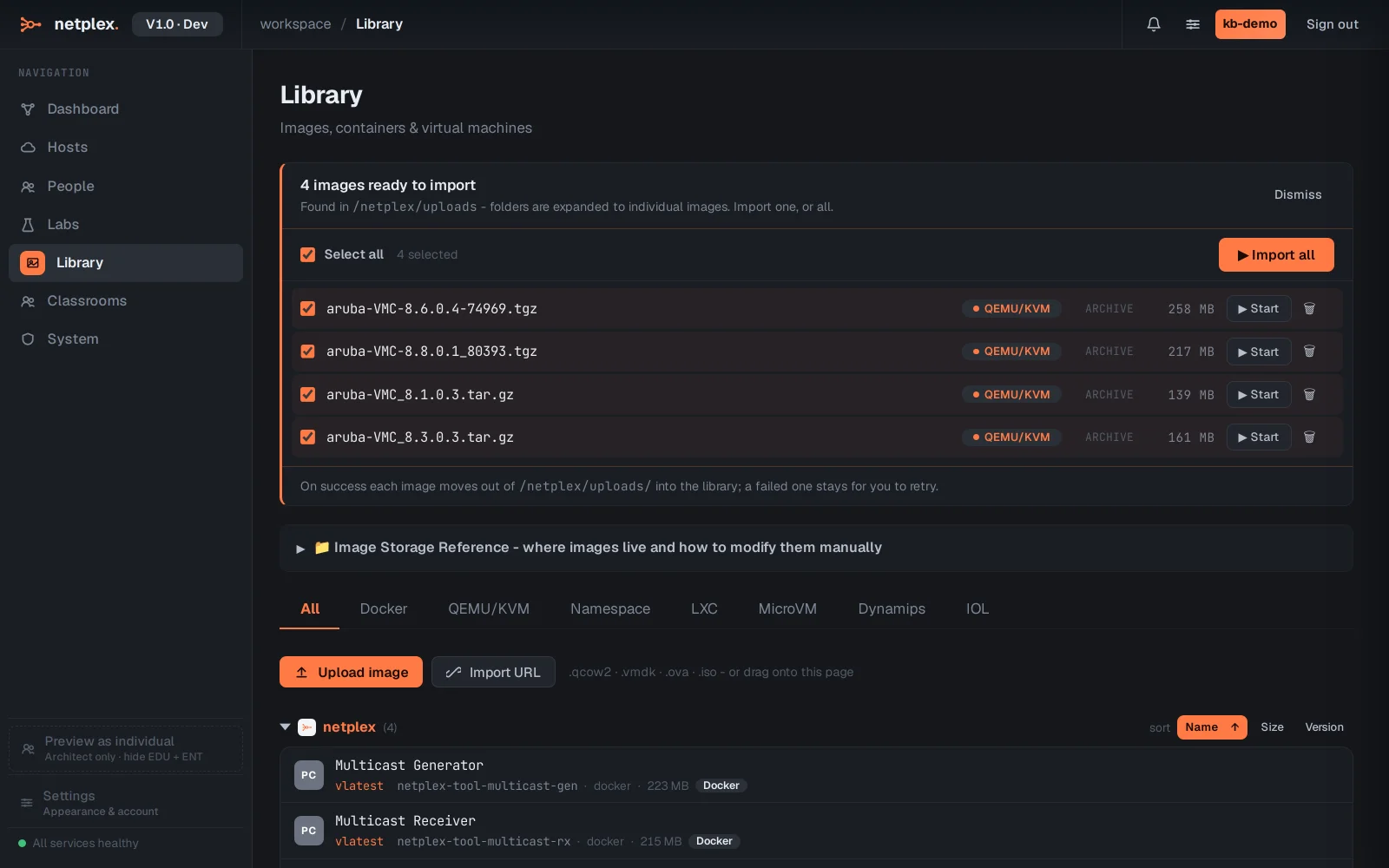
On success the file moves out of the uploads folder into the library automatically - it won't be offered again. A failed import stays in place so you can inspect it or retry; nothing is deleted on failure.