Organise labs into groups
Once you have more than a handful of labs, grouping them into named folders keeps the list scannable - coursework in one group, scratch experiments in another, without deleting or moving anything server-side.
+ New Group on the Labs page creates a named folder-like heading. It lives in your browser, so it is personal to how you organise your own view - separating coursework from experiments, for example, without changing anything for other users.
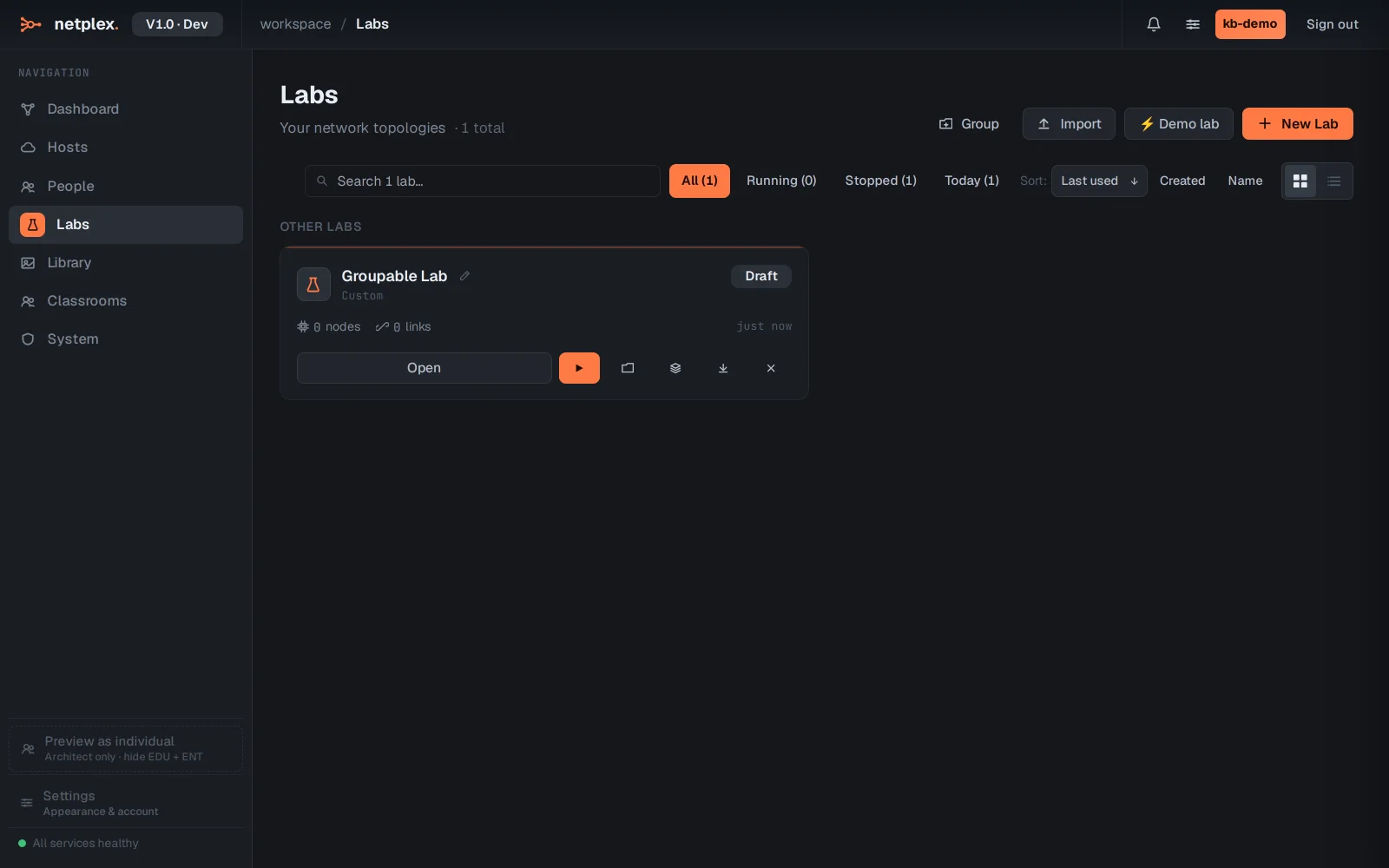
On any lab row, Move to group offers every group you have created - pick one and the lab files under that heading immediately.
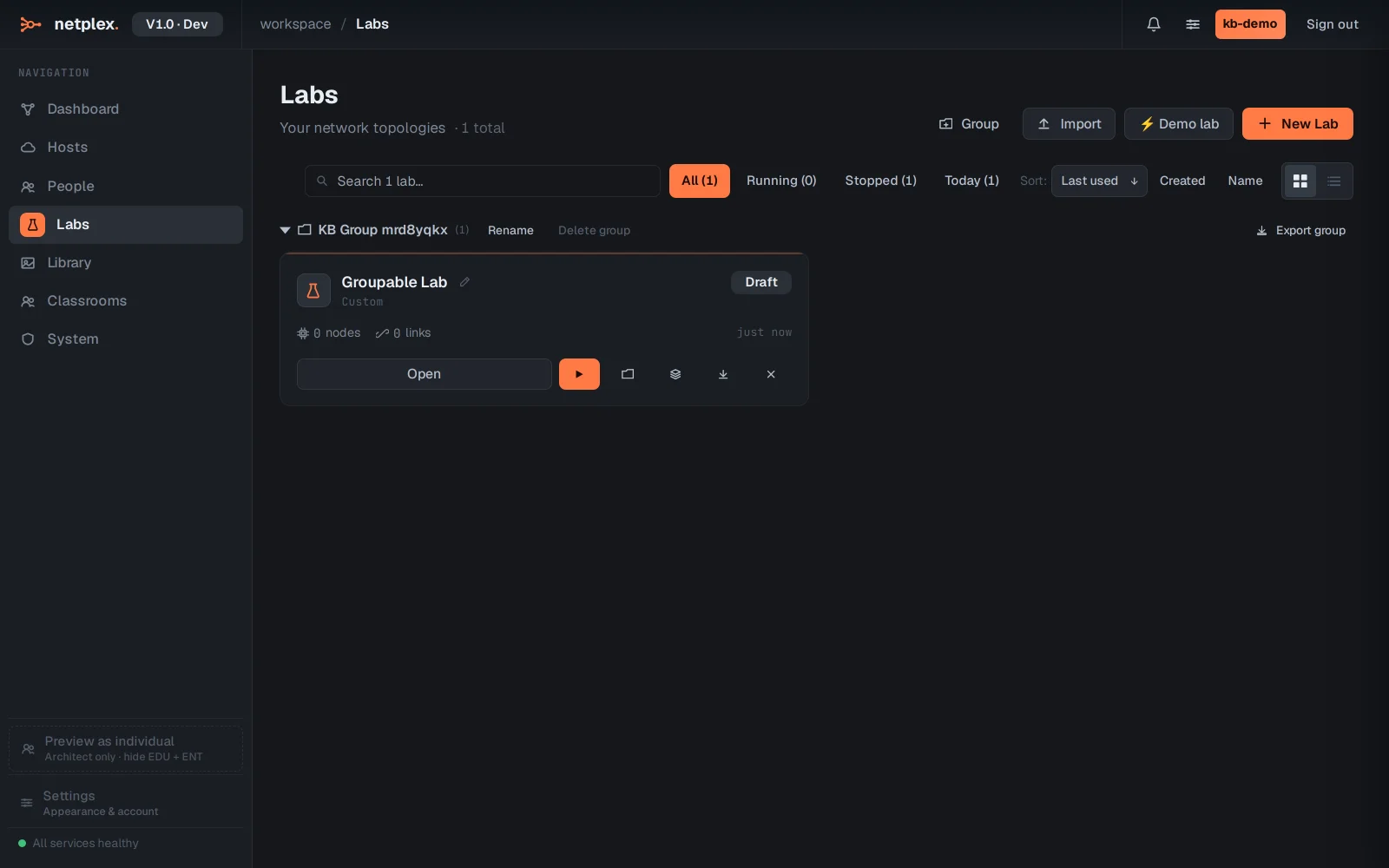
Groups are collapsible, renameable and deletable from the same menu - deleting a group never deletes the labs inside it, it just ungroups them. See "Search, filter and group your labs" for the search box that works alongside groups.