Directional QoS: impair only one side of a link
Real WANs are rarely symmetric - a satellite uplink, an asymmetric DSL line, a congested path in only one direction. Selecting a link opens its Inspector with an impairment direction control at the top: apply delay, loss or a bandwidth cap to just A→B, just B→A, or both - the other direction stays untouched on the same wire.
Click the link to select it - the Inspector opens on the right. The direction control sits above the delay/loss/bandwidth fields - A ↔ B (both ways, the default), A → B, or B → A.
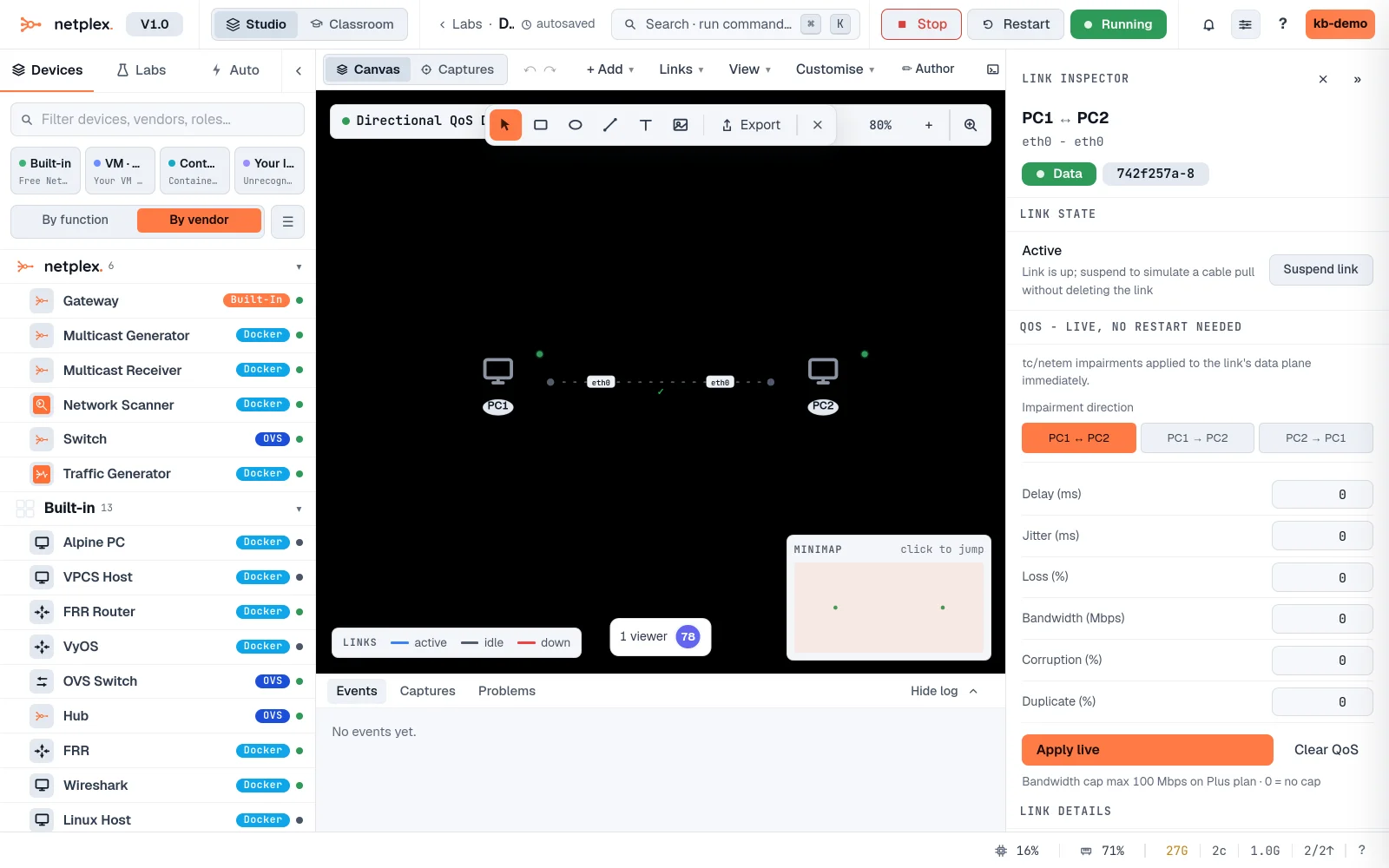
Pick one of the one-way options, set a heavy delay, and Apply live. It shapes just that direction's tap on the real wire (the other direction's qdisc is explicitly cleared, not just left alone) - a ping still shows the delay, since every ping crosses the link both ways, but only one side of the wire is actually carrying the impairment.
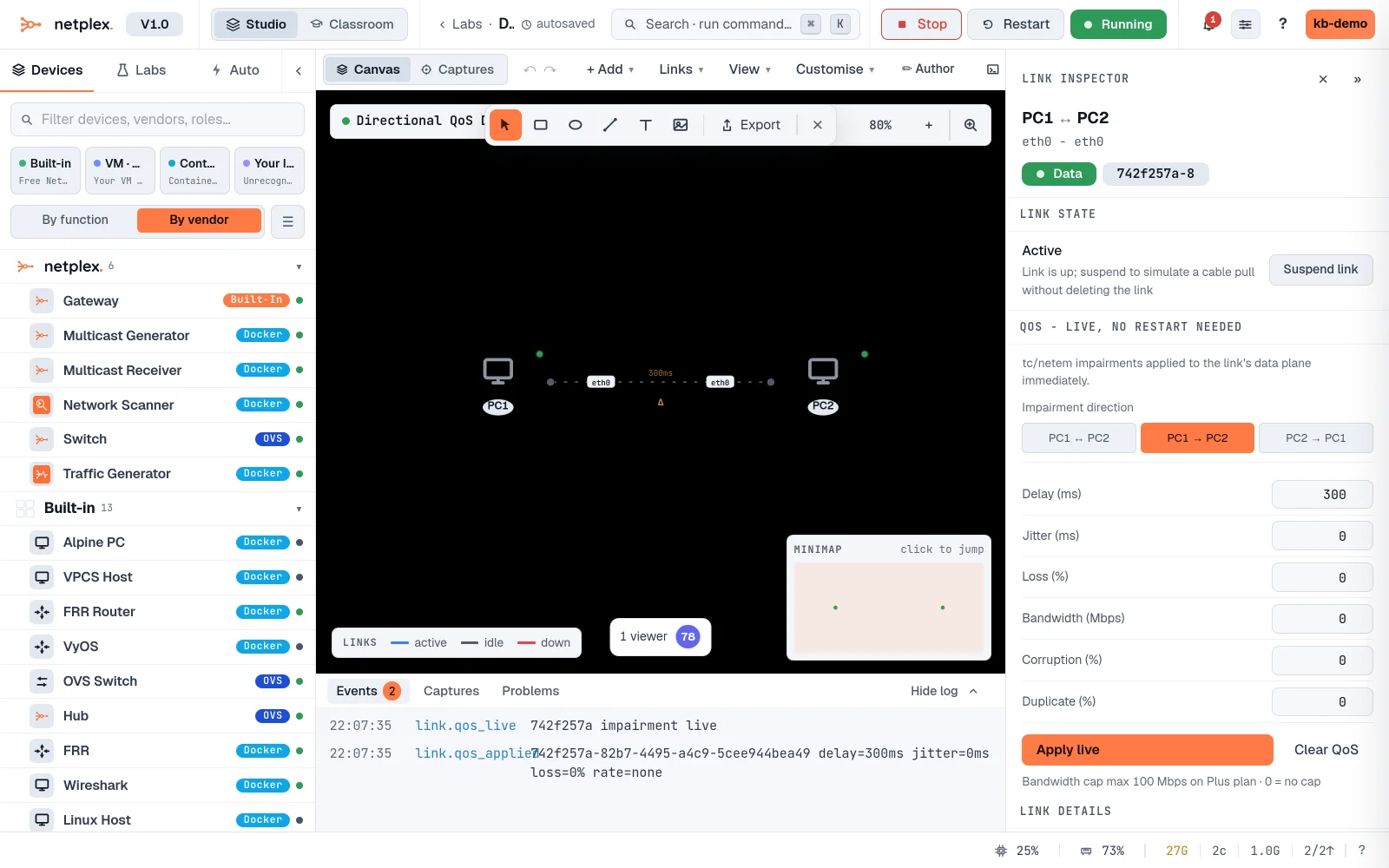
Delay, loss, bandwidth and corruption all respect the direction you pick - not just delay. Combine with "Shape a link" for the full set of impairment knobs and presets.