The Hub: an L2 device with no MAC learning
Next to the unmanaged Switch in the palette sits the Hub - an even simpler L2 device. A switch learns which MAC address lives on which port and forwards only where it needs to; a hub does none of that. Every frame that arrives on any port goes out every other port, exactly like the original Ethernet hubs from before switching existed.
Add a Hub from the palette (Built-in group) - visually and structurally it wires up just like the Switch. The difference is entirely in how it forwards frames, not how you use it.
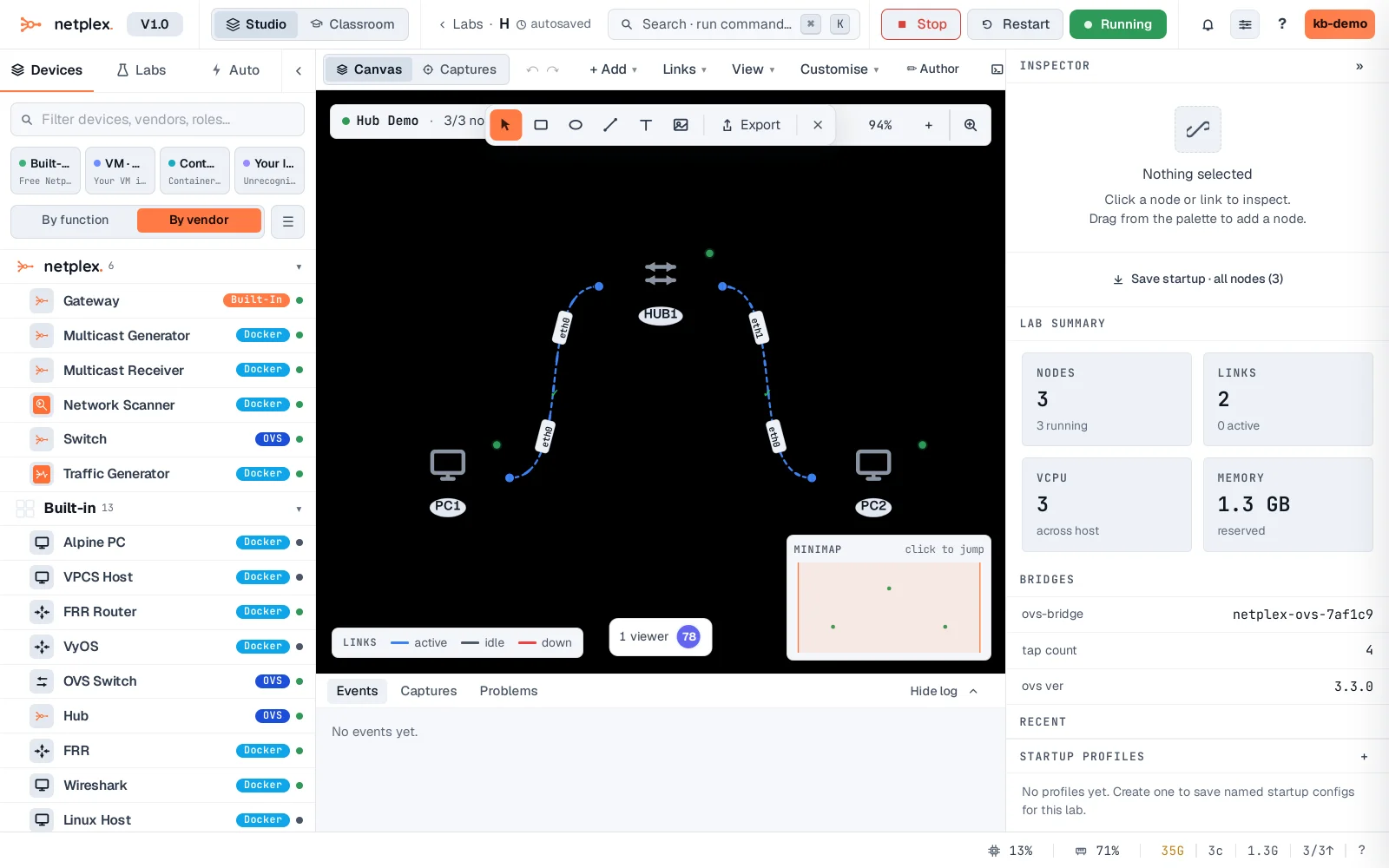
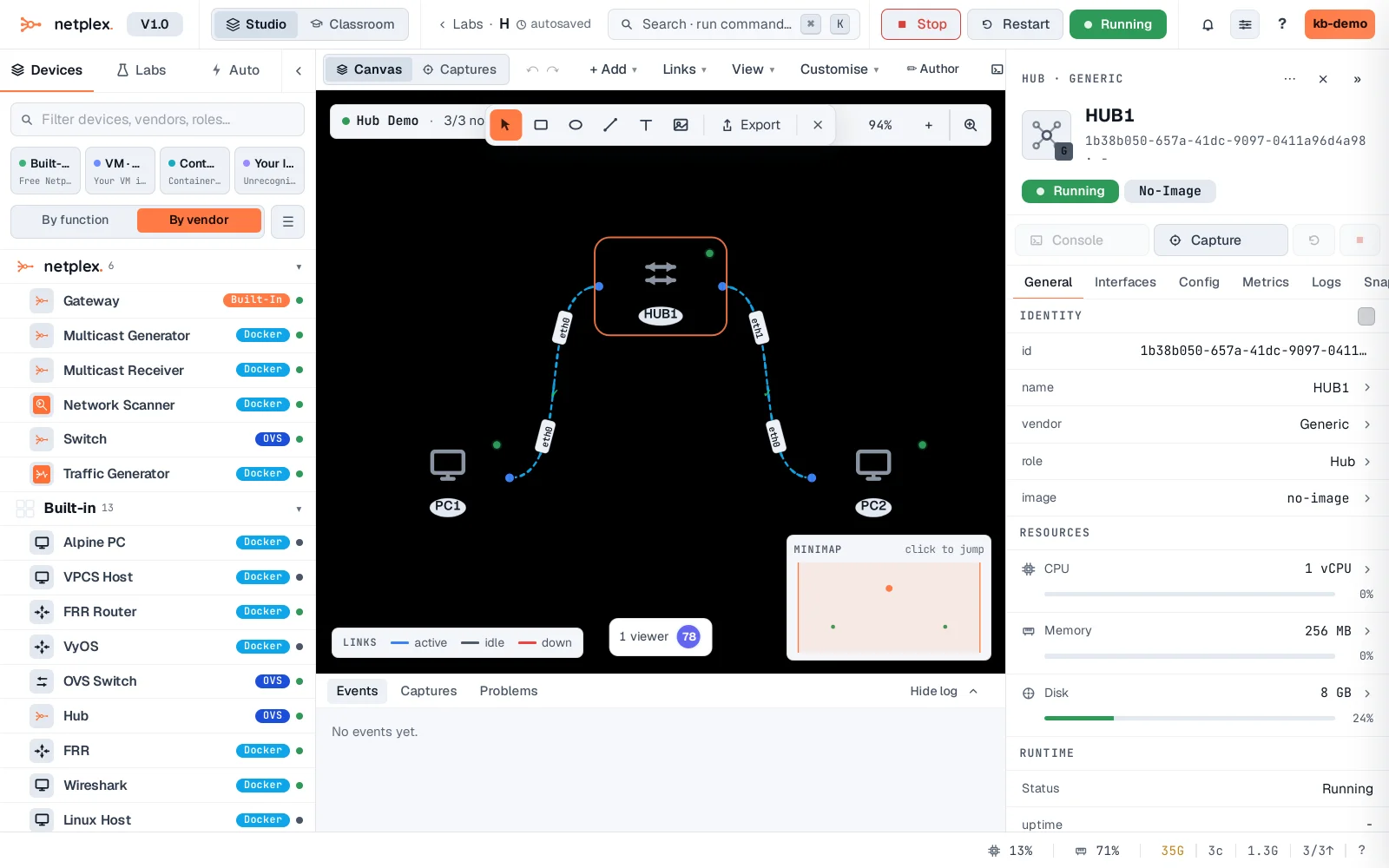
Select the hub - the Inspector confirms what it is: no MAC table, no per-port learning, every frame flooded to every other port. On a busy segment that means more traffic on every wire than a switch would produce for the same conversation - the tradeoff for its simplicity.
Reach for a hub specifically when you want to demonstrate or capture *everything* on a segment at once - a packet capture on any hub port sees every device's traffic, not just its own conversations, which is exactly what a real classroom exercise on "why switches replaced hubs" needs. For normal topologies, the unmanaged Switch is almost always the better default - see "Connect devices with an unmanaged switch".