Give a node another interface
A device profile starts with a sensible number of ports, but a topology sometimes needs one more - a switch that needs a fifth uplink, a router that needs a dedicated management port. + Add on the Interfaces tab appends one, on the real node, no restart required for a stopped lab.
Select the node, open Interfaces, and click + Add - a new port appears at the bottom of the list immediately.
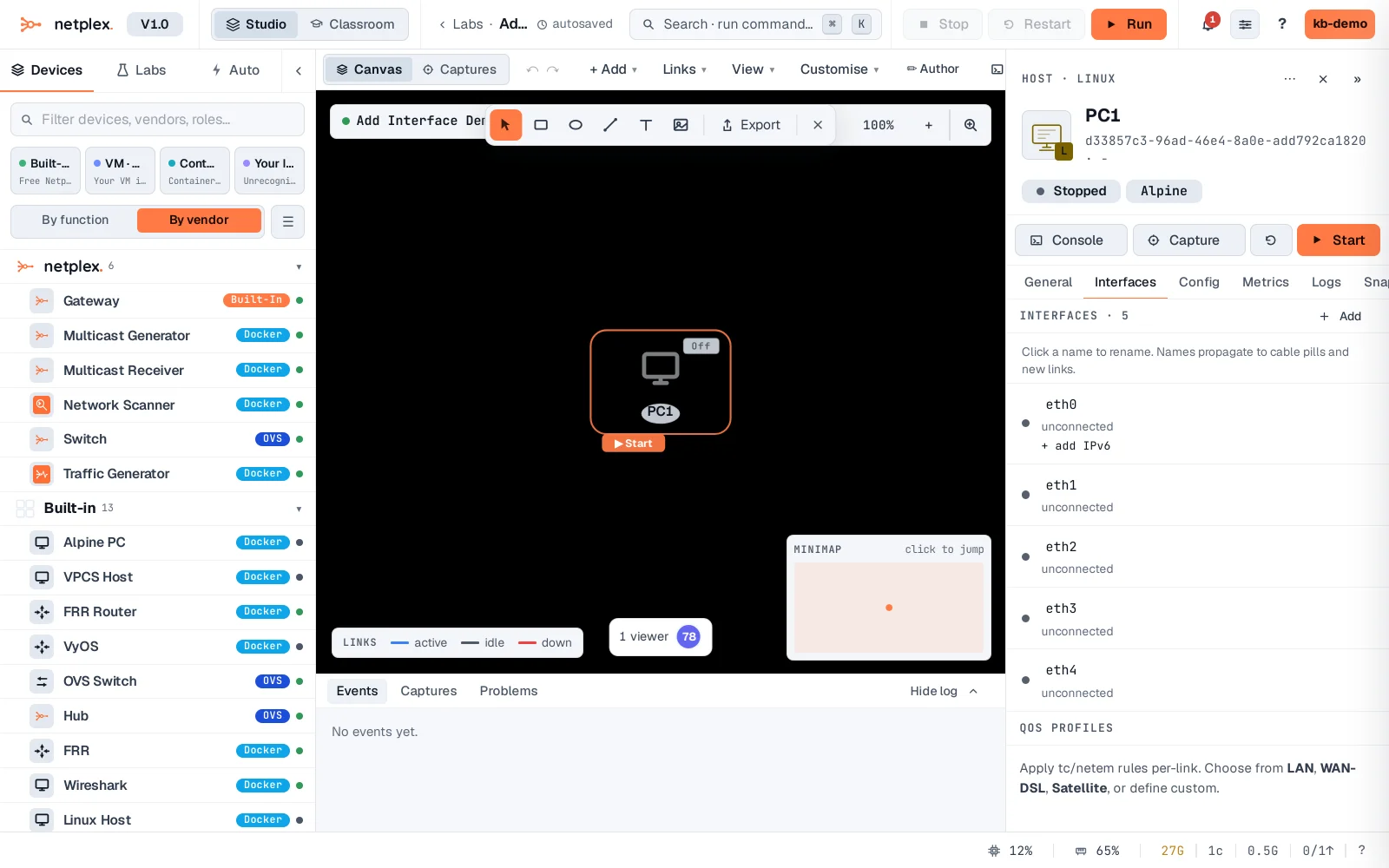
The new port is unconnected until you draw a link to it - draw one and it takes the next free name in the node's own numbering convention. See "The node Interfaces tab" for renaming and the rest of what lives here.