Per-role styling, link looks, labels and capture defaults
Four more tabs live under Settings → Lab Appearance beyond Theme and Terminal - each controls a different layer of how your topology reads at a glance: which shape a *role* gets regardless of vendor, how a *link* is drawn, where a *label* sits, and what a *capture* looks like before you've even started one.
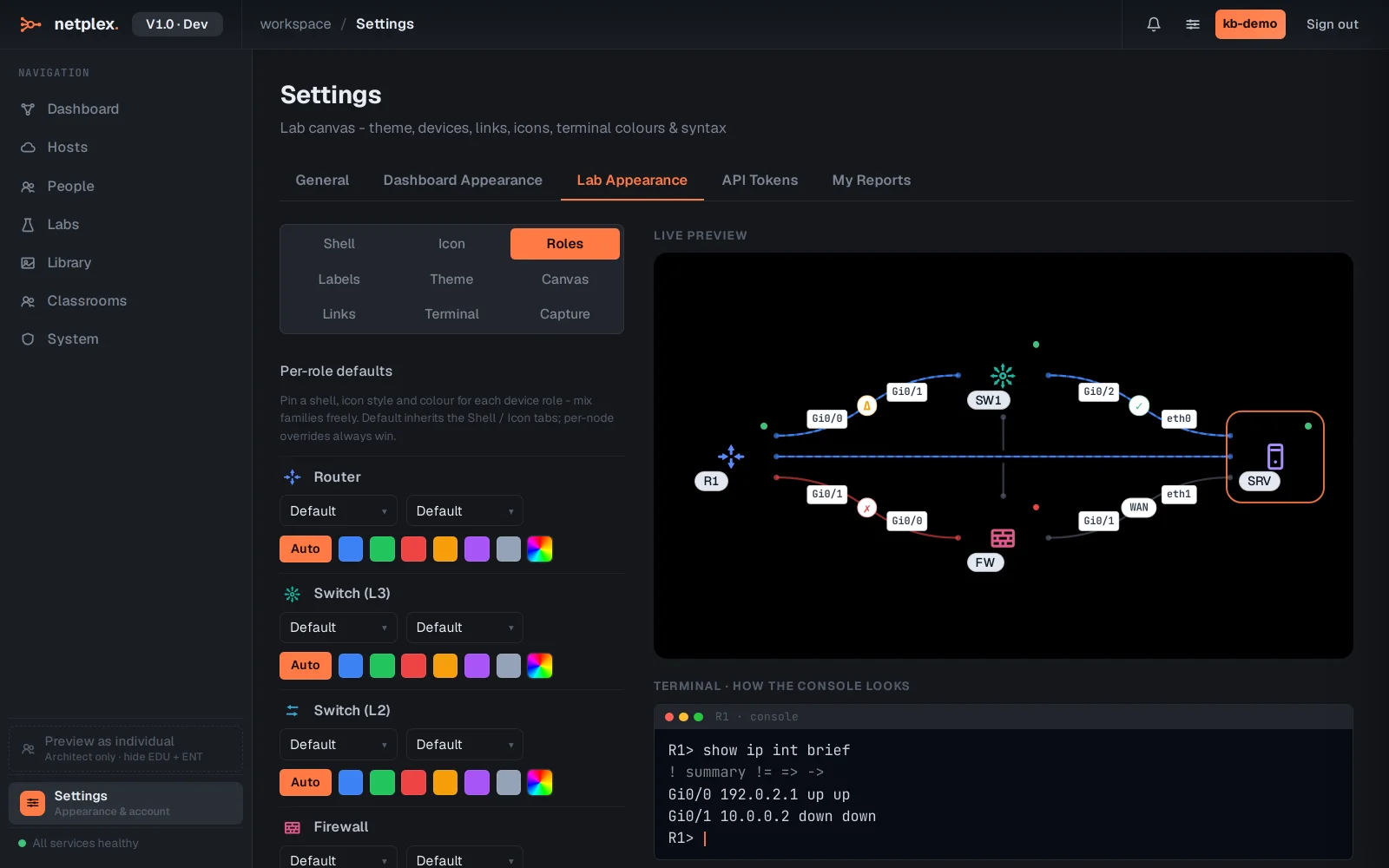
Open Settings → Lab Appearance → Roles. Pin a shell, icon style and colour per device role - router, switch, firewall, server, host, access point, cloud - independent of vendor. A Cisco and a Juniper router both get the router look; only a per-node override on the canvas beats it.
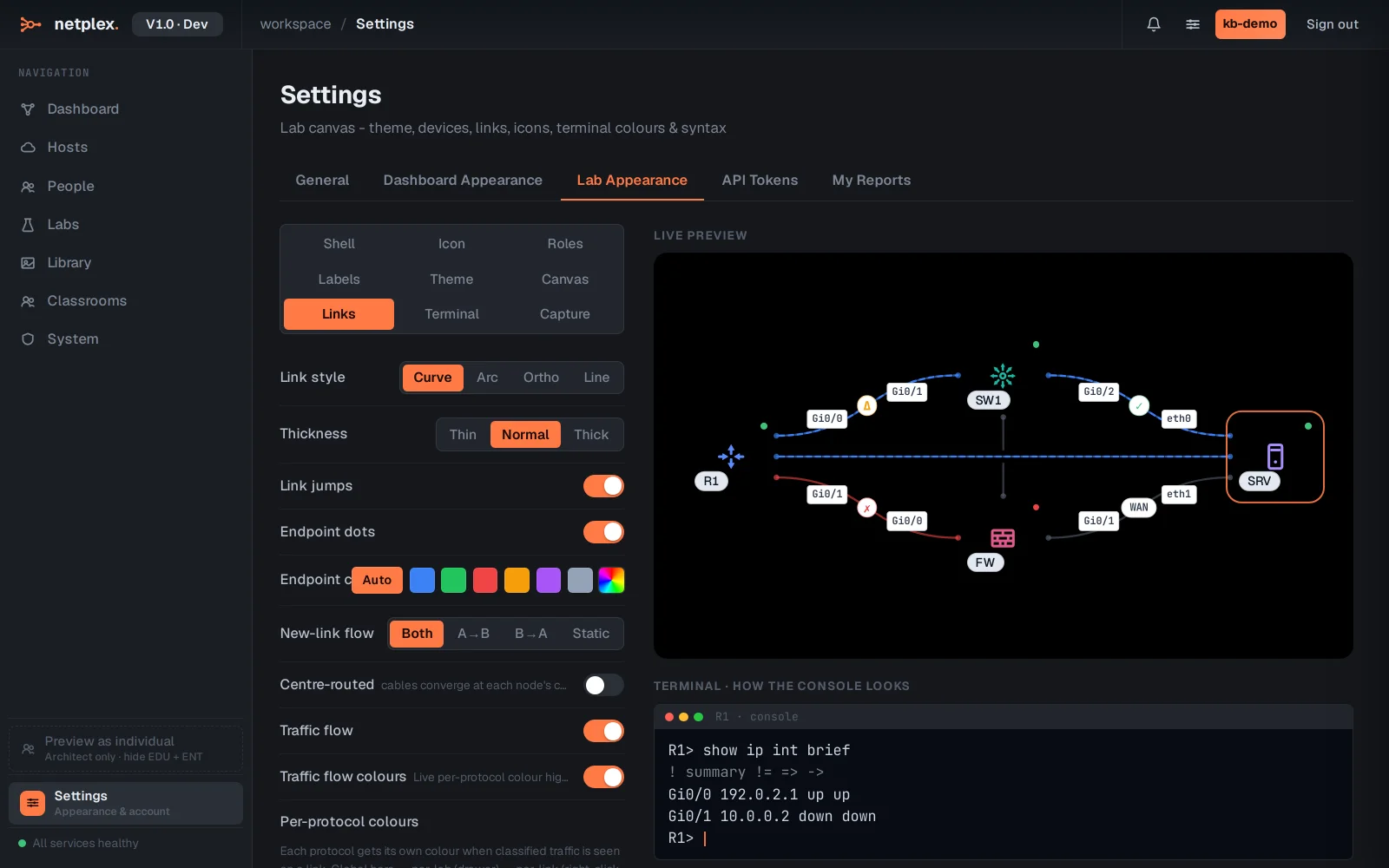
The Links tab is everything about the cable itself - curve/arc/orthogonal/straight routing, thickness, corner style, endpoint dots, and (Pro/Architect+) per-protocol traffic flow colours so a glance at the canvas tells you what kind of traffic is moving where.
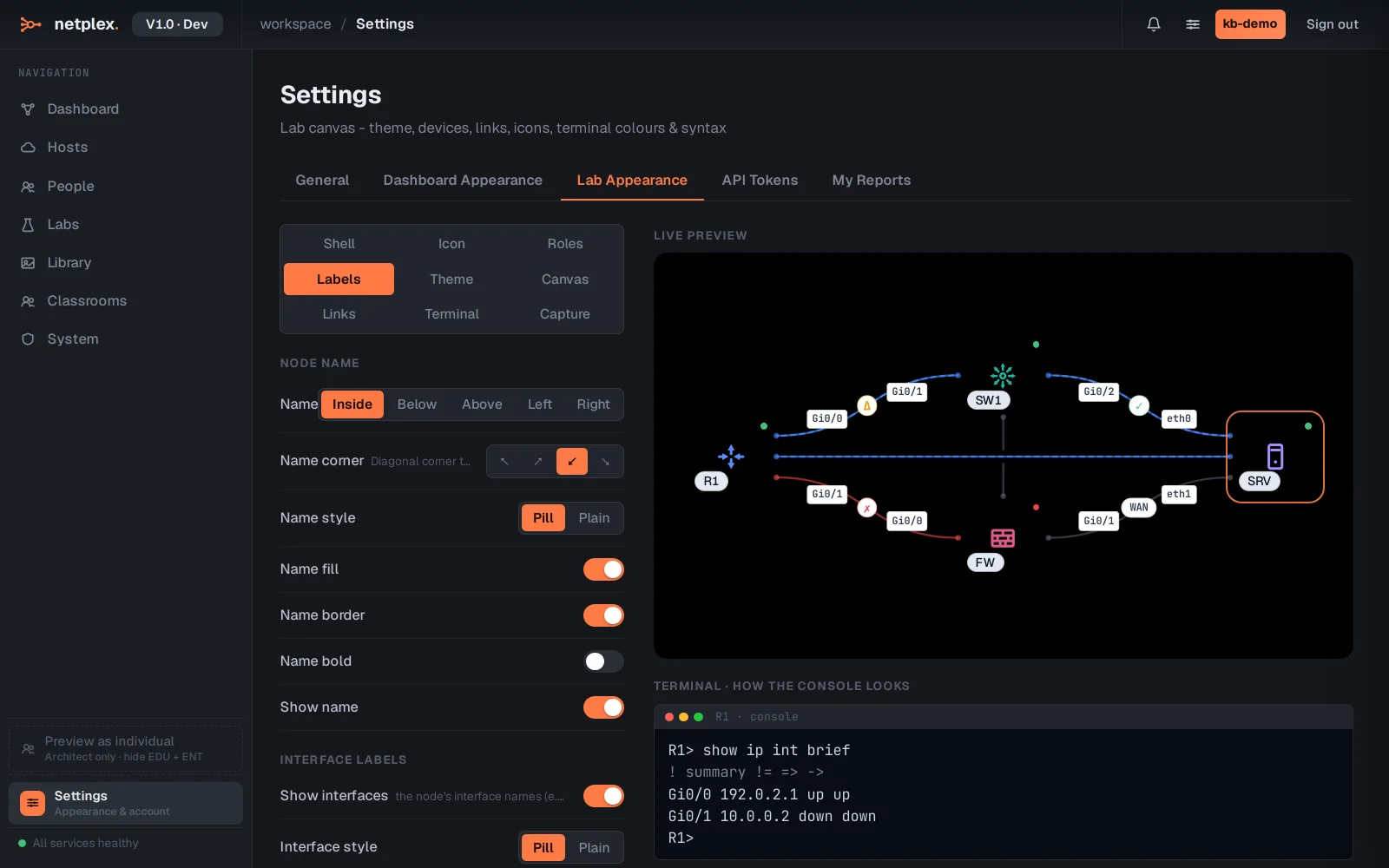
The Labels tab governs the text on the canvas - where a node's name sits (inside the shell, or above/below/left/right), pill vs. plain styling, and the same for interface labels (Gi0/0, eth1) on every link.
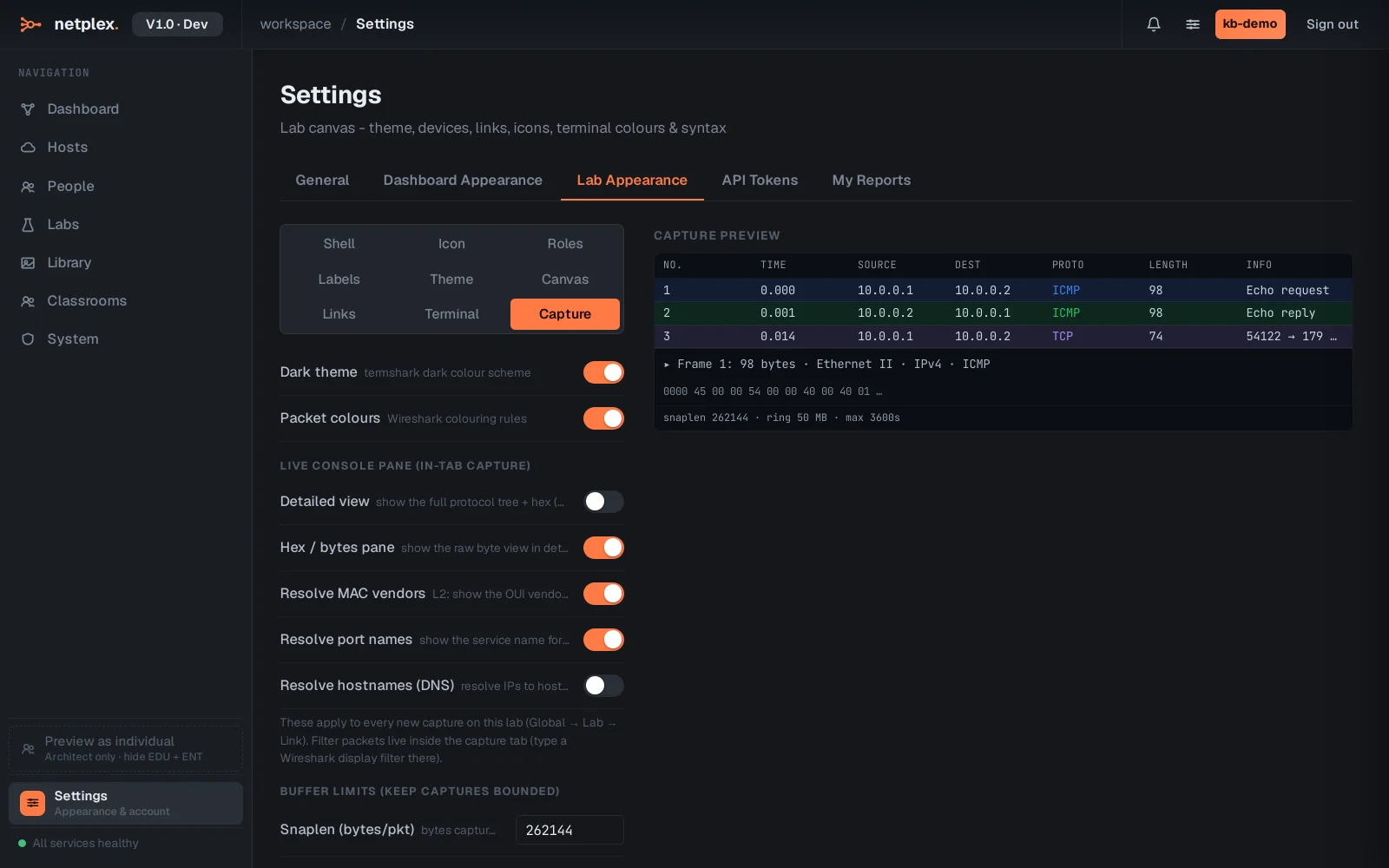
The Capture tab sets defaults for every packet capture you start - dark/light Wireshark colouring, whether the in-tab live view shows the full protocol tree and hex bytes or a compact list, MAC/port/DNS name resolution, and buffer limits (snaplen, ring size, max packets/duration) so a long-running capture can't fill the disk. Global → Lab → Link, same inheritance as everything else here.
Like Theme and Terminal, all four follow the same Global → Lab-default → per-element override chain - see "How appearance inheritance works" for how a single lab or a single node can break from these defaults without touching them.