Packet capture defaults
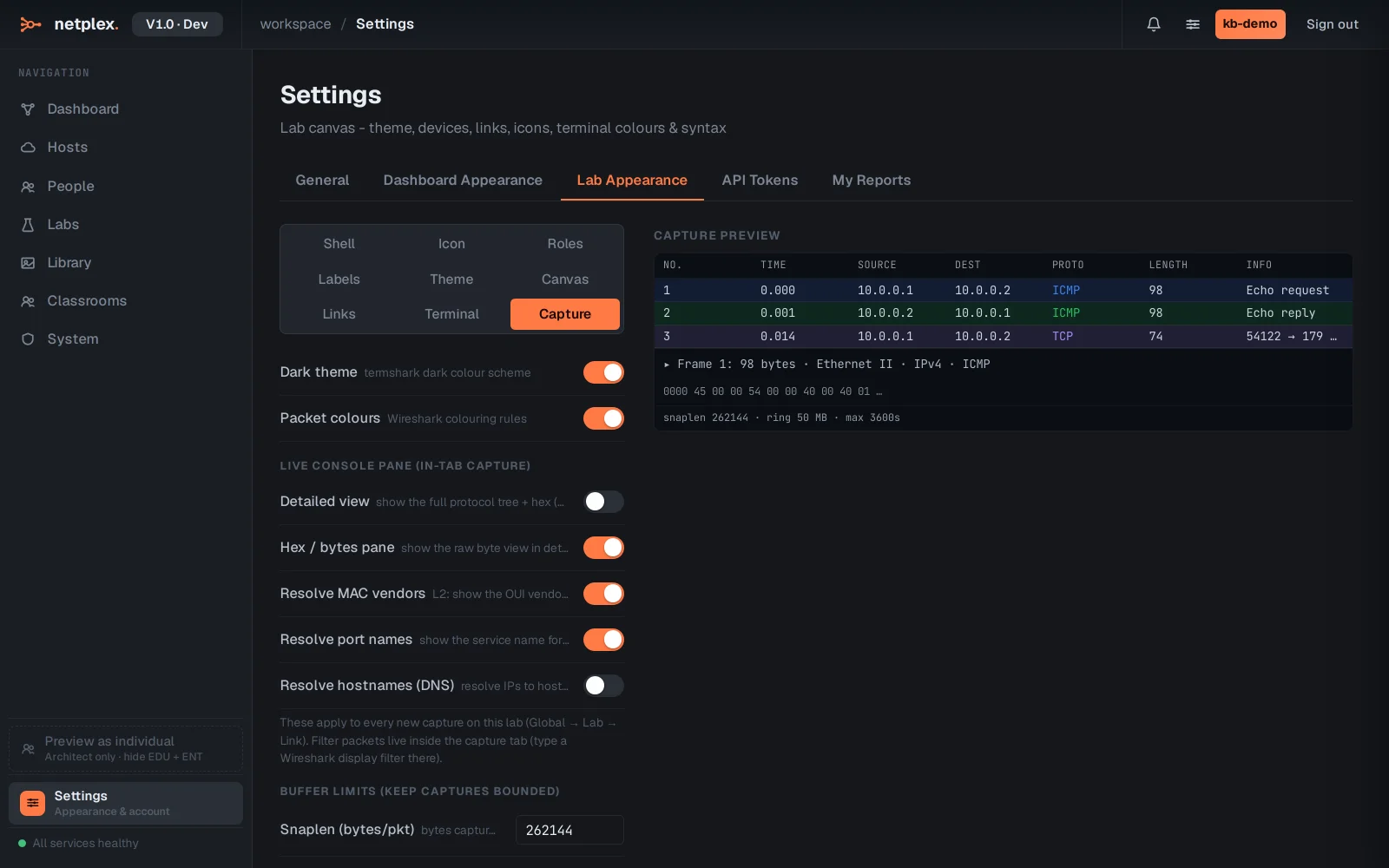
Settings → Lab Appearance → Capture sets what every packet capture looks like and how it behaves before you have even started one - dark/light Wireshark-style colouring, how much detail the live view shows, and buffer limits so a long-running capture can't quietly fill the disk.
Choose whether the in-tab live view shows the full protocol tree and hex bytes or a compact list, whether MAC/port/DNS names resolve automatically, and set buffer limits - snaplen, ring size, max packets or duration - as a safety net for captures left running unattended.
Same Global → Lab → Link inheritance as every other appearance tier - see "How appearance inheritance works" for the full chain, and "Starting a packet capture" for these defaults in actual use.