Terminal font and size
Every built-in console reads its font and size from one place - Settings → Lab Appearance → Terminal. Change it once and every console you open afterward, on any device signed into your account, uses it - no per-window font menu to hunt for.
Pick a font family and step through sizes 11-18 with the segmented control. The setting saves immediately and applies to every console you open from here on.
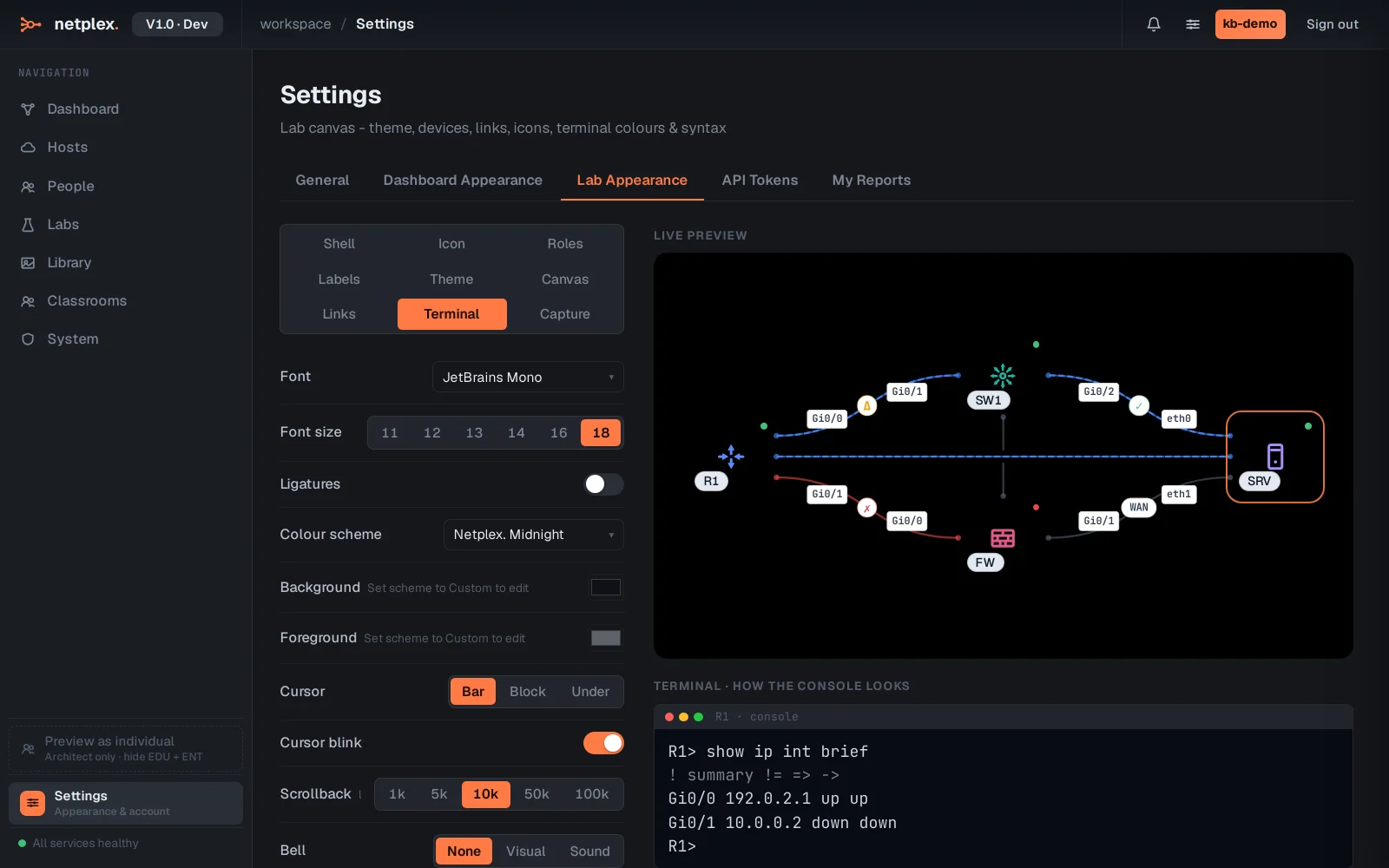
A monospaced font keeps CLI output aligned - the picker only offers monospace families for that reason. Ligature and colour-scheme controls sit right next to size on the same tab if the console needs more than just a bigger font.