Draw a line or arrow
Line draws a plain connector between two points - point at a cable run, sketch a physical path, or mark a boundary that isn't a real link. Arrow (right next to it in the same menu) is identical but with an arrowhead, for pointing at something specific.
Open + Add, pick Line, and drag from one point to another. It has its own colour, thickness and dash-style controls - nothing about it is a real network link.
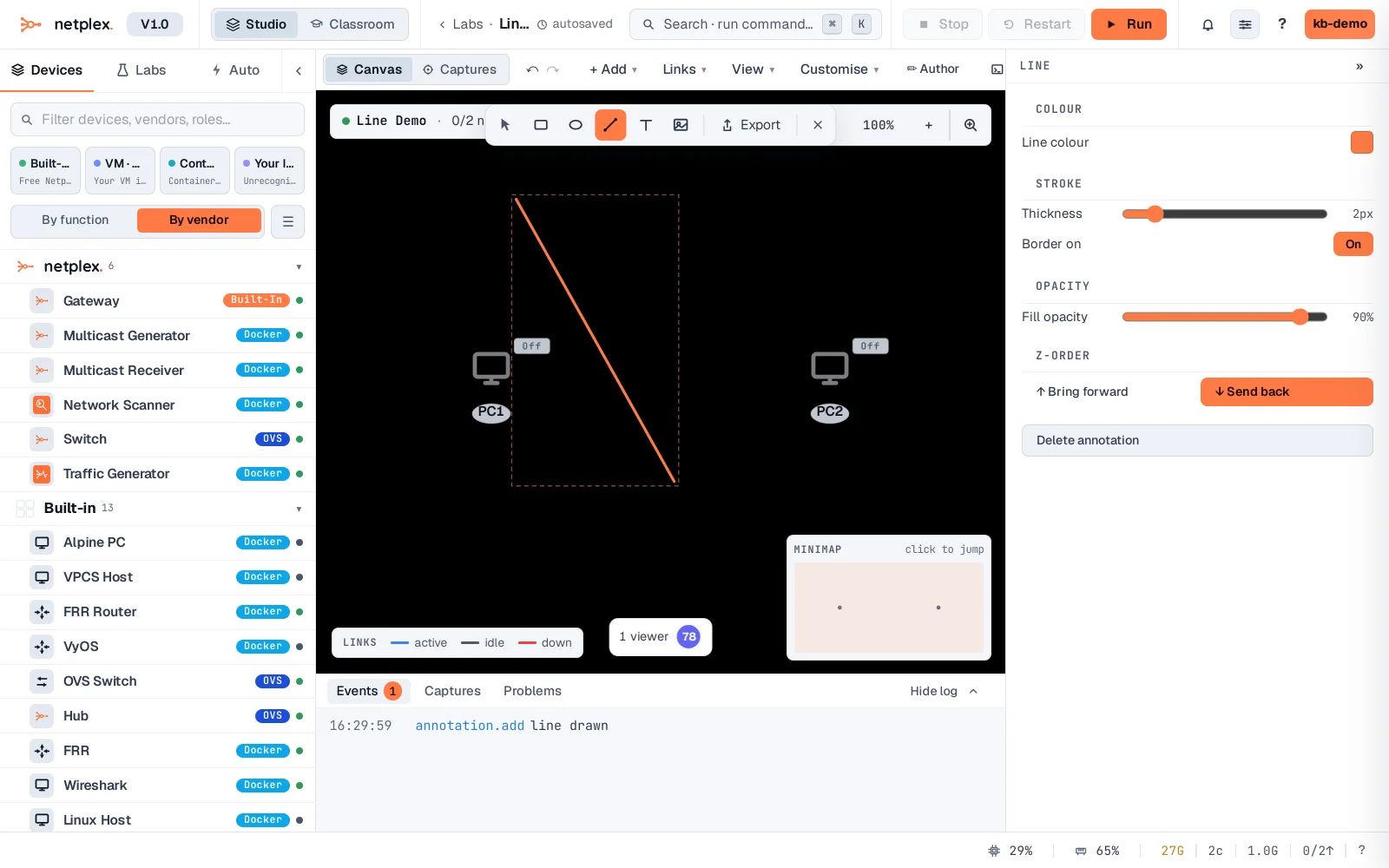
Pick Arrow instead for the same shape with a head on the end - useful for "traffic flows this way" or "start here" call-outs that aren't real topology.
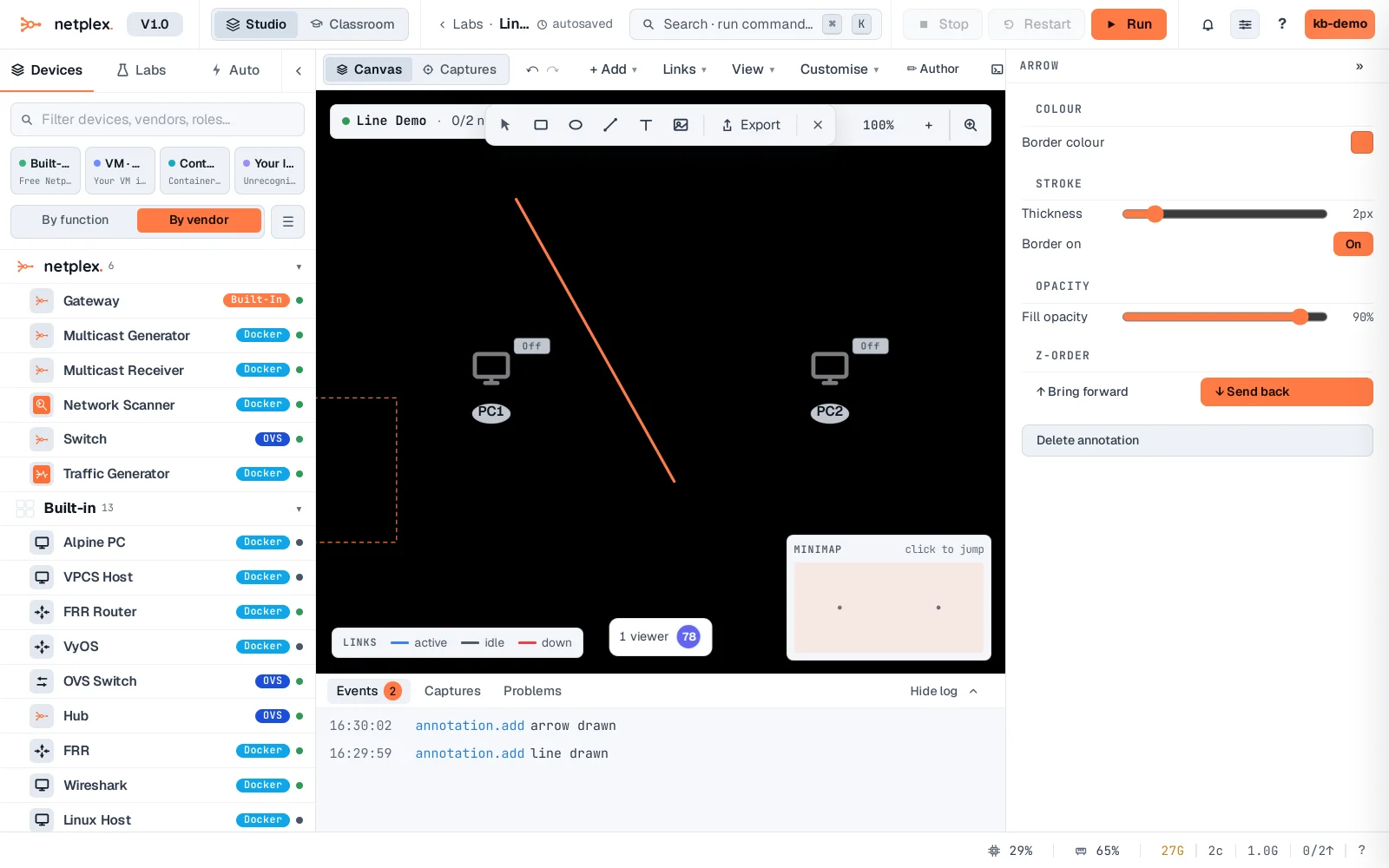
Both are plain visual annotations, stored with the lab like any other shape - they never affect real connectivity, and a packet capture on the real links between devices never shows them.