Draw a circle or ellipse
The Circle annotate tool draws an ellipse - a fast way to highlight a single device or a small cluster without the hard corners of a box.
Open + Add, pick Circle, and drag on the canvas. Like Box, it's a real shape with its own colour, fill and stroke controls in the Inspector.
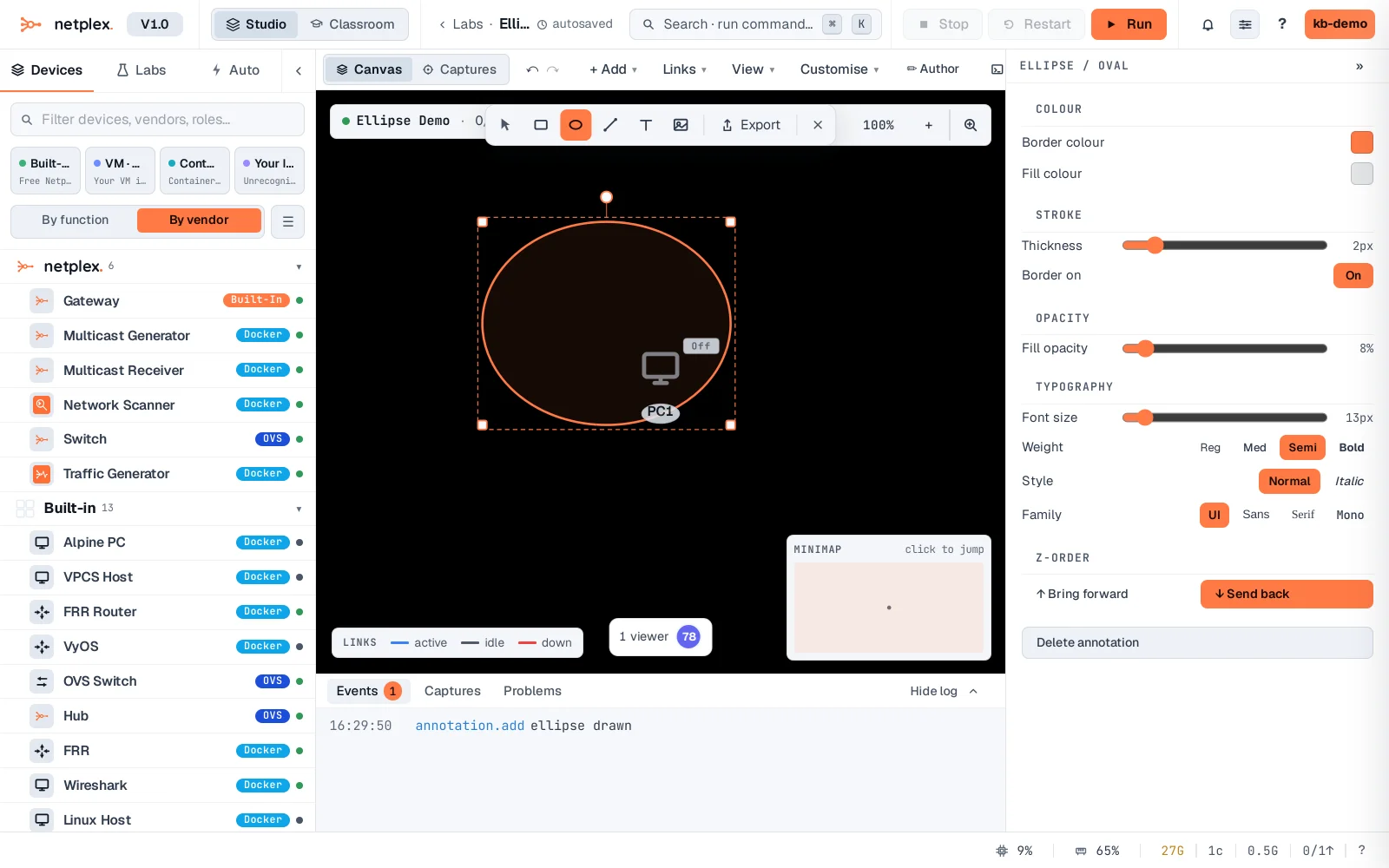
Circle behaves exactly like Box in every other respect - same style panel, same right-click layering (bring to front / send to back), same delete/duplicate shortcuts. See "Style shapes: colours, borders and opacity" for the full styling panel.