Layer shapes: bring to front, send to back
Overlapping shapes stack in the order you drew them - the newest on top. Right-click any shape for Bring to front / Send to back to reorder that stack without redrawing anything.
Draw two overlapping boxes - the second one drawn sits on top, covering part of the first.
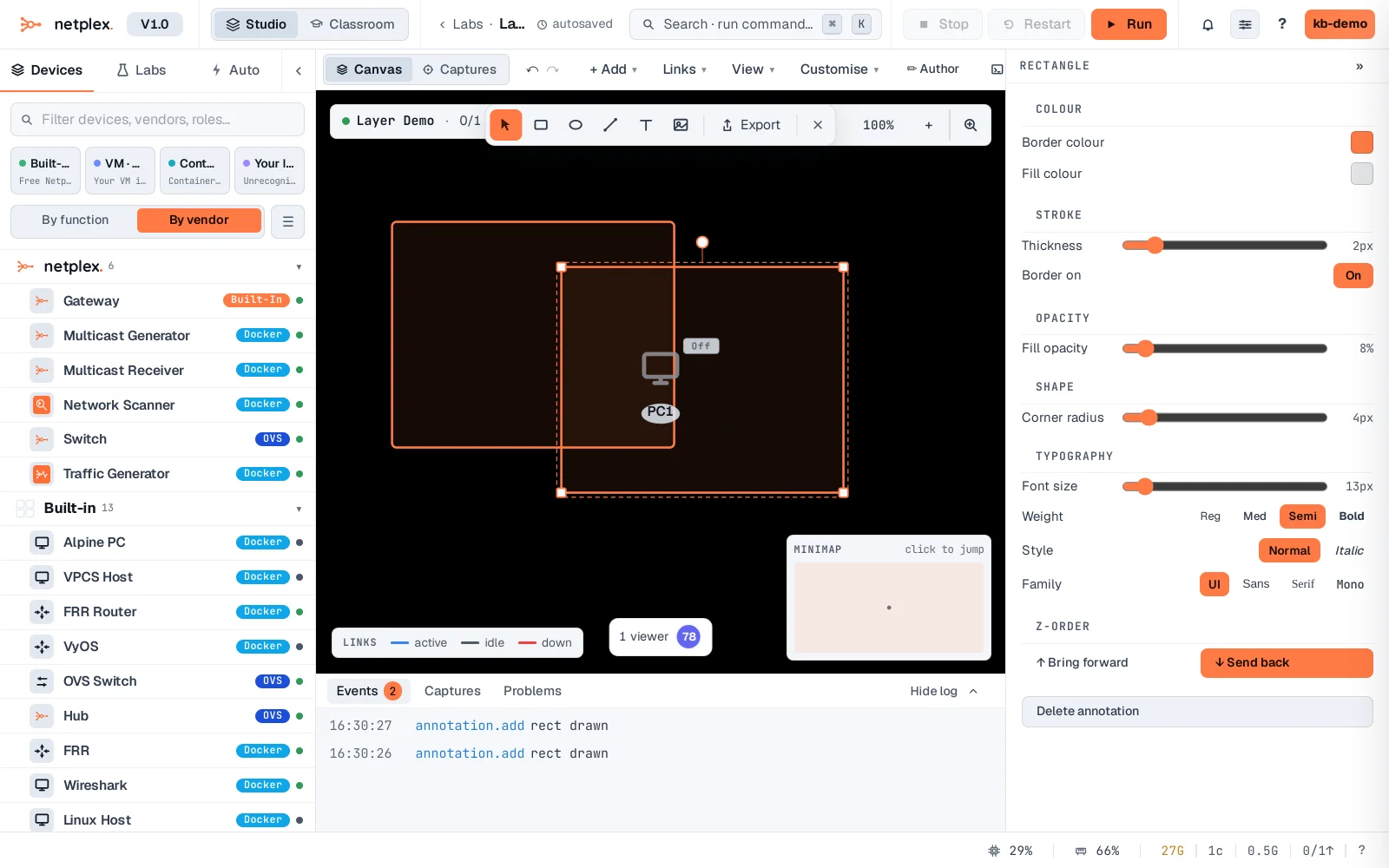
Right-click the first (bottom) box and choose Bring to front. It now renders on top of the second box - a real change to draw order, not just a visual toggle.
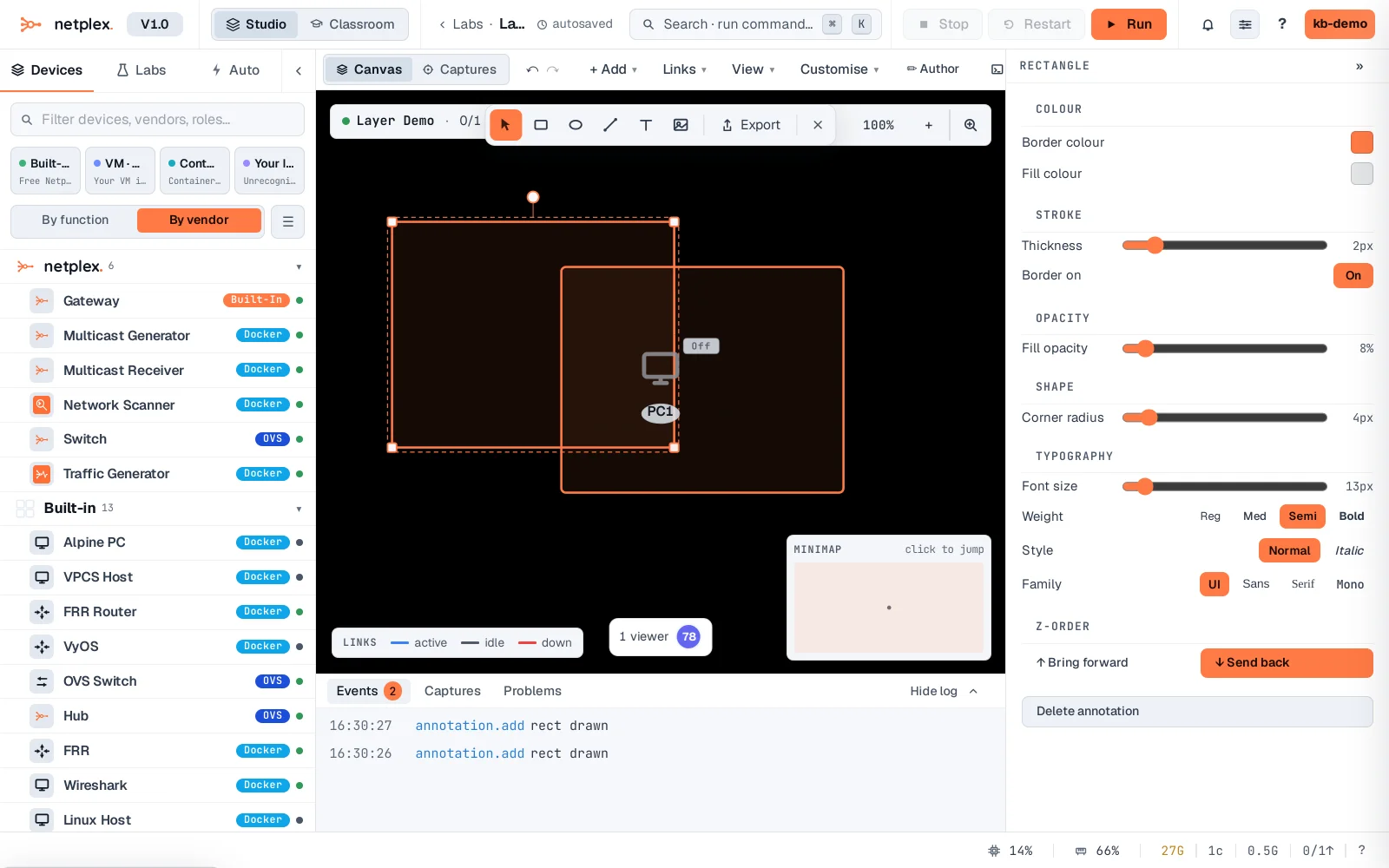
Send to back works the same way in reverse. Layering only affects draw order between annotations themselves - shapes always render behind or in front of each other consistently, but nodes and links have their own separate default layering (annotations sit behind the topology by default).