Style shapes: colours, borders and opacity
Select any shape and the Inspector switches to its style panel - fill colour, border colour and thickness, opacity, and (for boxes) corner radius. Every value applies live, no separate "apply" step.
Draw a box, then select it (Select / move, click the shape). The Inspector shows Colour, Stroke and Opacity sections - a real style panel, not a static preview.
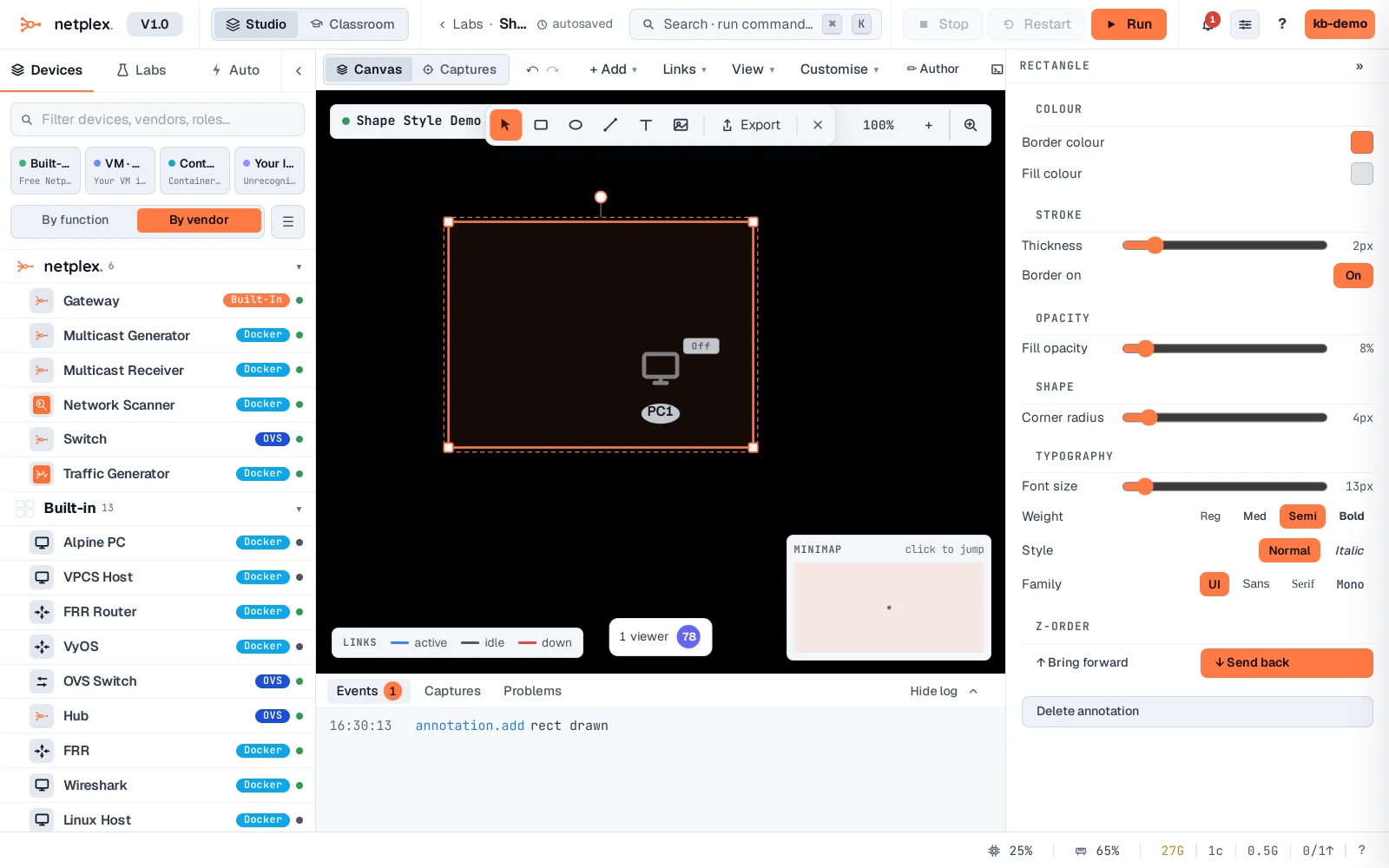
Open Fill colour and pick a swatch. The box recolours immediately on the canvas.
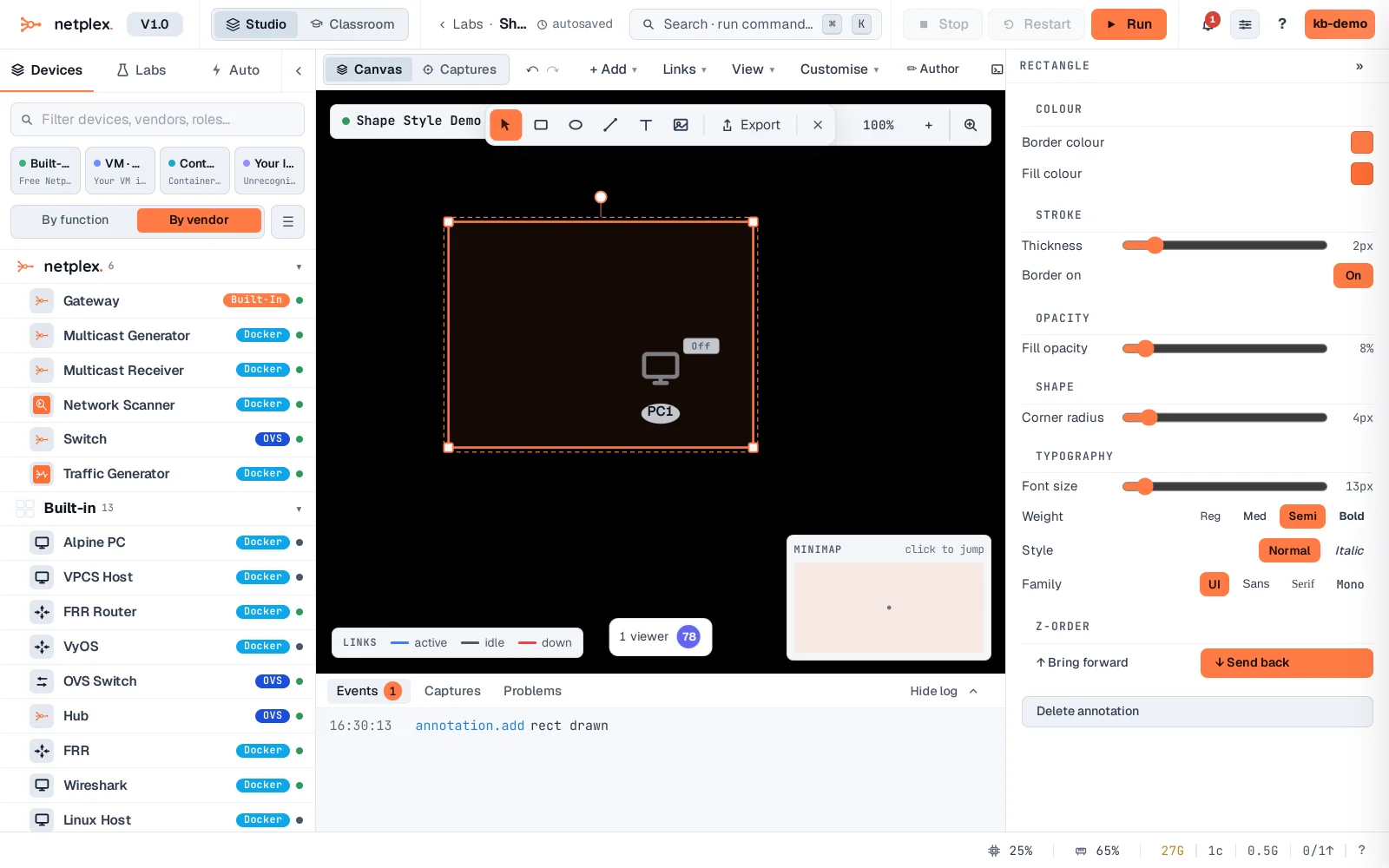
Border thickness, on/off, corner radius (boxes only) and overall opacity all live in the same panel below the colour pickers - each one a slider or toggle that applies as you drag it, the same panel a text label or a line shows its own relevant subset of.