Give a node a custom icon
Every node starts with an icon from its role or vendor - a generic host, a router glyph, a Cisco badge. Sometimes that is not the picture you want: a host running a specific app, a custom automation node, or just a device you want to stand out. Appearance → Search icons searches netplex.'s full 3,467-icon library and swaps a node's icon on the spot, independent of its actual image or vendor.
Right-click the node and choose Appearance, then the Icon tab. Search icons filters the whole library live, not just vendors already in your Library.
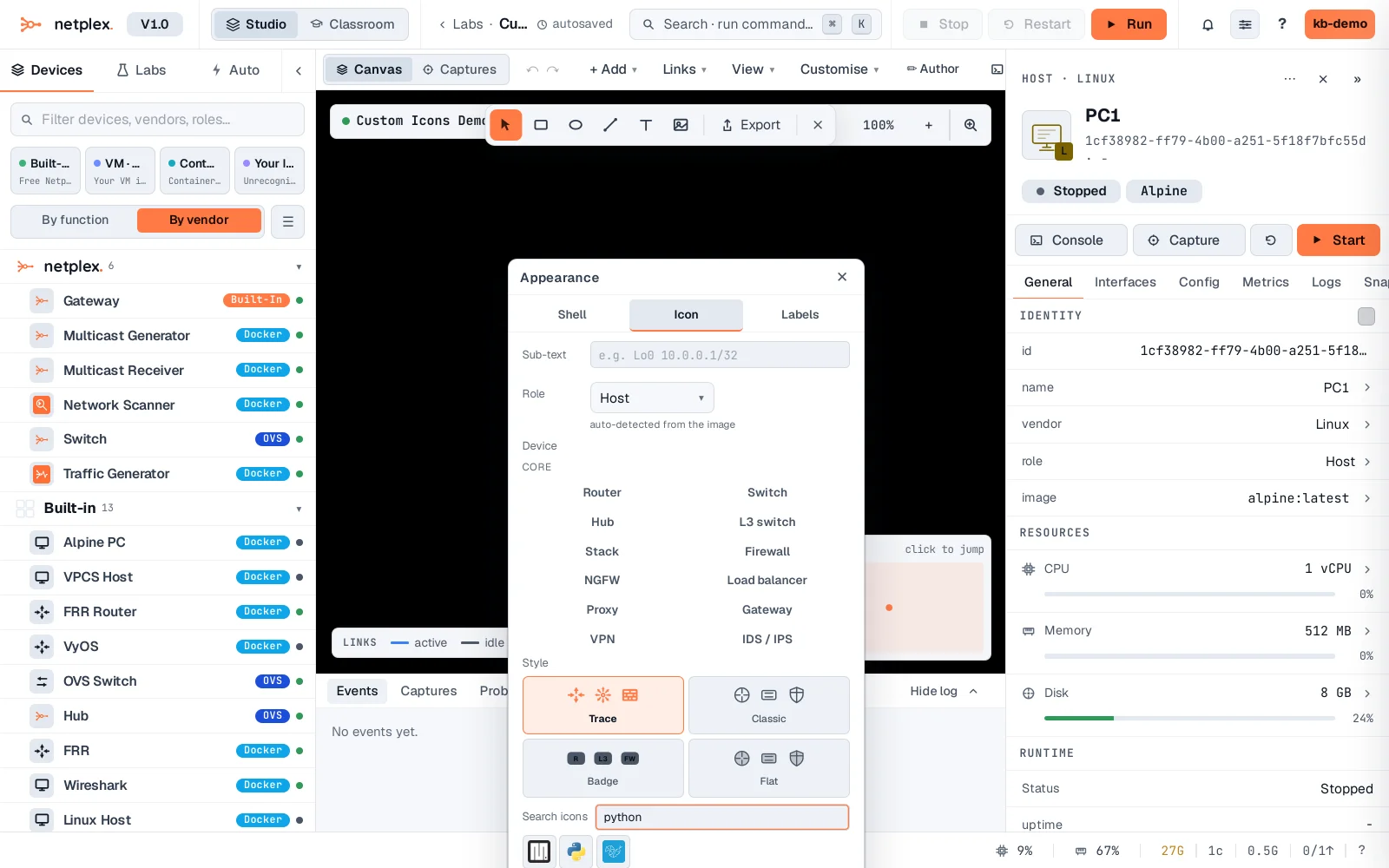
Click a result to apply it - the node's icon changes on the canvas immediately, while its underlying image, role and hardware are untouched. Auto (next to the search box) reverts to the role default at any time.
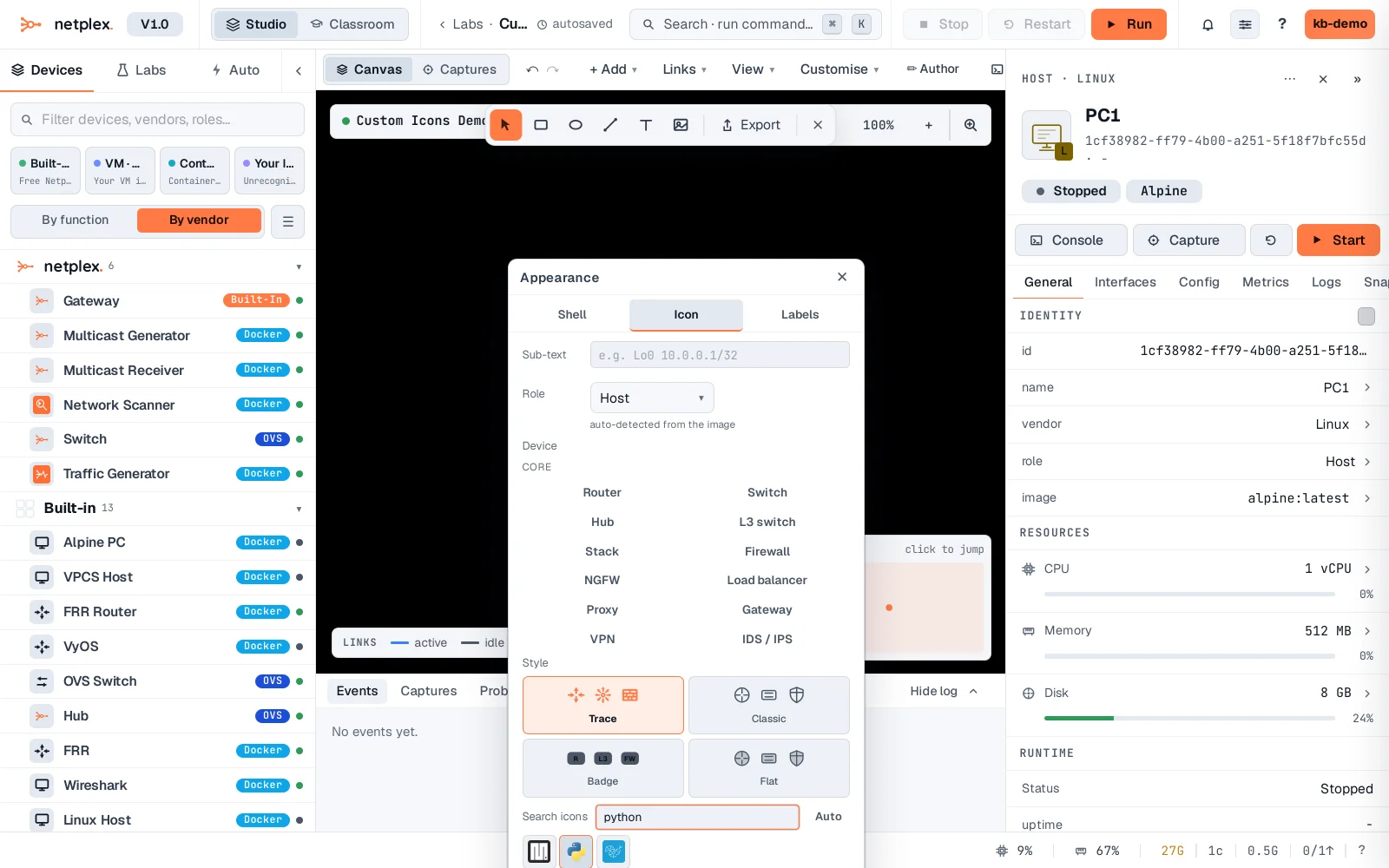
Custom icons are per-node and purely visual - they never change what the node runs. Combine with colour and shell overrides (see "Style individual nodes and links") to build a diagram that reads at a glance, or reset everything back to defaults from the node's right-click menu.