Delete a link
Wired the wrong two ports, or the topology changed? Click the link to select it, then delete it - the two devices stay exactly where they are, only the wire between them goes.
Click the link itself (the wire, not either device) to select it - it highlights and the Inspector switches to show that link's details.
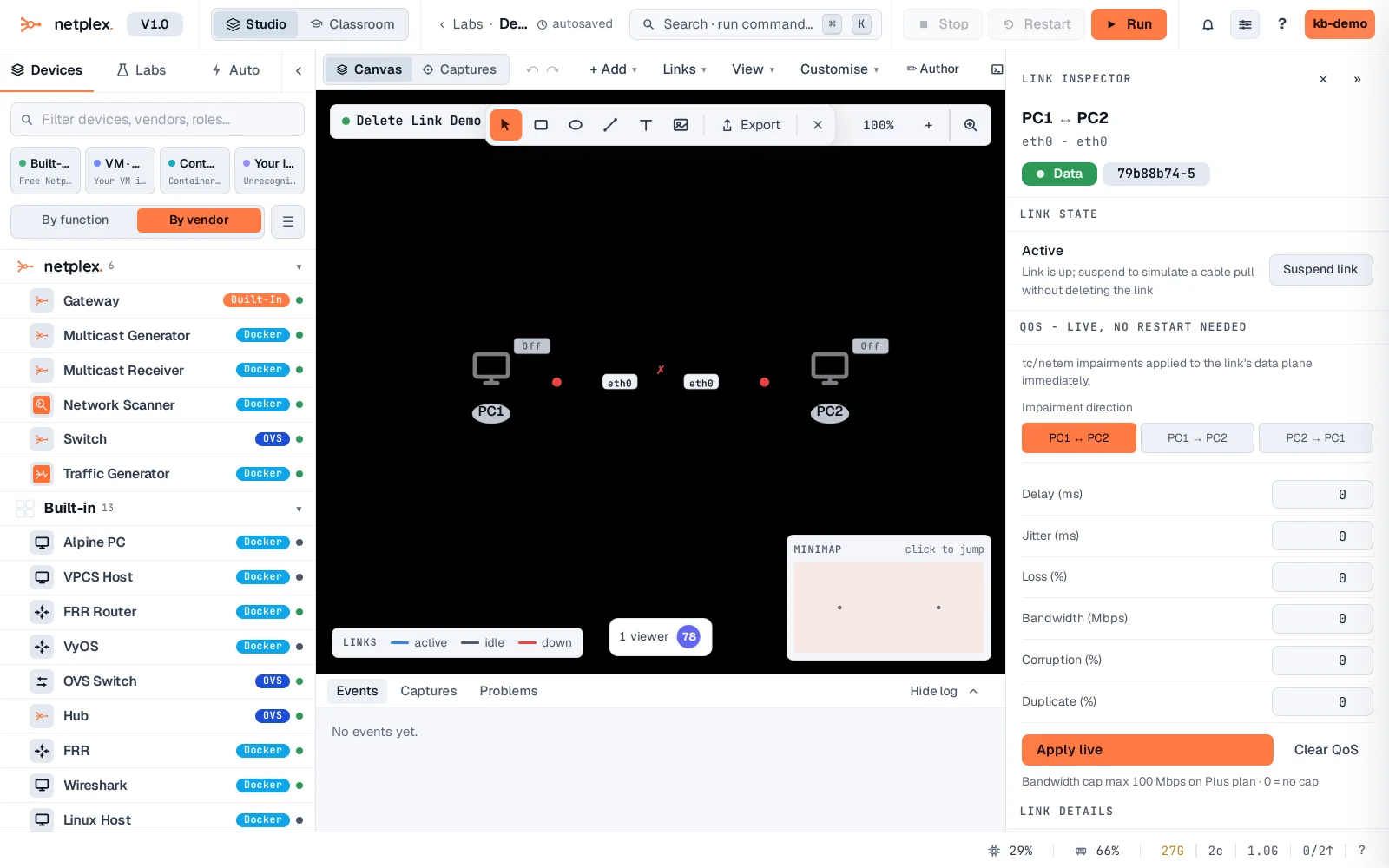
Right-click it and choose Delete, or press the Delete key while it's selected. The link is gone immediately - both PCs are still there, just unwired.
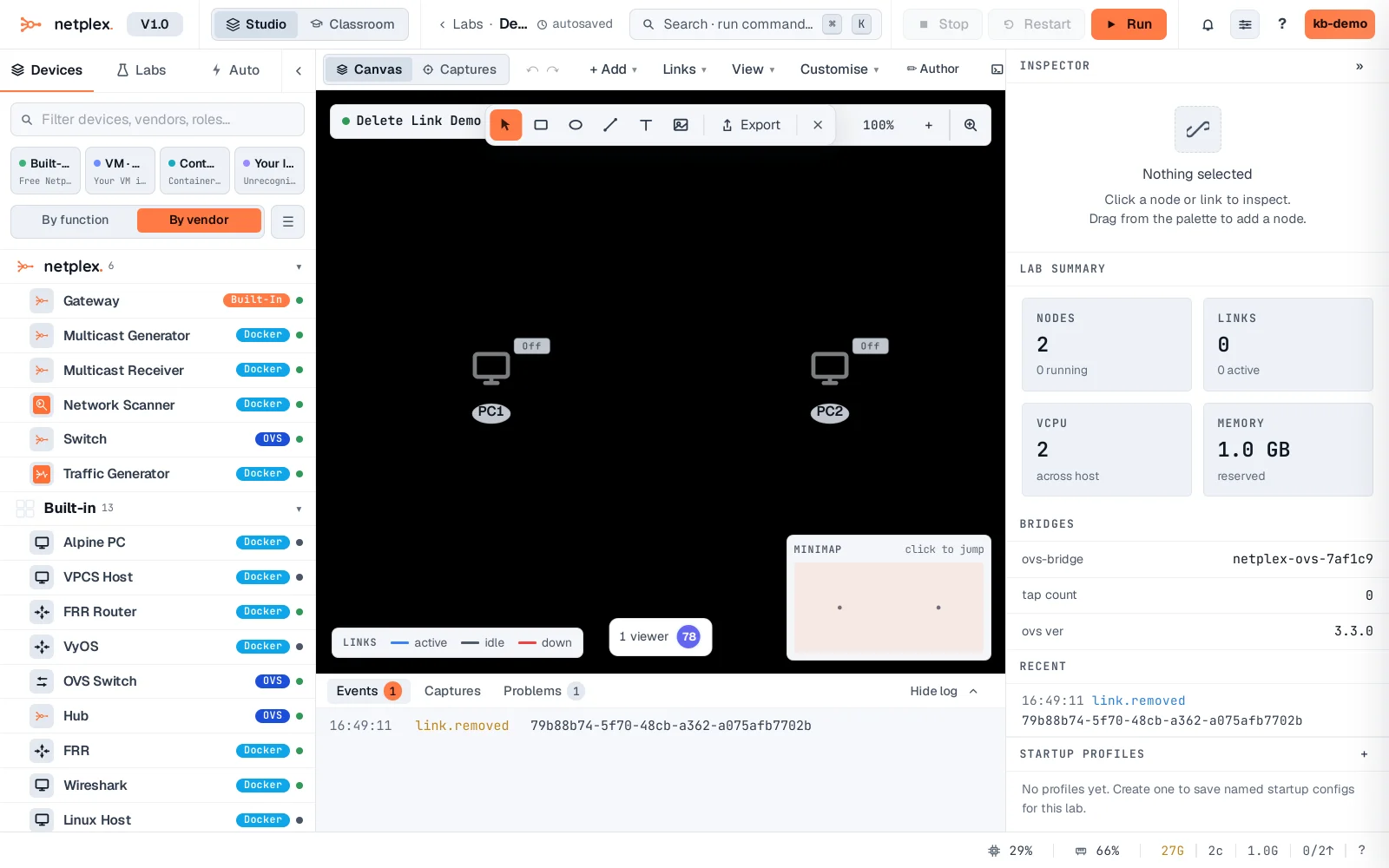
Deleting a link tears down its real bridge and any interface config that depended on it - draw a new link any time to reconnect, the same interface-picker flow as the first connection.