Drag and reposition nodes
Every node on the canvas is free-form - drag it anywhere, and its position saves with the lab. There is no grid to snap to and nothing to align first; arrange the topology however reads clearest for what you are building.
Click and drag a node to a new spot on the canvas - it follows the pointer in real time.
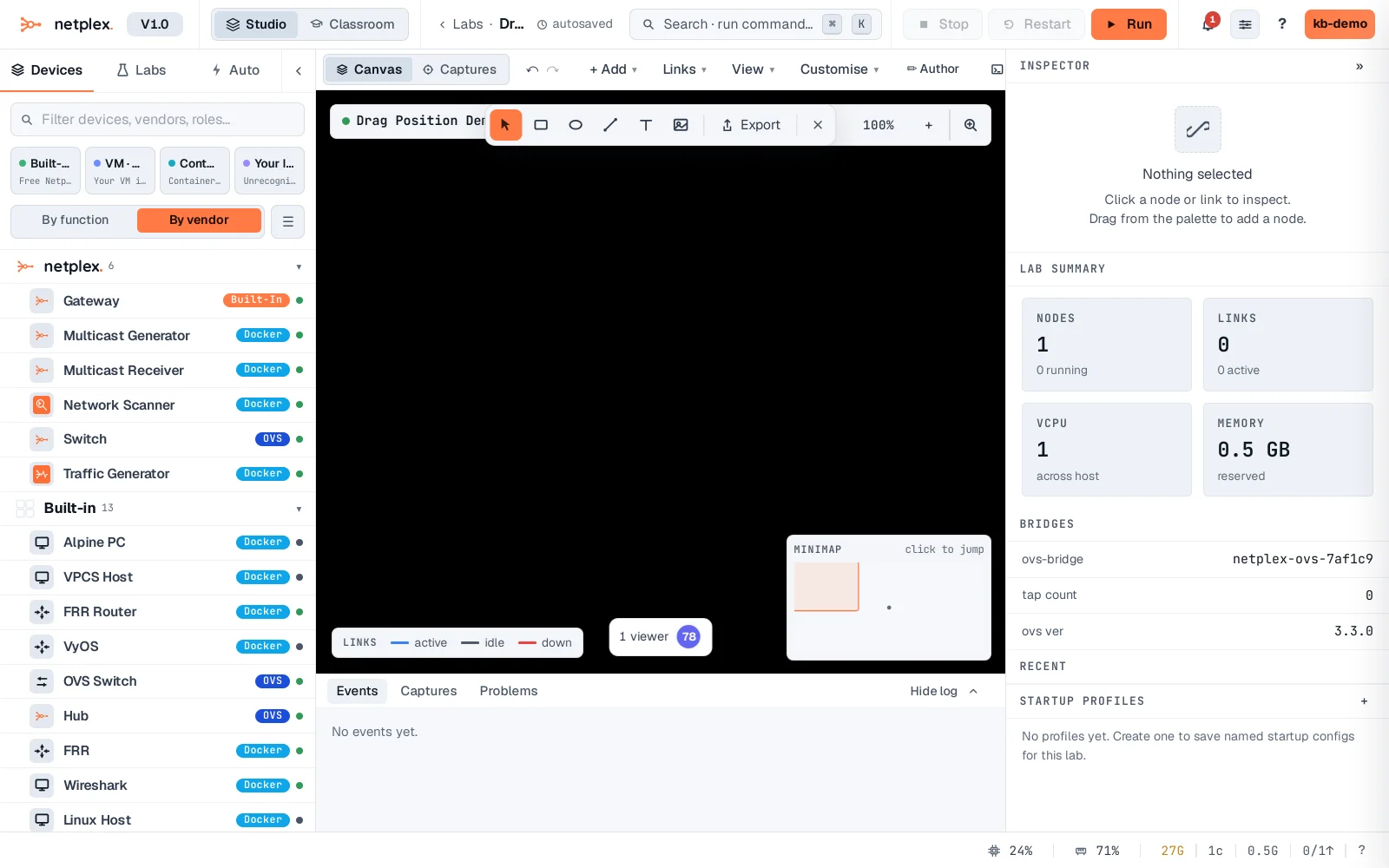
Let go and the new position is saved immediately - reload the lab and the node stays exactly where you left it.
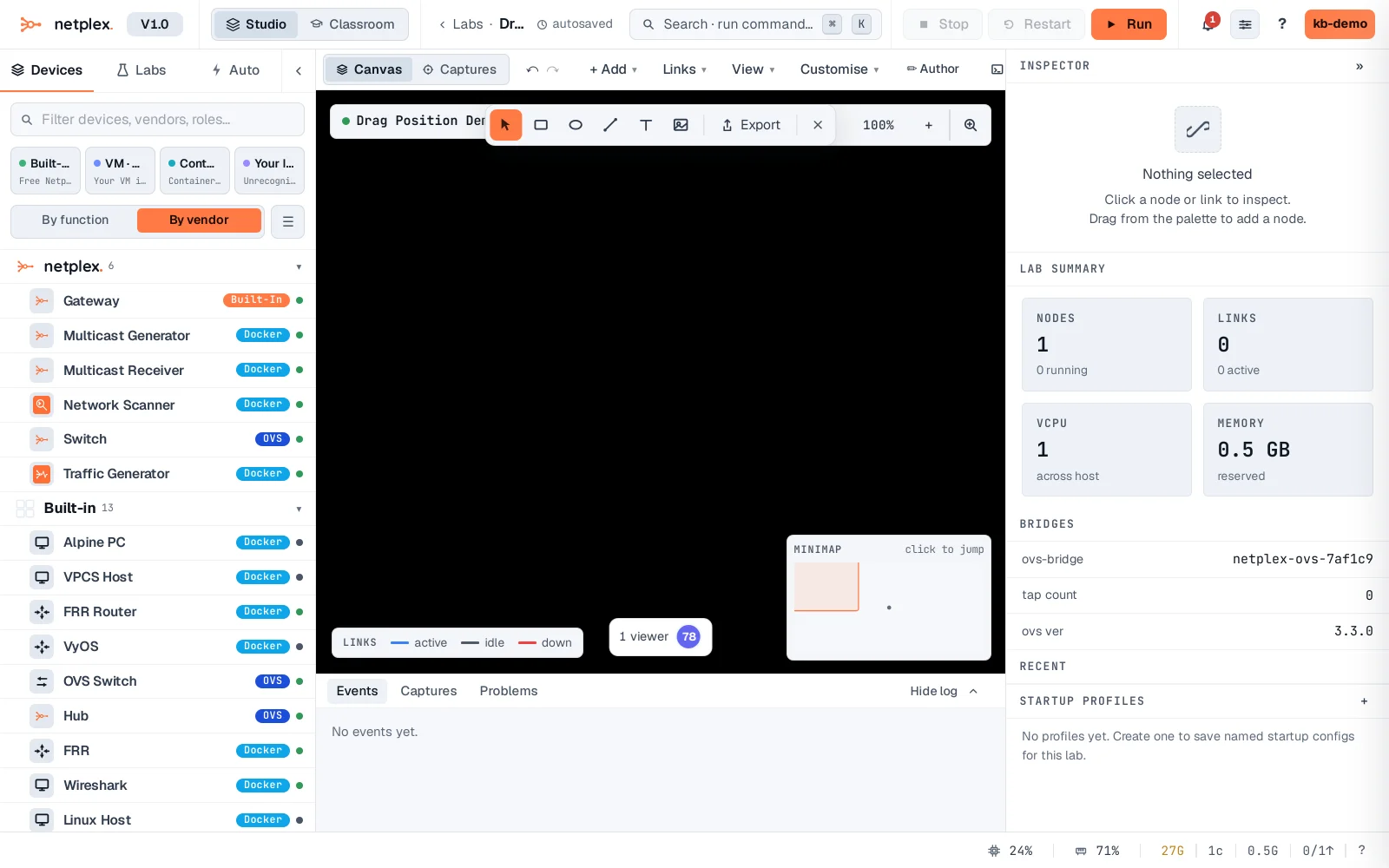
Position is per-node, saved the moment you release - there is no separate "save layout" step. Multi-select several nodes first (see "Select multiple nodes at once") and they drag together, keeping their relative arrangement.