The minimap: your position at a glance
The minimap sits fixed in the bottom-right of the canvas - a scaled-down view of the whole topology with your current viewport drawn as a rectangle on top. Click or drag anywhere on it to jump the main view there instantly, which is faster than panning across a large lab by hand.
Every node appears as a dot, every link as a line, at a fraction of the canvas size - useful for keeping your bearings the moment a lab grows past what fits on screen at once. Toggle it under View → Minimap if you would rather reclaim the screen space.
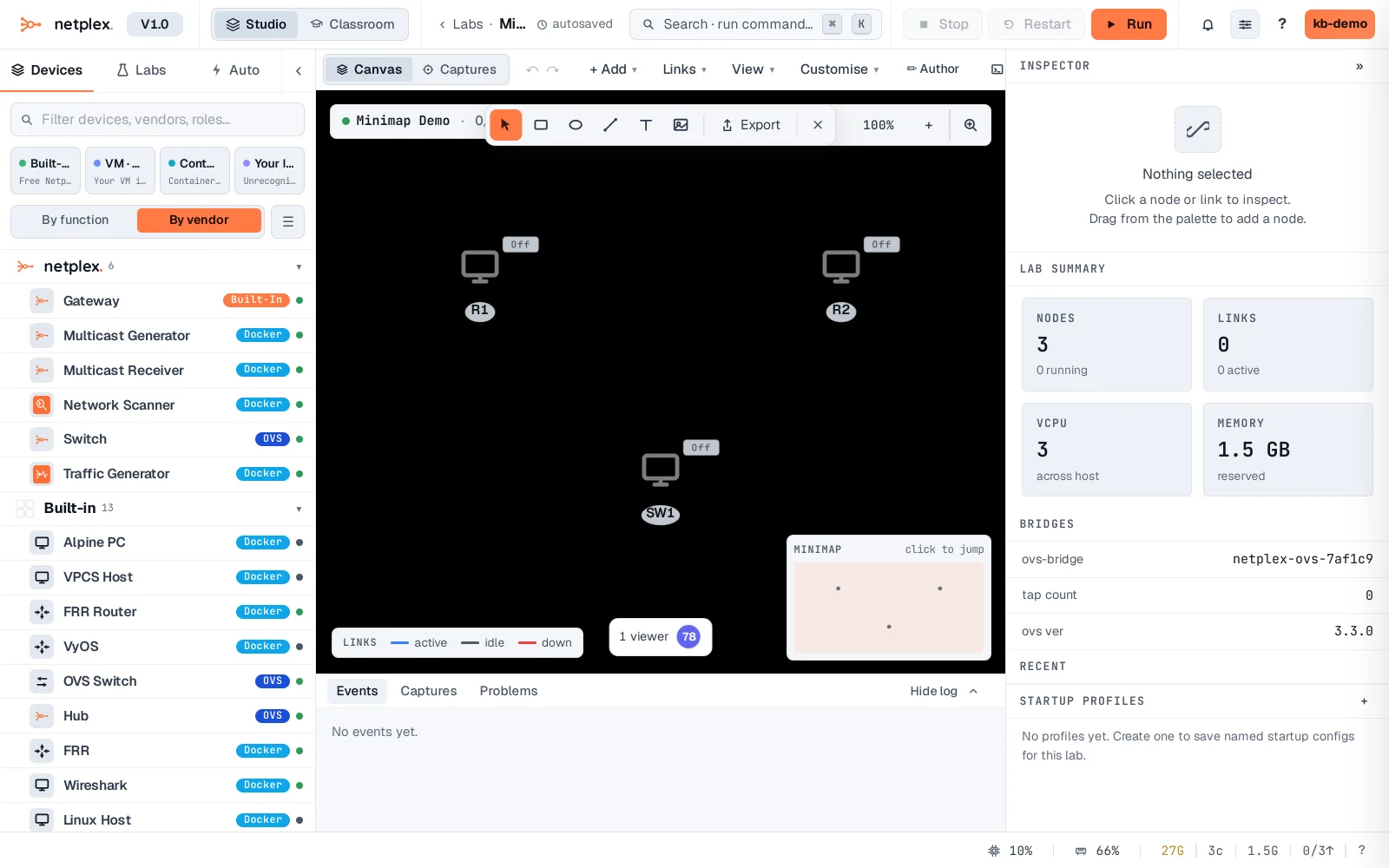
The minimap always shows the FULL topology regardless of your current zoom level, so it is the fastest way to spot a node you have panned away from. See "Zoom and fit the whole topology to view" for the toolbar's own zoom controls.