The node appearance popover
Right-click any node and choose Appearance for a popover covering everything about how that one device looks - colour, shell shape, icon style, size. It overrides the lab and global theme for just that node, and travels with the lab file.
Right-click the node, choose Appearance. The popover carries colour swatches, shell shape and icon style controls for this device alone.
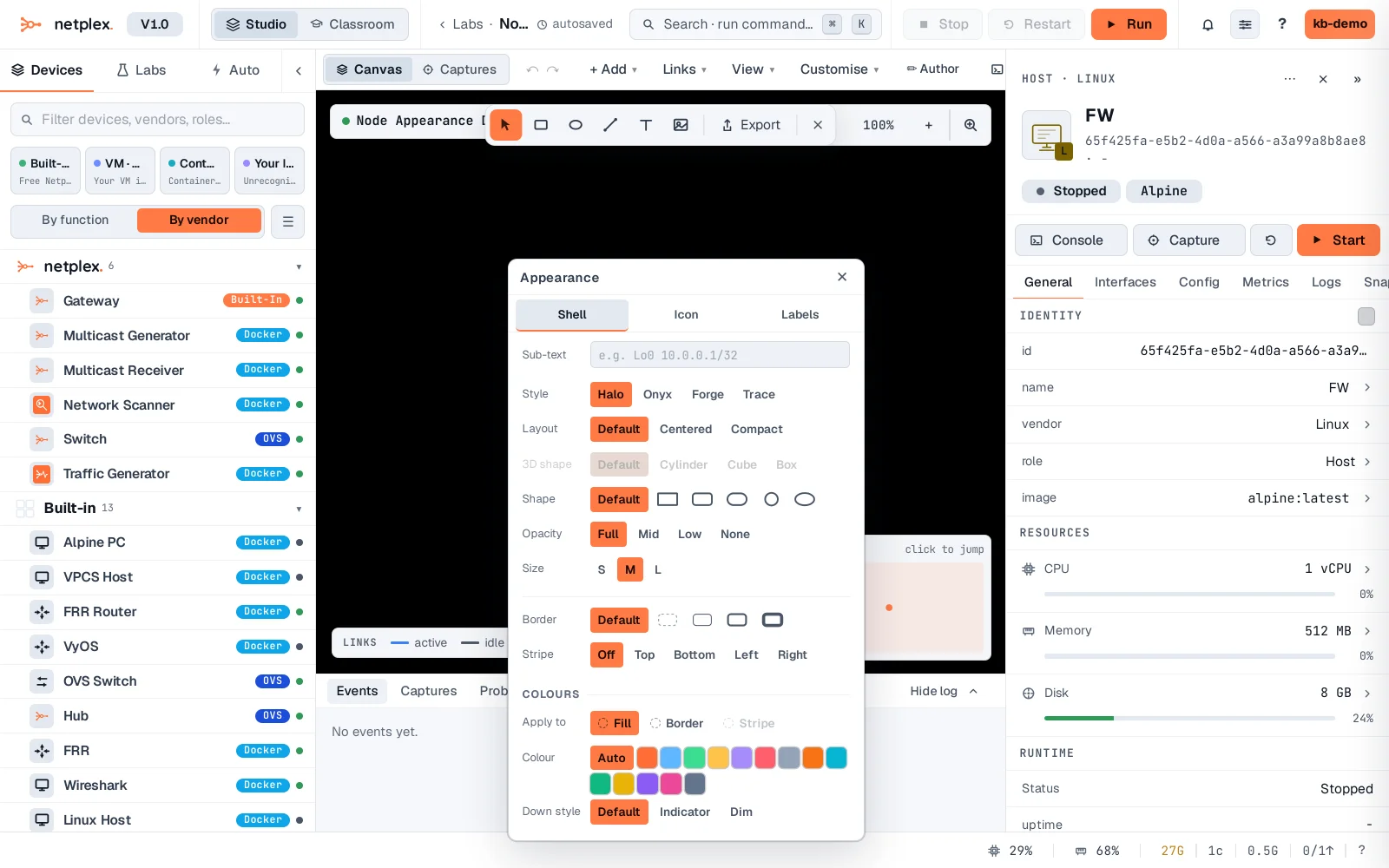
Pick a colour and the node updates on the canvas immediately. Use it to make roles obvious at a glance - firewalls red, servers blue - without touching any other device.
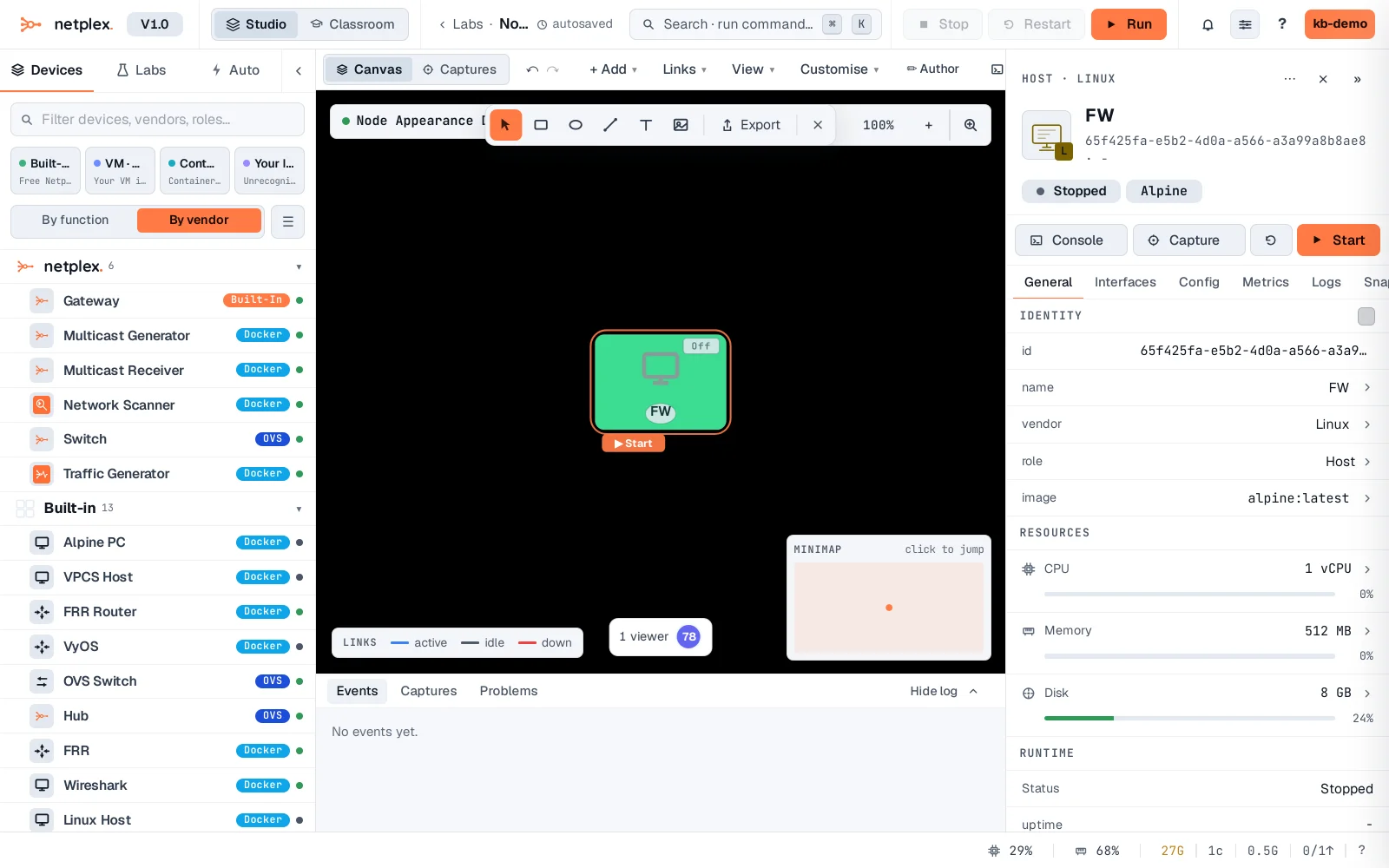
To undo, the node's right-click menu has Reset appearance, which returns it to whatever the lab or global theme says. See "The link appearance popover" for the same idea applied to a wire instead of a device, and "How appearance inheritance works" for how the tiers stack.