Undo and redo on the canvas
The canvas keeps a full undo/redo history, just like a drawing tool - add, move, delete, restyle, everything steps back and forward cleanly. Experiment freely; nothing is permanent until you leave it.
Made a wrong move? Undo (the ↶ button, or ⌘Z) steps back through every change on the topology, and Redo (↷) steps forward again.
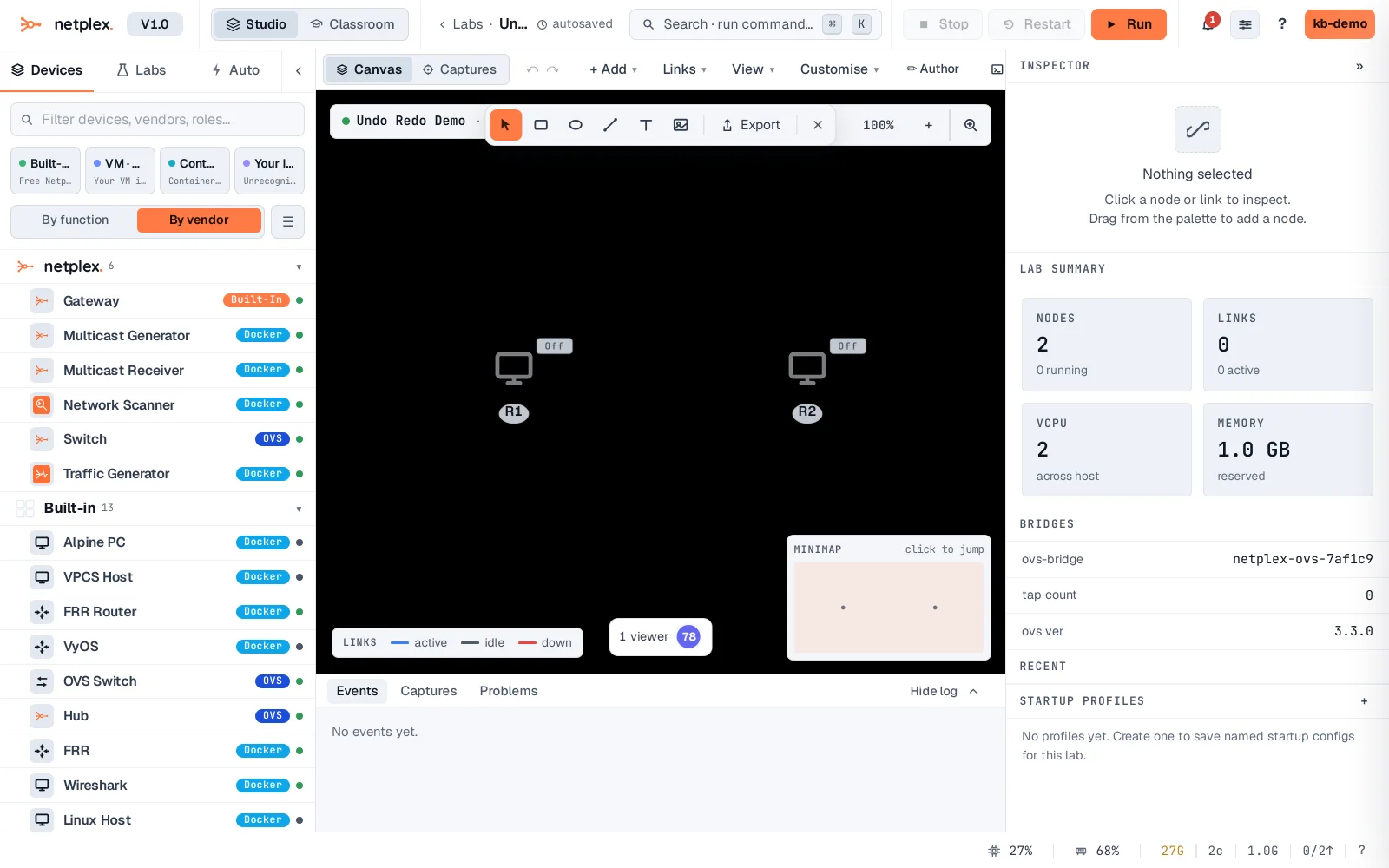
Undo/redo covers annotations as well as devices and links, so a whole styling pass can be reverted in one step if it does not look right. See "Select multiple nodes at once" for acting on several devices before you need to undo anything.