Zoom and fit the whole topology to view
The canvas is an infinite surface, so getting back to a useful view matters. The zoom cluster in the toolbar handles both the fine-grained case (step in or out) and the "I am lost" case (fit everything on screen in one click).
The zoom cluster sits in the canvas toolbar: - and + step the zoom, the percentage resets to 100%, and Fit all nodes to screen frames the whole topology - your fastest way home on a big lab, or after scrolling too far while exploring.
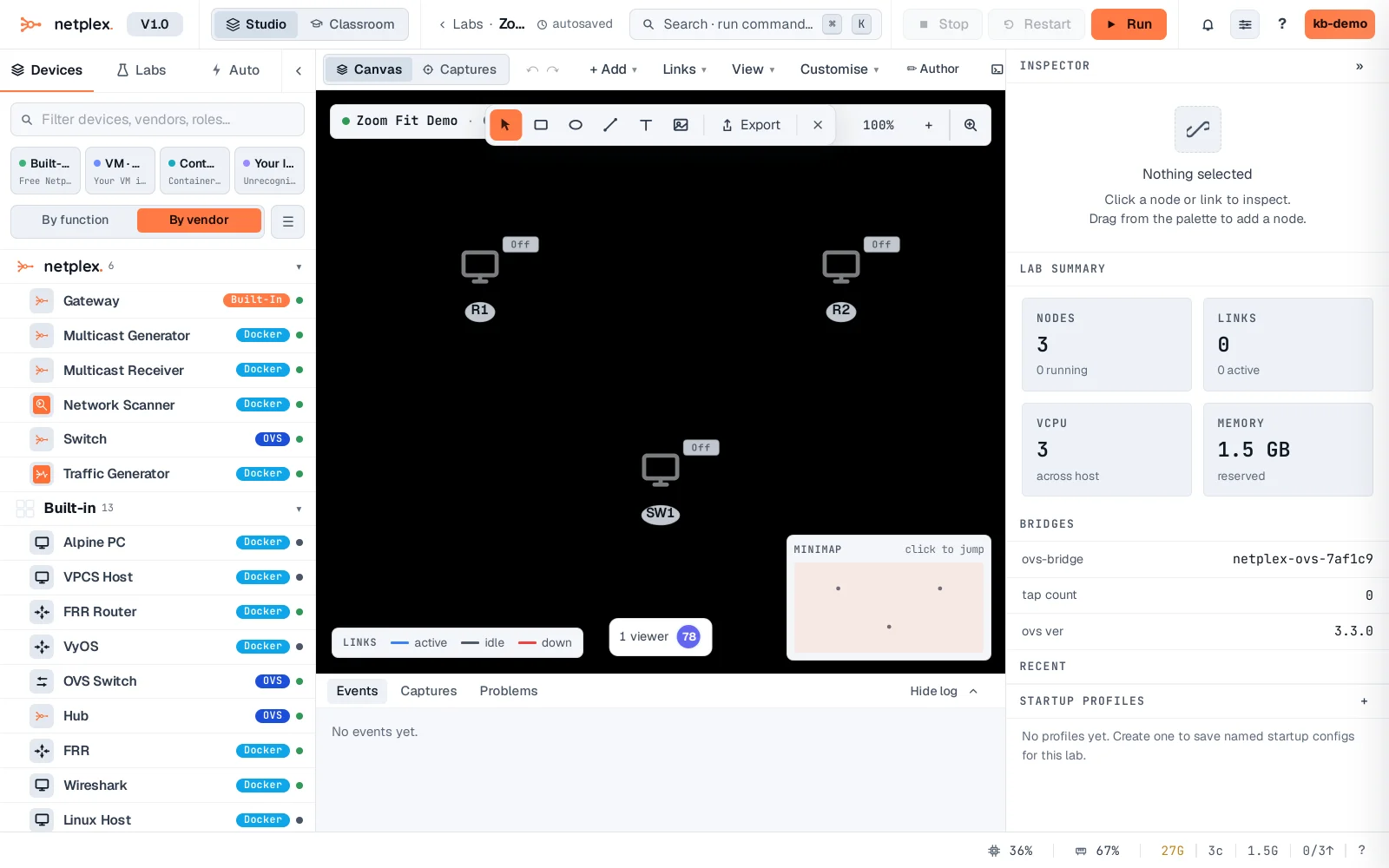
Pan by dragging empty canvas; scroll to zoom at the pointer. The view (pan + zoom) is remembered per lab, so you come back to exactly where you left off next time you open it. See "Zoom, fit, minimap and view options" for the full toolbar, and "The minimap" for the always-visible overview widget.