Command snippets: one-click macros in every console
Typing the same show command or ping target over and over gets old. The snippet bar docks under every console tab as a row of clickable chips - click one and it types (and sends) the command for you. A handful of common ones - show ip int br, ping gw - come built in; add your own for anything you run often.
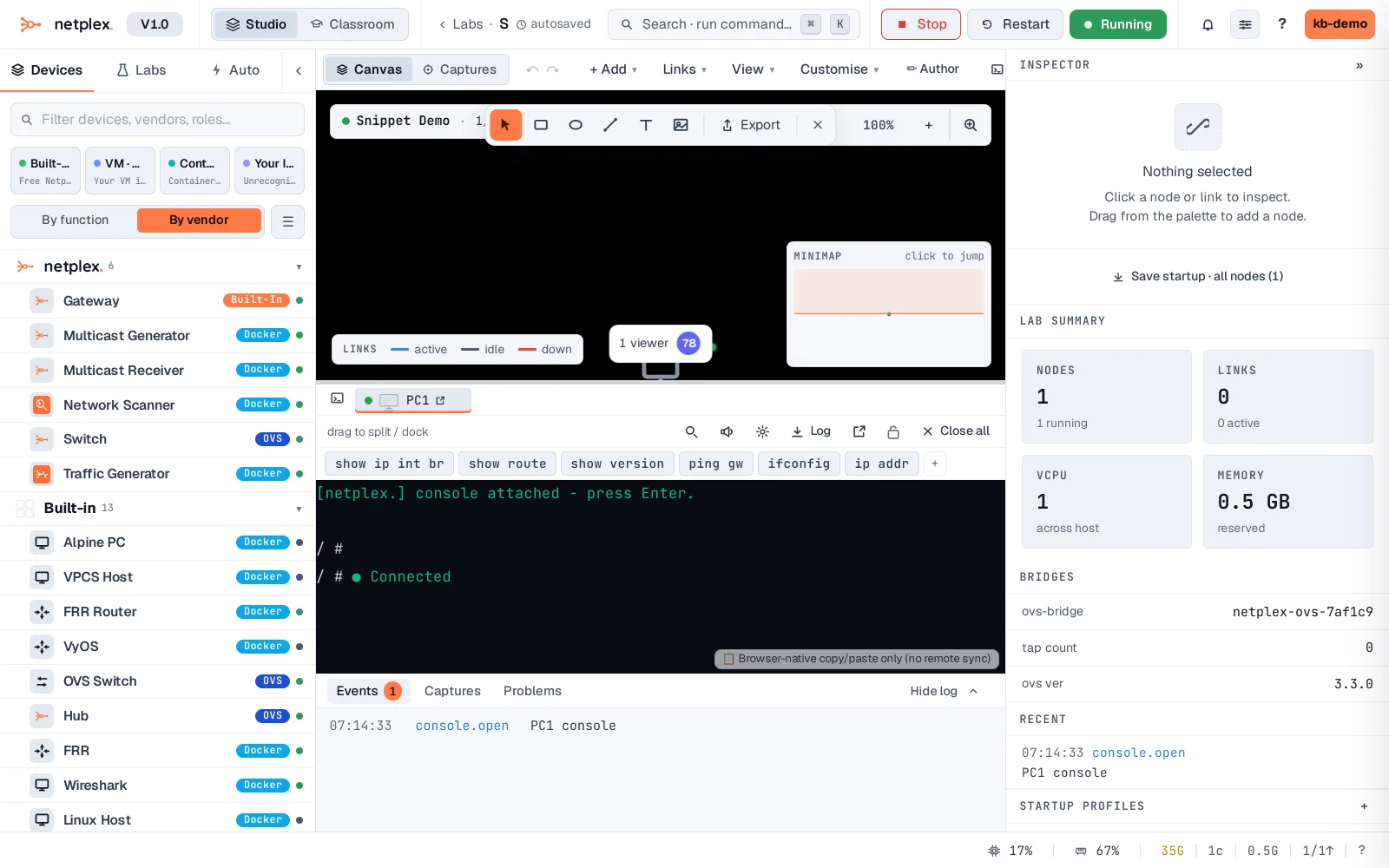
Open a console. The snippet bar sits right under the tab strip - a few defaults (show ip int br, ping gw, ifconfig) are already there for every account, plus a + to add your own.
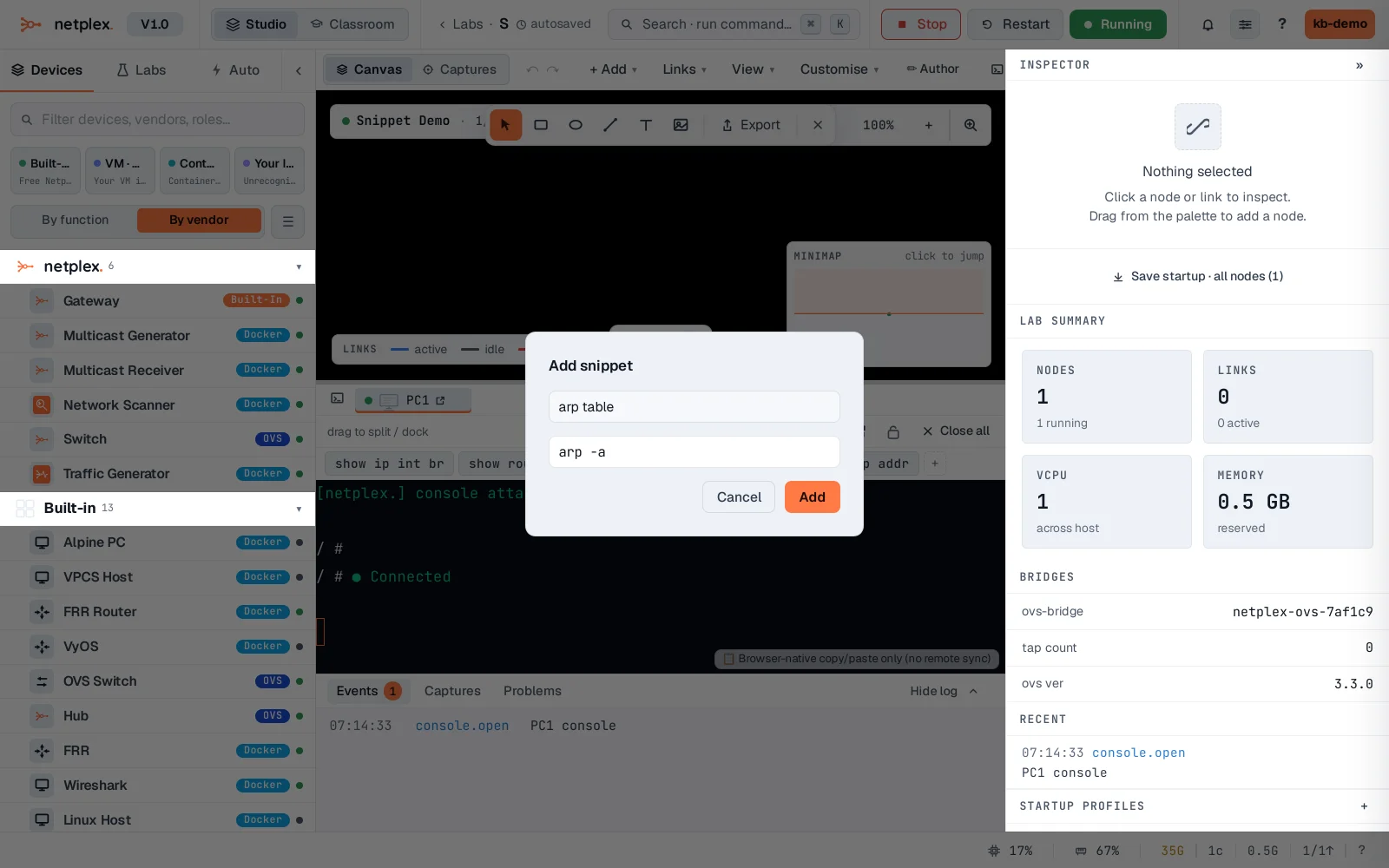
Click + to add one of your own - give it a short label and the exact command to send. Press Enter in either field to save without reaching for the mouse.
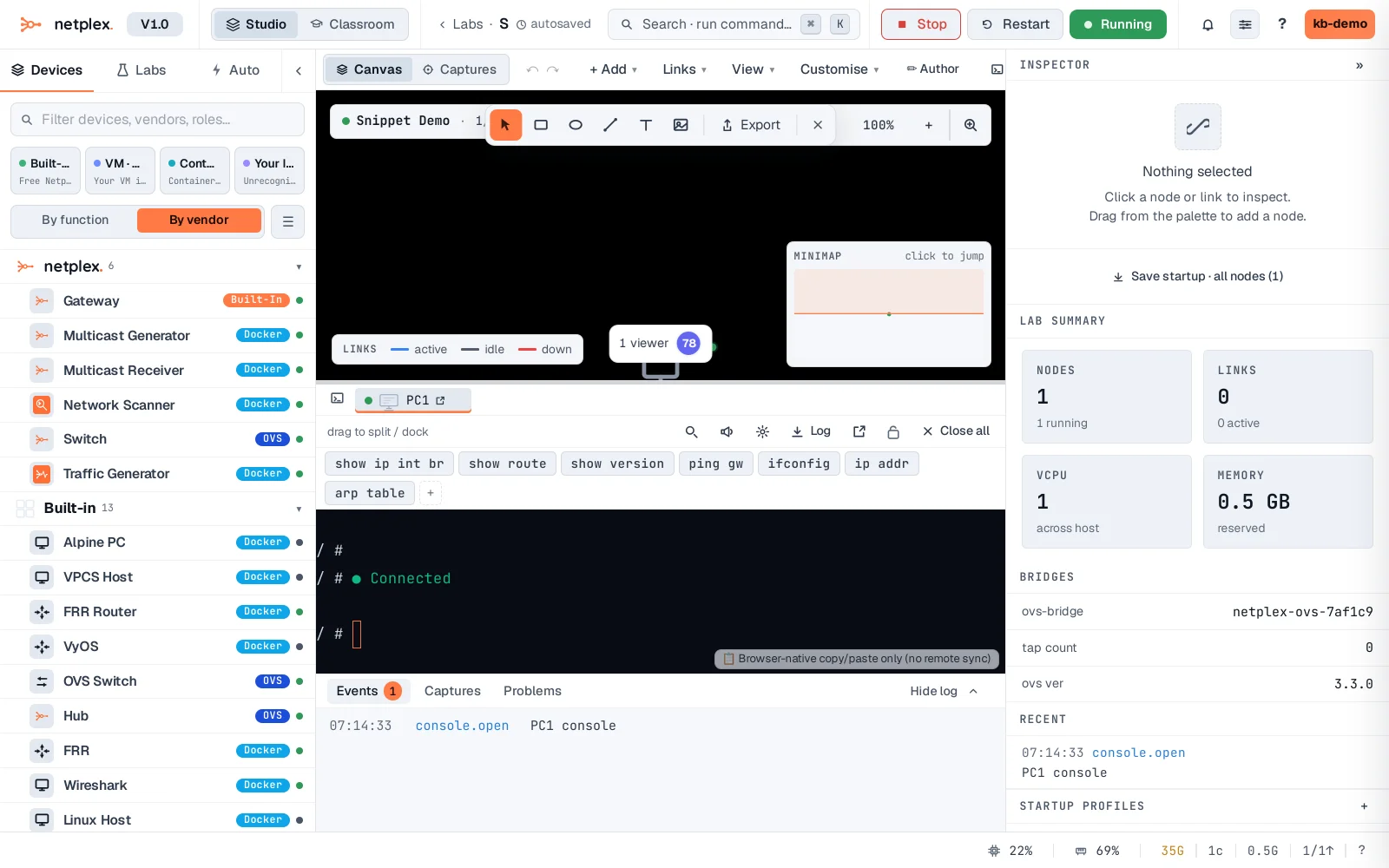
Save it and the new chip appears immediately, ready to click - right-click any chip (built-in or your own) to edit or delete it.
Snippets are per-account and follow you everywhere - the same bar shows up under every console, on every node, in every lab. See "Splits and broadcast typing" to send the same snippet to several consoles at once.