The Connector: native terminals and local device access
Every console in netplex. already works in the browser tab - no install needed. The Connector is for the times you want more: a real native terminal window instead of a browser tab, or reaching a physical device (USB console cable, local serial port) that a browser sandbox cannot see. It installs with one line, no unsigned-app security warnings to fight.
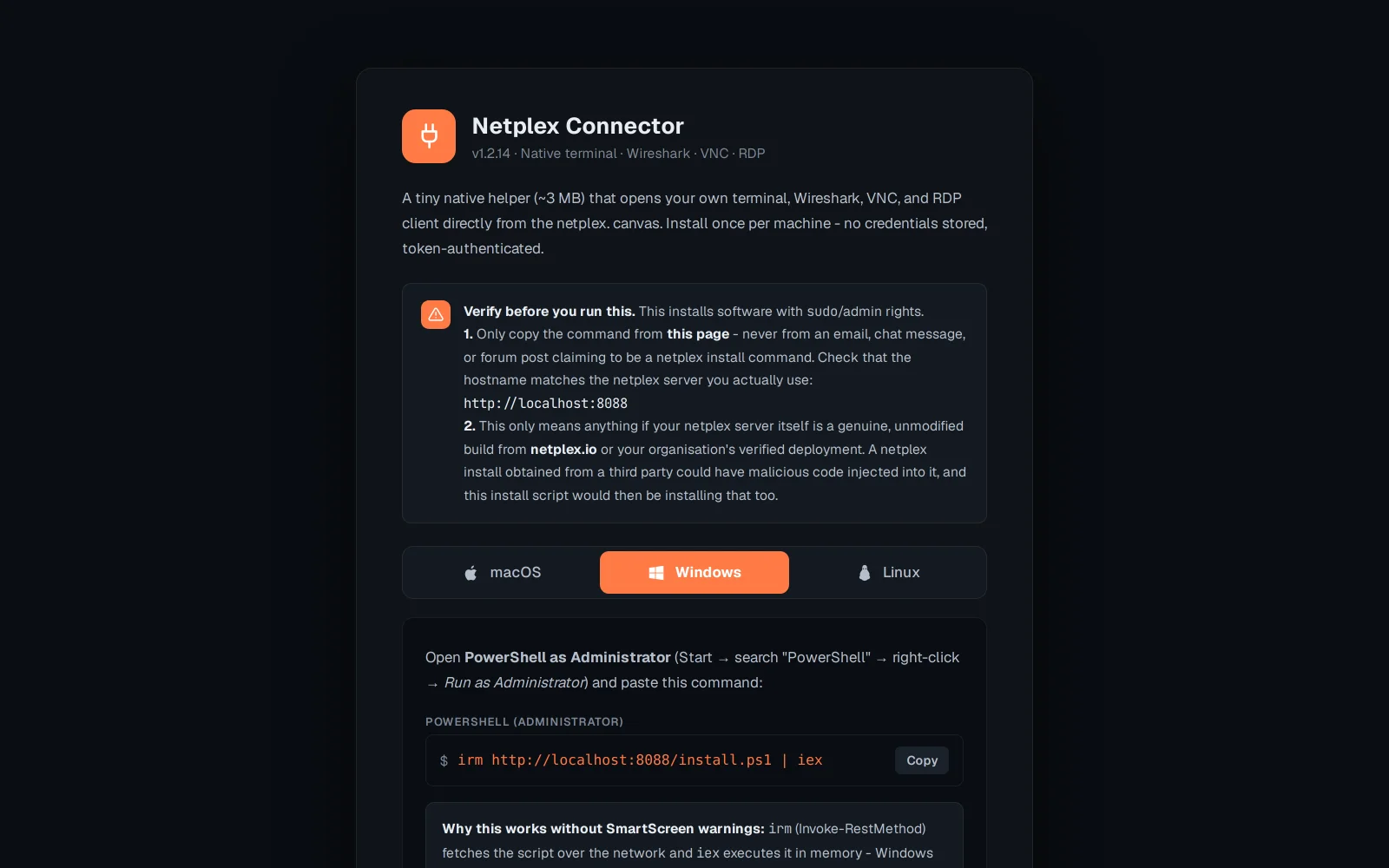
Open netplex.io/download/connector (or the link from Settings). It detects your OS automatically and shows the matching one-liner.
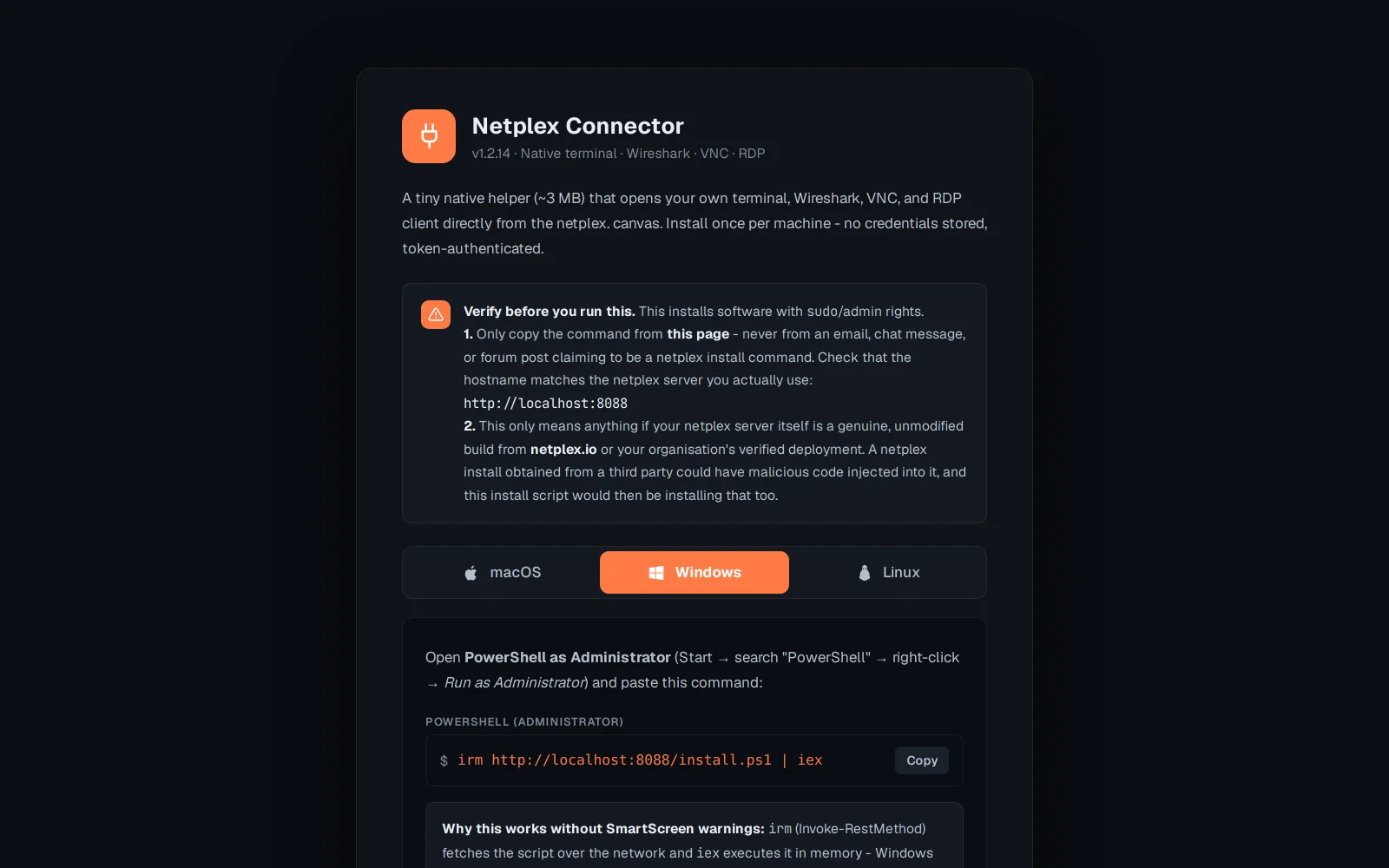
The one-liner runs through the terminal, on purpose - a plain browser download of an unsigned app gets quarantined by macOS Gatekeeper or Windows SmartScreen with no way to clear it for free. Piping the same binary through curl/irm never touches that quarantine, so there is nothing to fight past.
Once installed, the Connector shows up as a "native terminal" option next to any console and can also see local serial/USB devices the browser sandbox can't - for wiring a real physical switch into a lab alongside its virtual neighbours.