Download a console session as a log file
Every console keeps its own scrollback in the browser - and it can be saved to disk in one click, as a plain-text transcript, without touching the server at all.
After a session worth keeping - a debugging run, a config walkthrough - the Log button in the console toolbar saves everything currently in the scrollback as a plain-text .log file, straight from the browser, no server request involved.
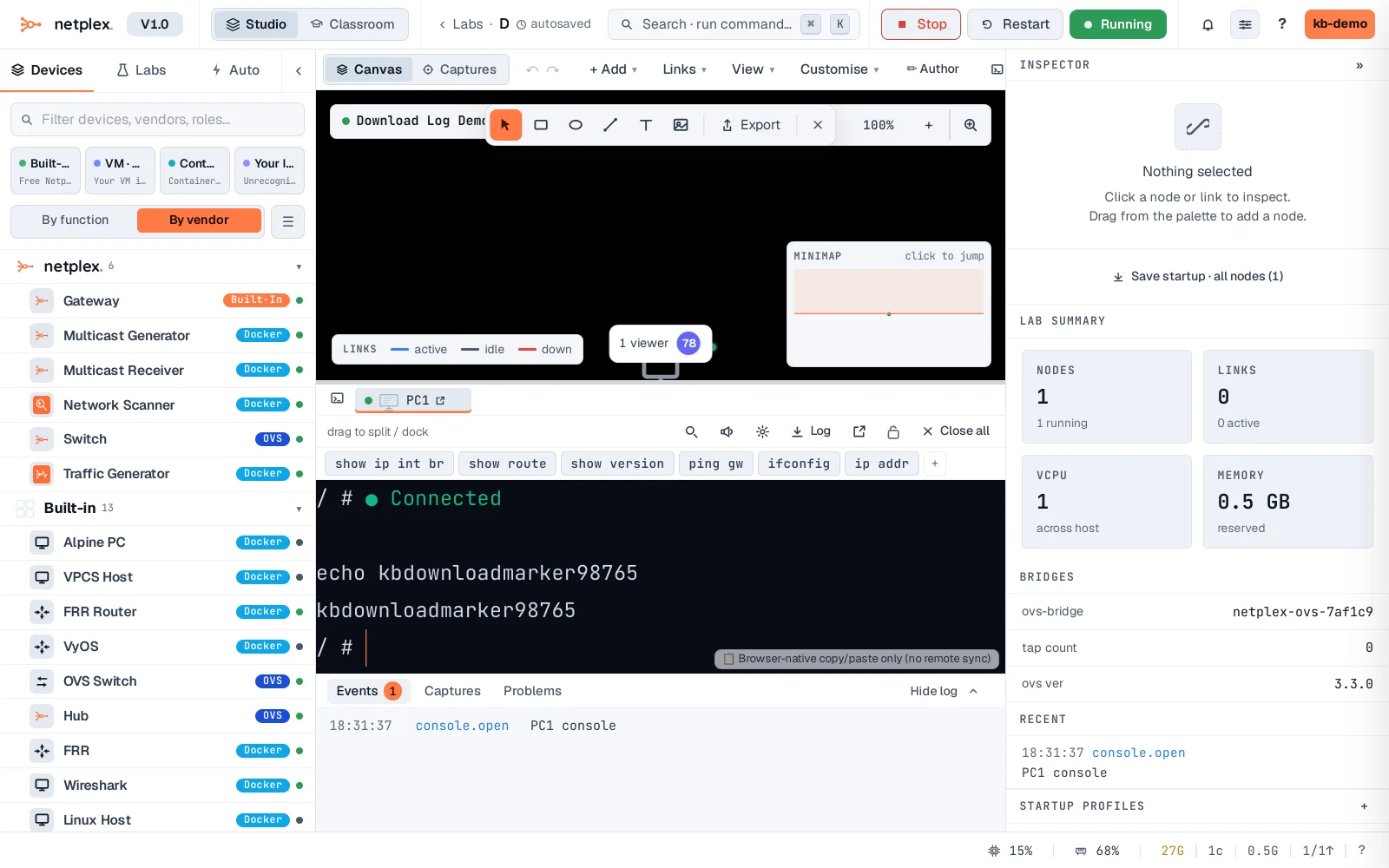
Click Log - the browser's own download prompt saves the transcript, named after the node, with everything typed and printed in this session intact.
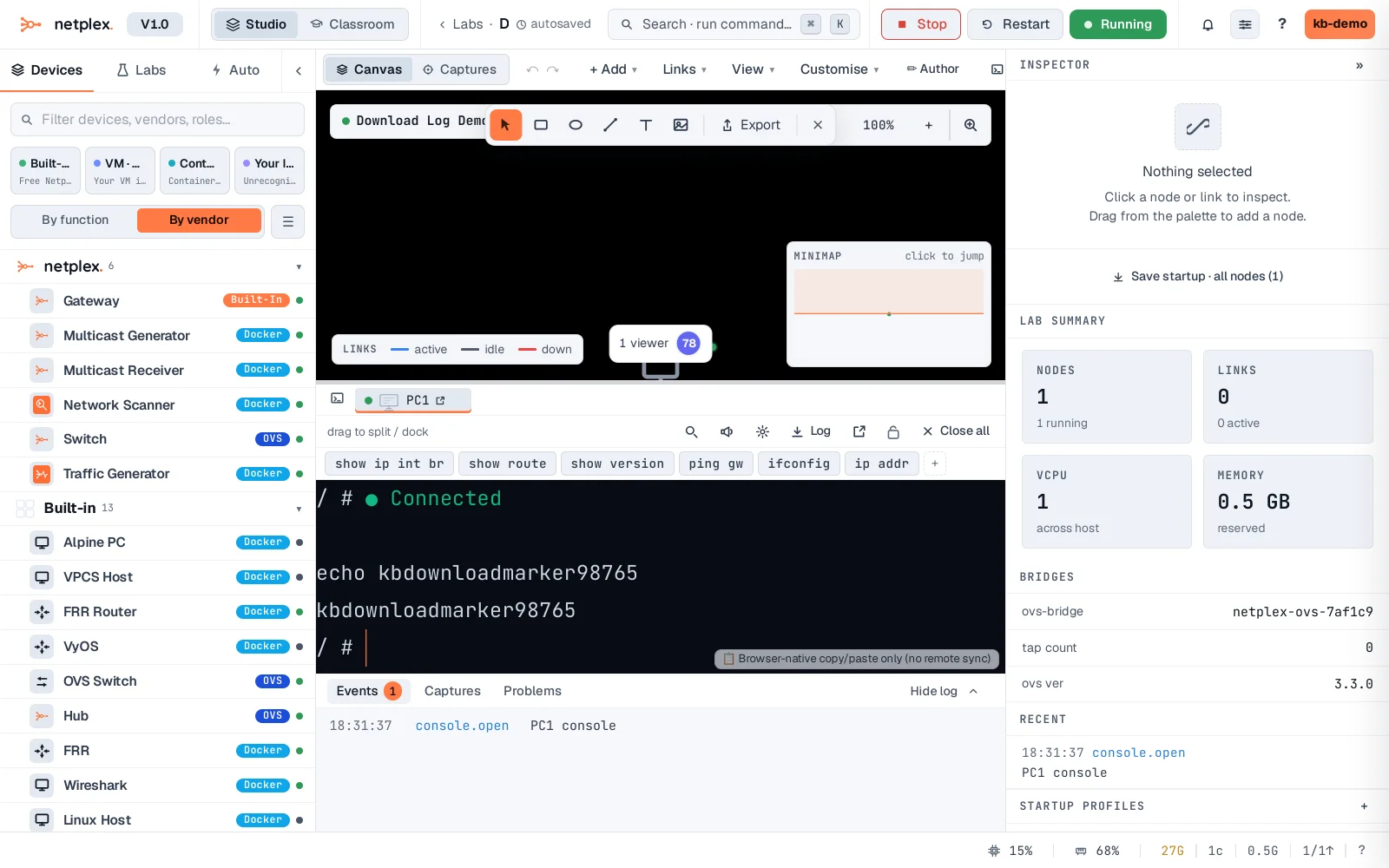
The download is a client-side snapshot of the visible scrollback only - increase Scrollback under the terminal appearance settings first if you need a longer history captured. See "Copy and paste in consoles" for grabbing just a portion instead of the whole session.