Pop a console out into its own browser tab
The console dock is great for quick checks, but a serious multi-hour session on one device deserves its own space. Pop out to separate window opens that node's console in a real, standalone browser tab - full-screen terminal, nothing else - while the rest of Studio stays exactly where you left it.
Open the node's console, then click Pop out to separate window in the dock header.
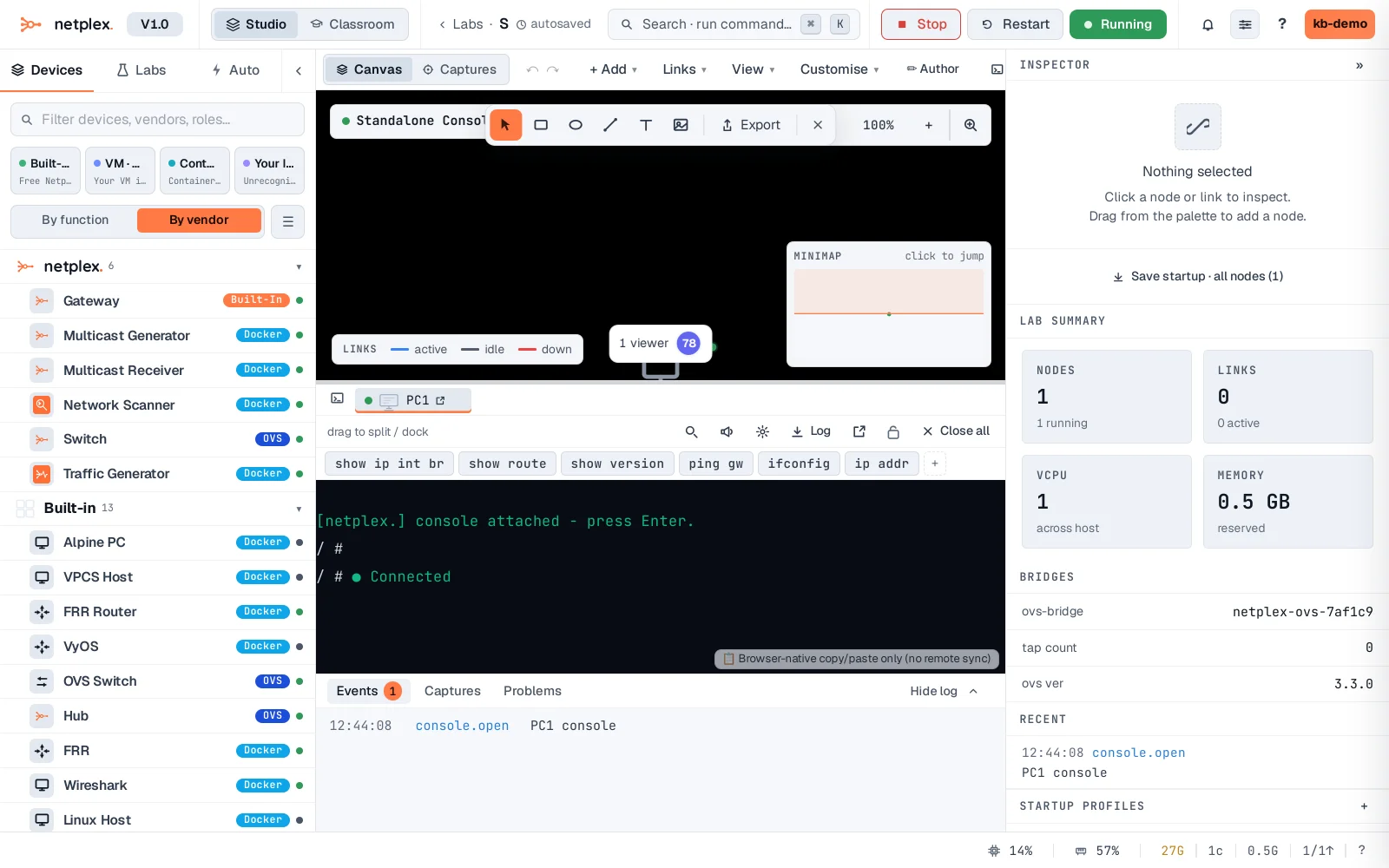
A real new browser tab opens at its own URL (/console/<lab id>?nodes=...) - the exact same terminal, now with the whole window to itself. The dock in the original tab goes dormant for this node rather than running two live connections to the same serial port.
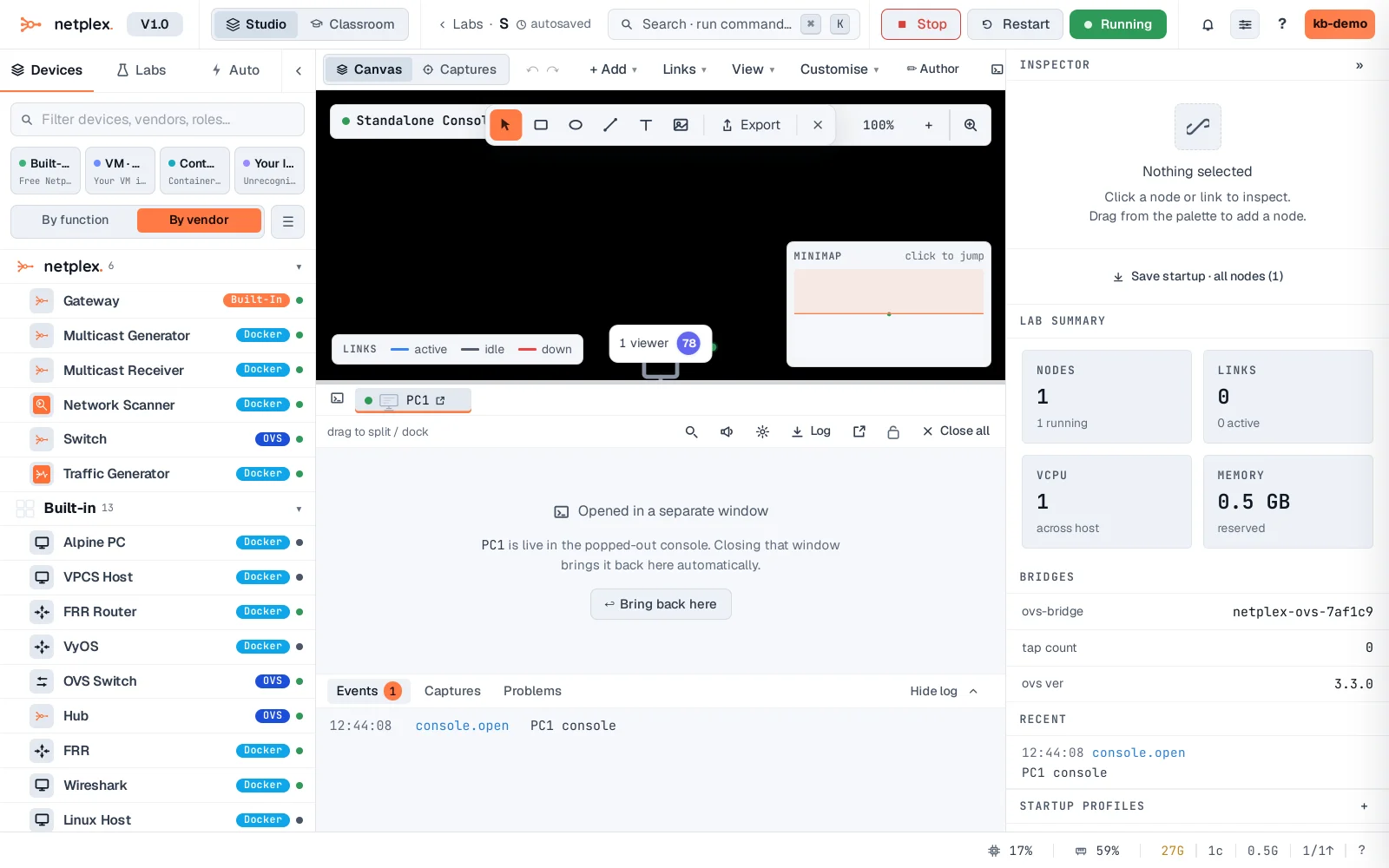
Closing the pop-out tab hands the console back to the docked window automatically - nothing is lost, the connection just reconnects where you left it. Pop out every open console at once from the dock's own pop-out button (with no console selected) if you're moving a whole multi-node session to a second monitor.