Find text in a console's scrollback
A long-running session builds up a lot of scrollback - finding one specific line in it by eye gets slow fast. Every built-in terminal has a real find-in-buffer search, the same feature a desktop terminal app would give you.
A long-running session builds up a lot of scrollback - the magnifying-glass icon (or Ctrl-Shift-F) opens a find bar right in the console, no scrolling by eye through hundreds of lines.
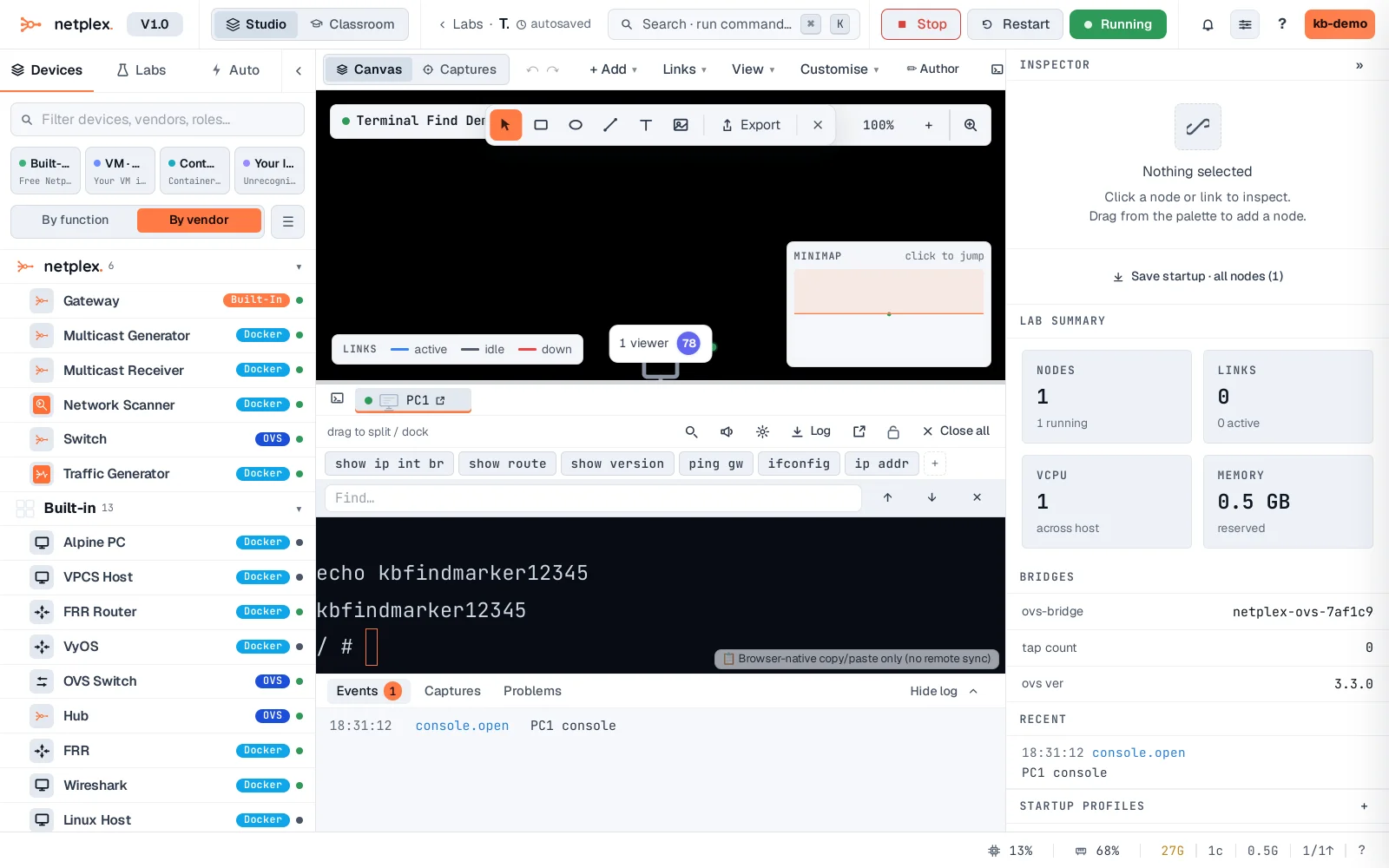
Type the text and press Enter - the match is selected directly in the scrollback, with ↑/↓ to step between occurrences.
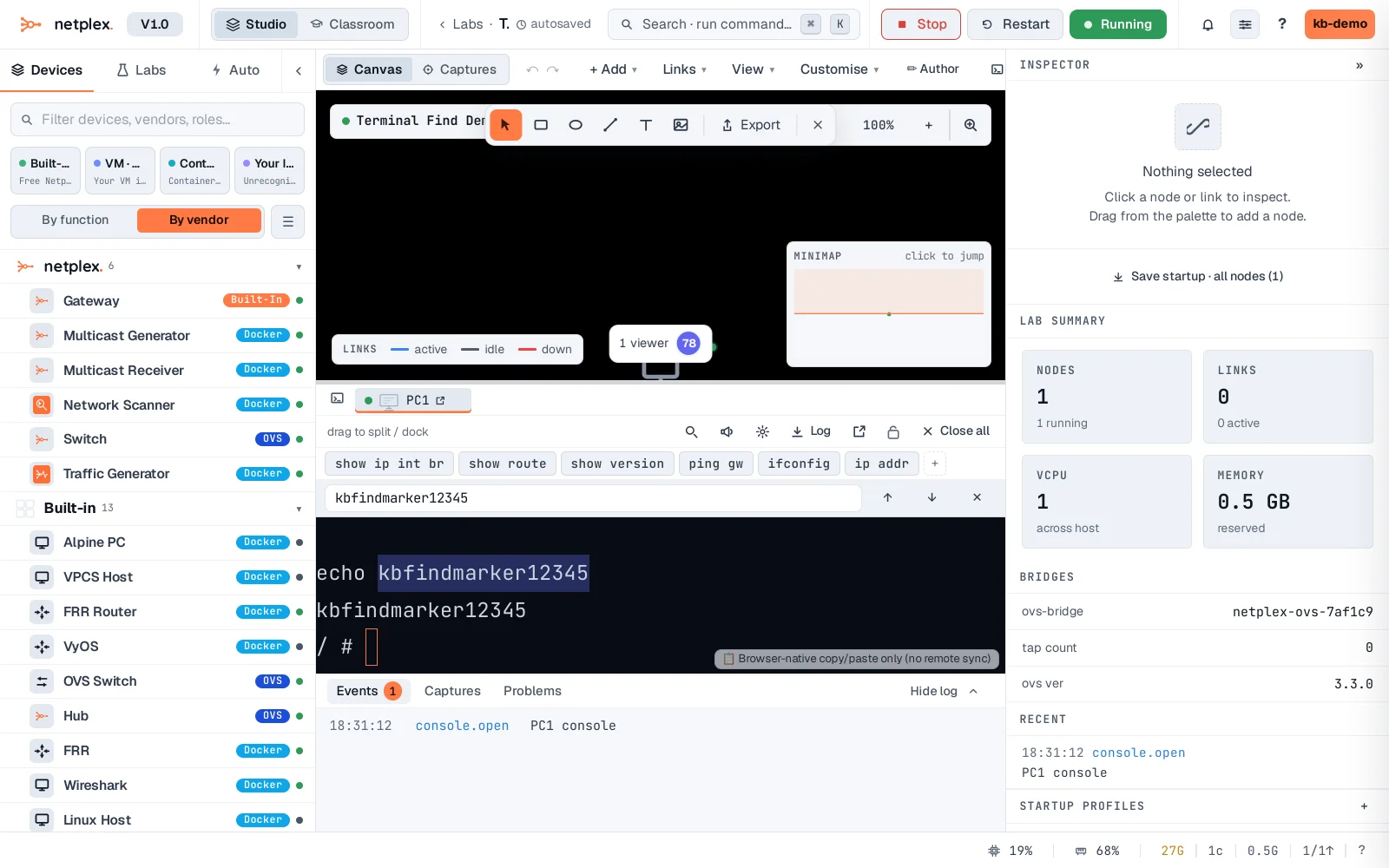
Find works on the whole scrollback, not just what is currently visible - useful for locating one specific error line in an output that scrolled past minutes ago. Escape or the ✕ closes the bar.