What a brand-new account sees first
The first time anyone logs in, netplex. skips straight past an empty dashboard and walks through three short steps: what the platform is, how to get device images in, and a one-click demo lab to explore immediately.
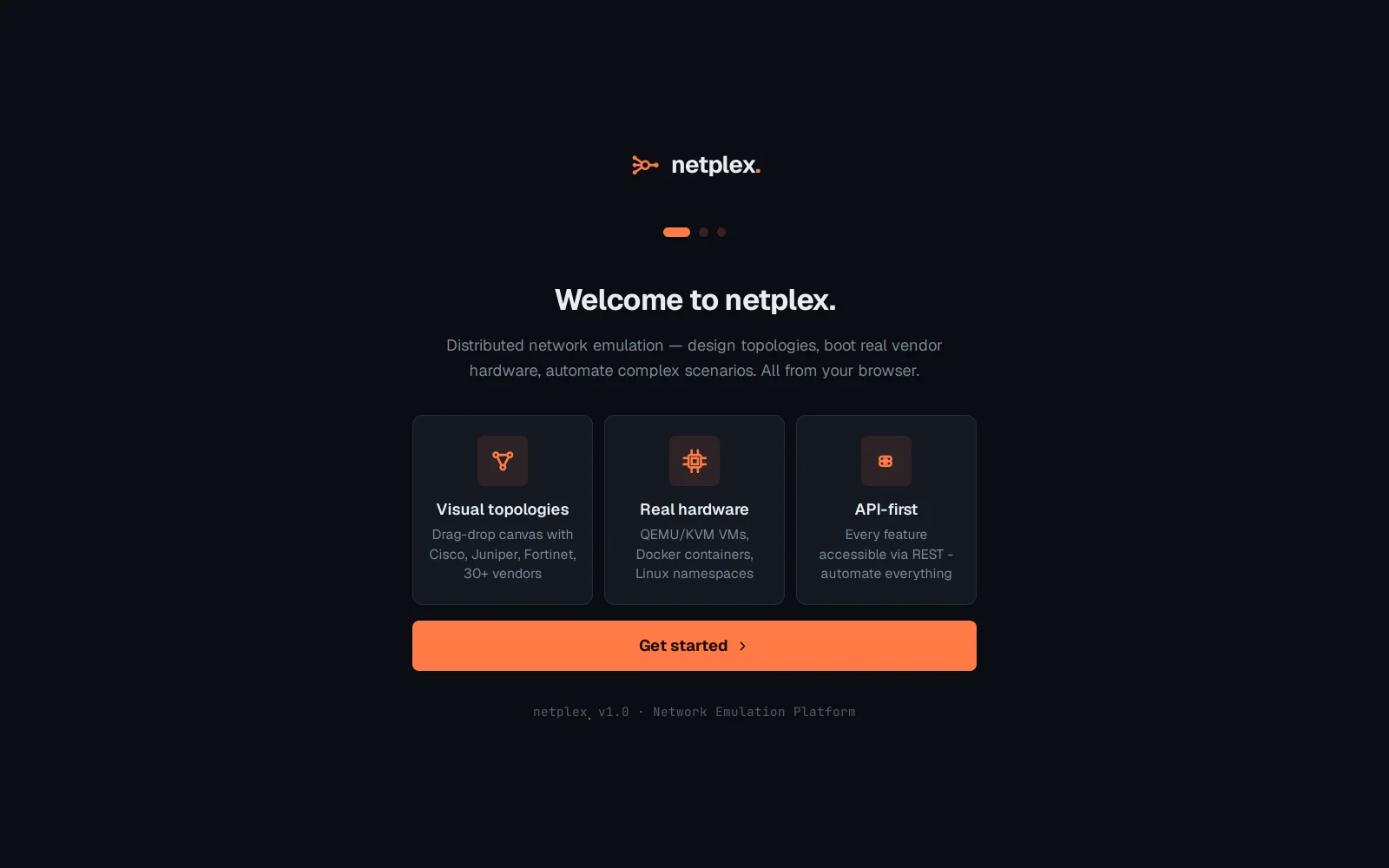
Step 1 - a 10-second orientation: visual drag-drop topologies across 30+ vendors, real hardware-level virtualisation (not a simulator), and a REST API behind every feature.
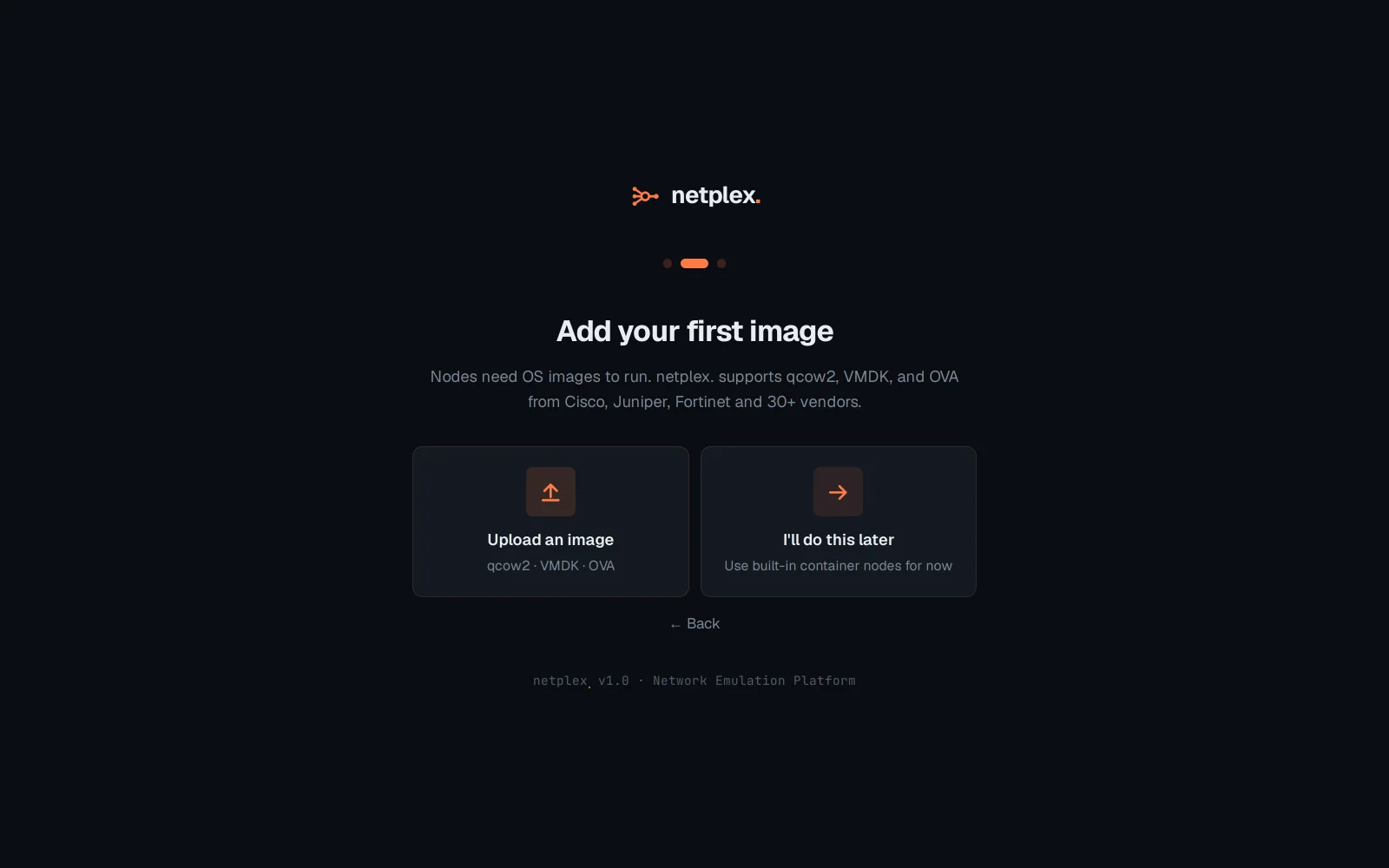
Step 2 - nodes need OS images to run real vendor firmware. Upload one now, or skip straight to the demo lab and use built-in container nodes first - nothing here is a dead end.
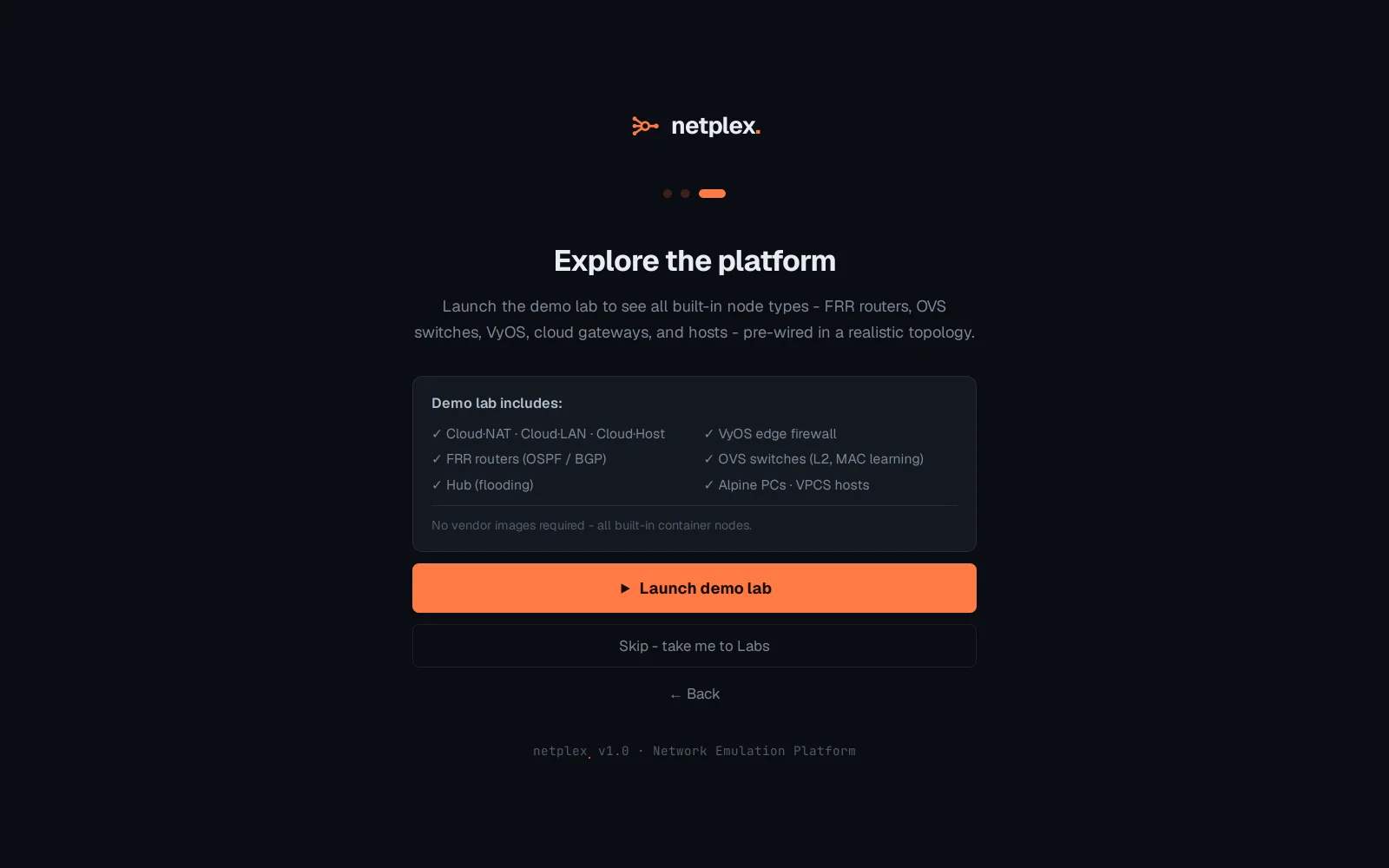
Step 3 - a one-click demo lab: FRR routers running OSPF/BGP, OVS switches, a VyOS edge firewall, cloud gateways, all pre-wired - every node a built-in container, no vendor image required to see the platform actually work.
Skip any step and nothing is lost - Library and the Labs page reach the exact same places later. The demo lab this wizard offers is the same one behind the ⚡ Demo lab button on the Labs page, covered in "Explore the starter demo lab".