The in-canvas guided tour
Inside any lab, a spotlight tour walks through the six things you actually do to go from empty canvas to a running lab - dims everything except the one control that matters at each step. Replay it any time from the ? help button.
Trigger the tour and it opens on a short welcome screen - what it covers, and a reminder that a ready-made sample lab exists if you'd rather skip straight to exploring.
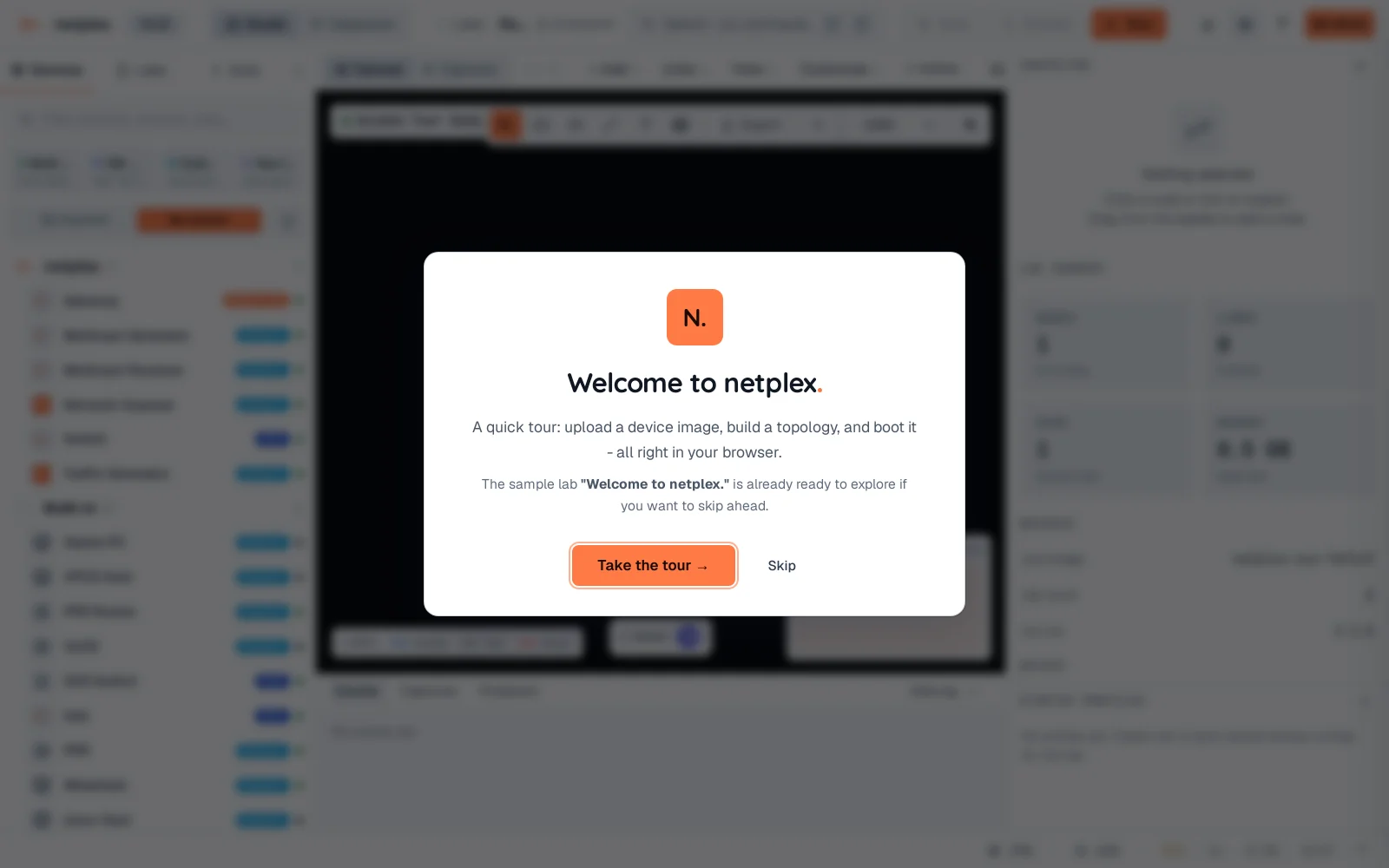
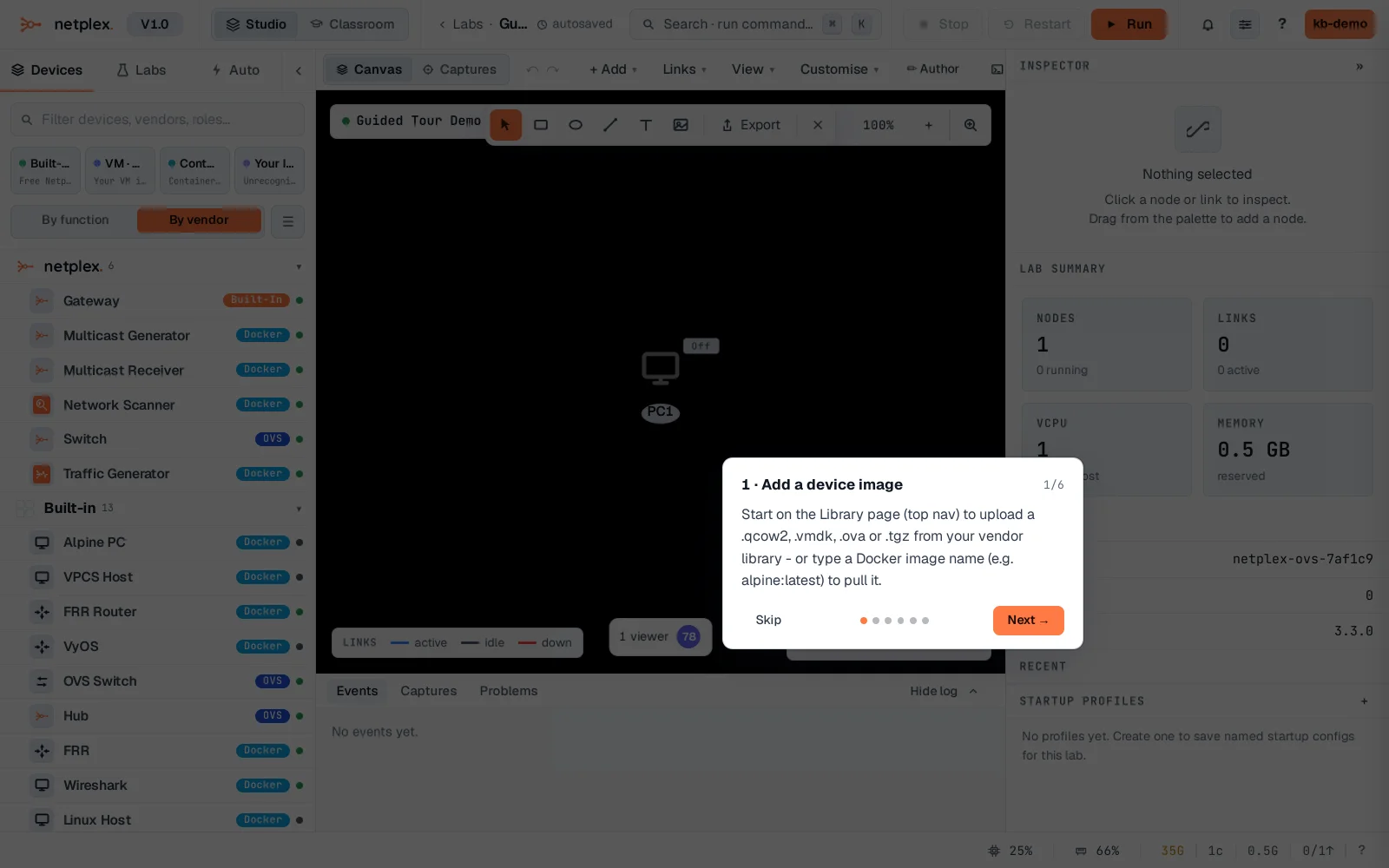
Click Take the tour. Step 1: add a device image via the Library page - the actual starting point, spotlighted with a short, specific instruction rather than a wall of text.
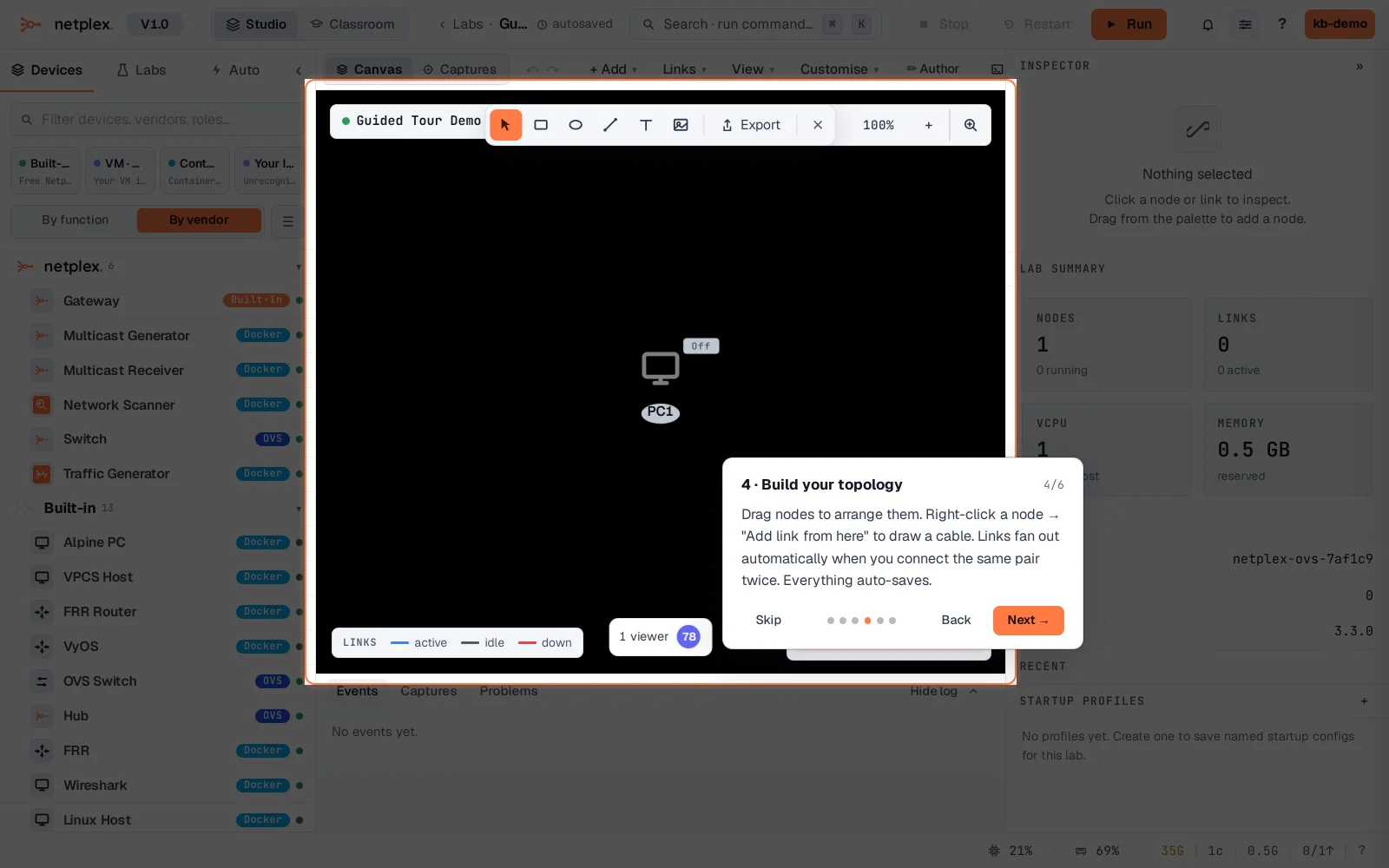
Click Next through to the canvas step - the spotlight dims everything except the canvas itself: drag a node, right-click to link.
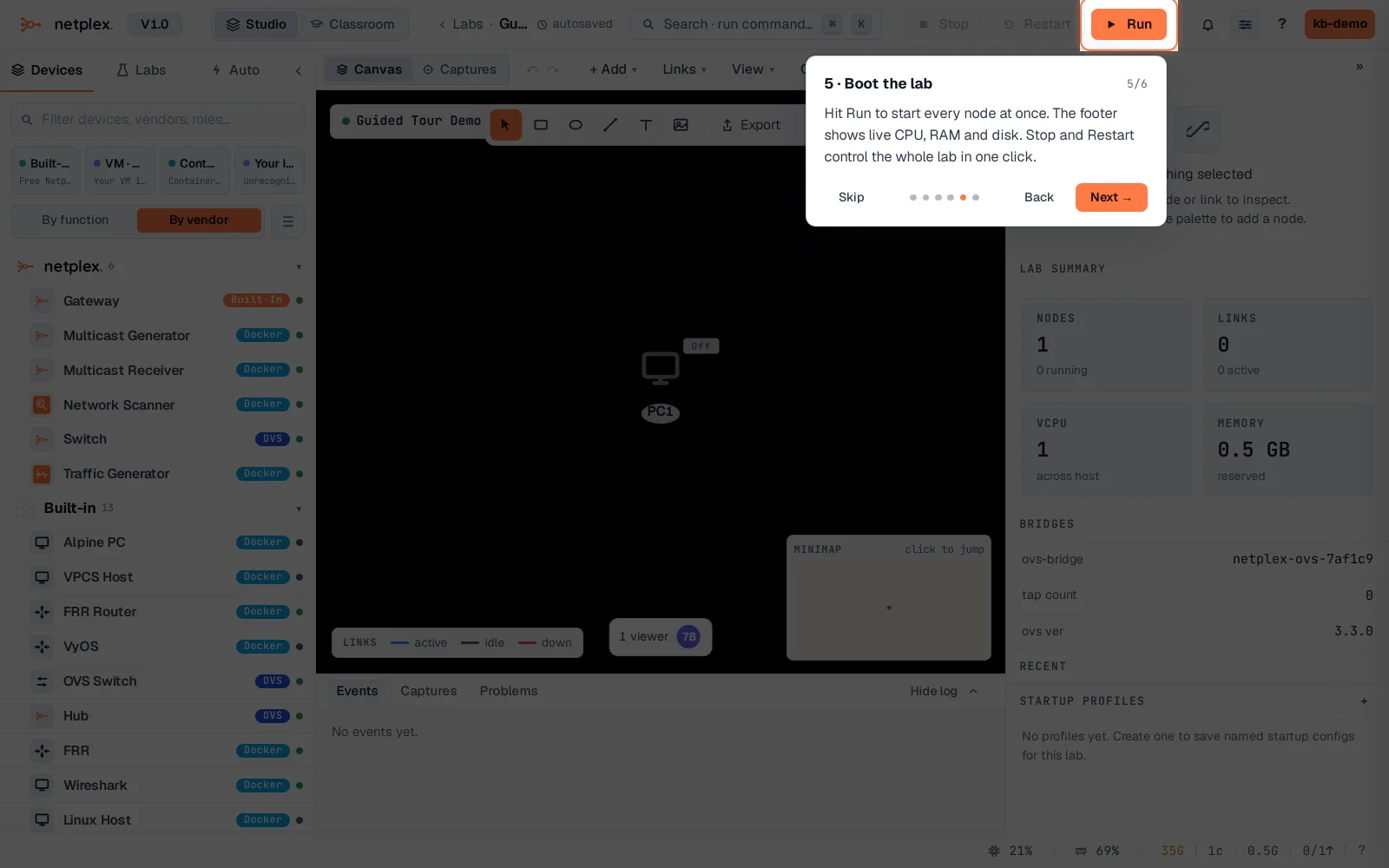
The last two steps spotlight Run and the Inspector - boot the lab, then console into a node. Skip is always available, and nothing here blocks you from just clicking around instead.
The tour is entirely optional and never re-appears uninvited once dismissed - replay it from the ? button in the top bar any time. For the very first thing a brand-new account sees before ever reaching a lab, see "What a brand-new account sees first"; for a permanent reference instead of a one-time walkthrough, see "The Help Guide".