Classify an unrecognised image to a vendor
Not every disk image announces its vendor clearly enough for auto-detection - a stripped-down build, a renamed file, an in-house image. Those land under Your Images instead of a proper vendor group. Classify this image (the ✦ icon) fixes that in one step, moving it into the right group with the right icon.
In the palette, the uploaded image sits under Your Images - not grouped with any vendor. Hover its row and click the ✦ Classify this image icon.
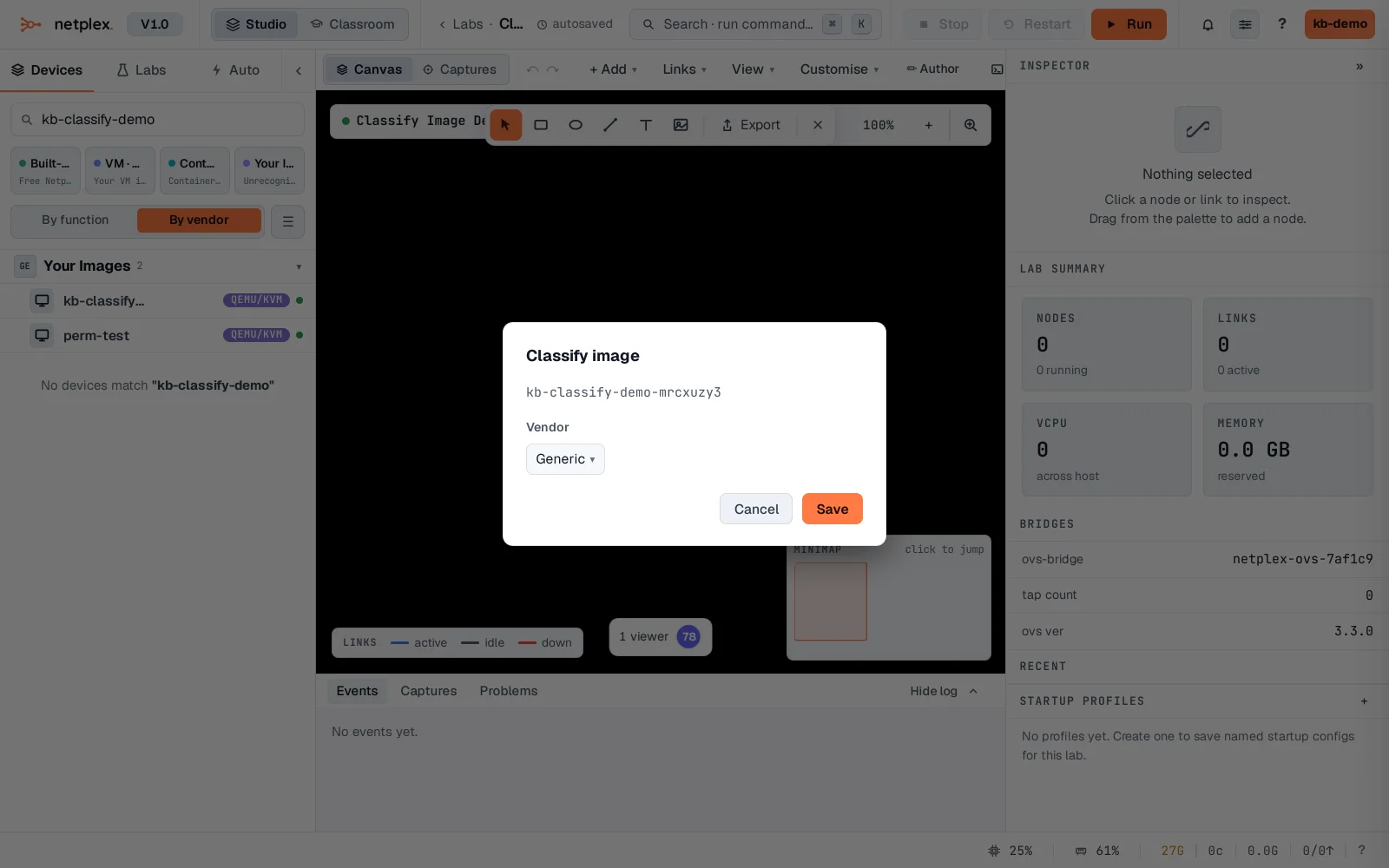
Pick the real vendor - here Cisco - and Save. The image moves into the Cisco group immediately, with the Cisco icon and hardware defaults that come with it.
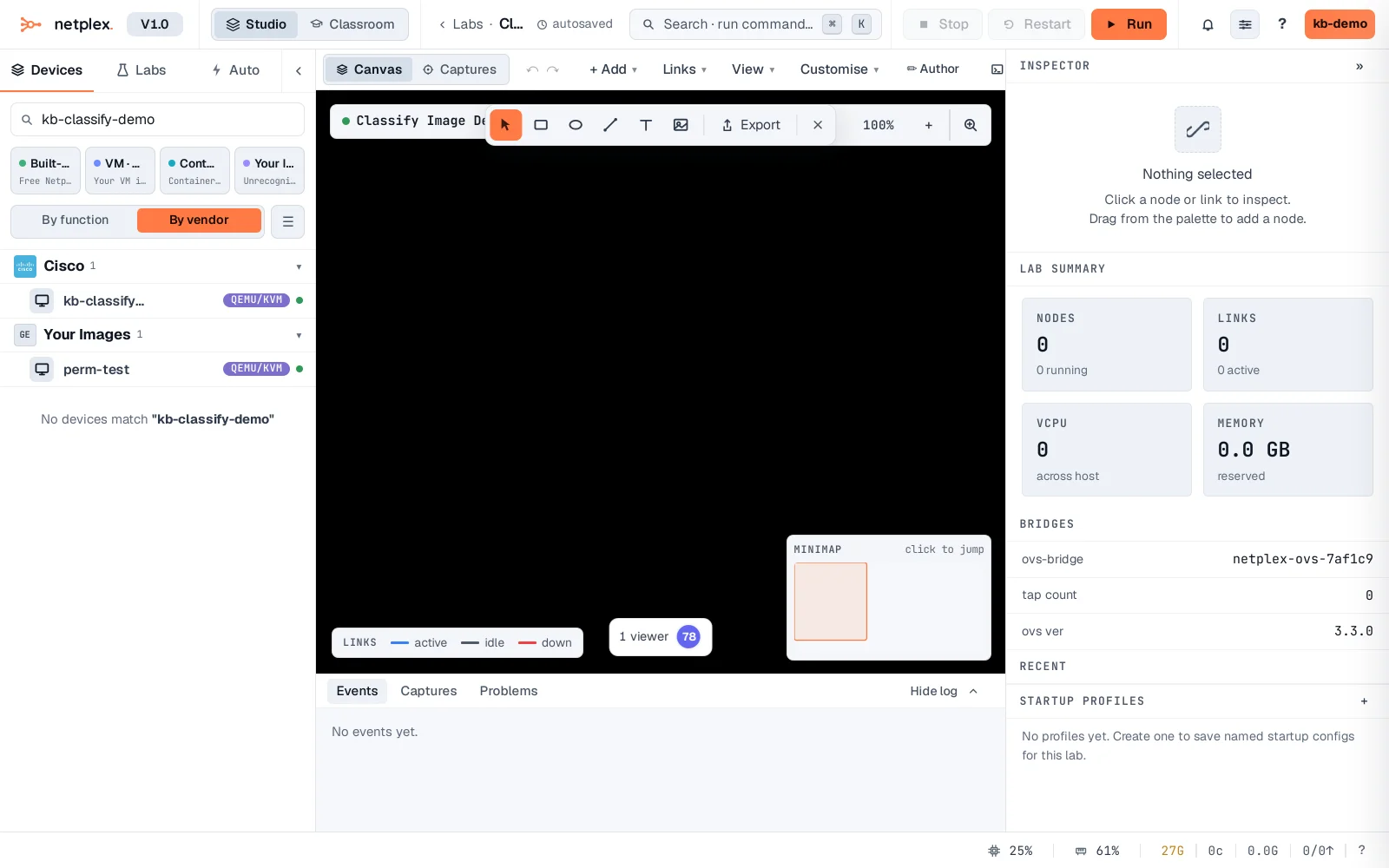
Reclassifying is safe at any time - it only changes how the image is grouped and iconed in the UI, it doesn't touch the disk file itself, so it's always reversible if you pick the wrong vendor.