Pre-pull tool images for offline use
System → Nodes → Netplex Tools lists every pre-built tool image netplex. maintains - traffic generators, scanners, capture helpers - with a one-click Pull per image. Use it before a class or an offline deployment so the first student to drag a tool onto the canvas is not the one waiting on a cold Docker pull.
Each row shows whether the image is already local. Pulling runs in the background - navigate away and it keeps going - and a progress bar tracks the download live.
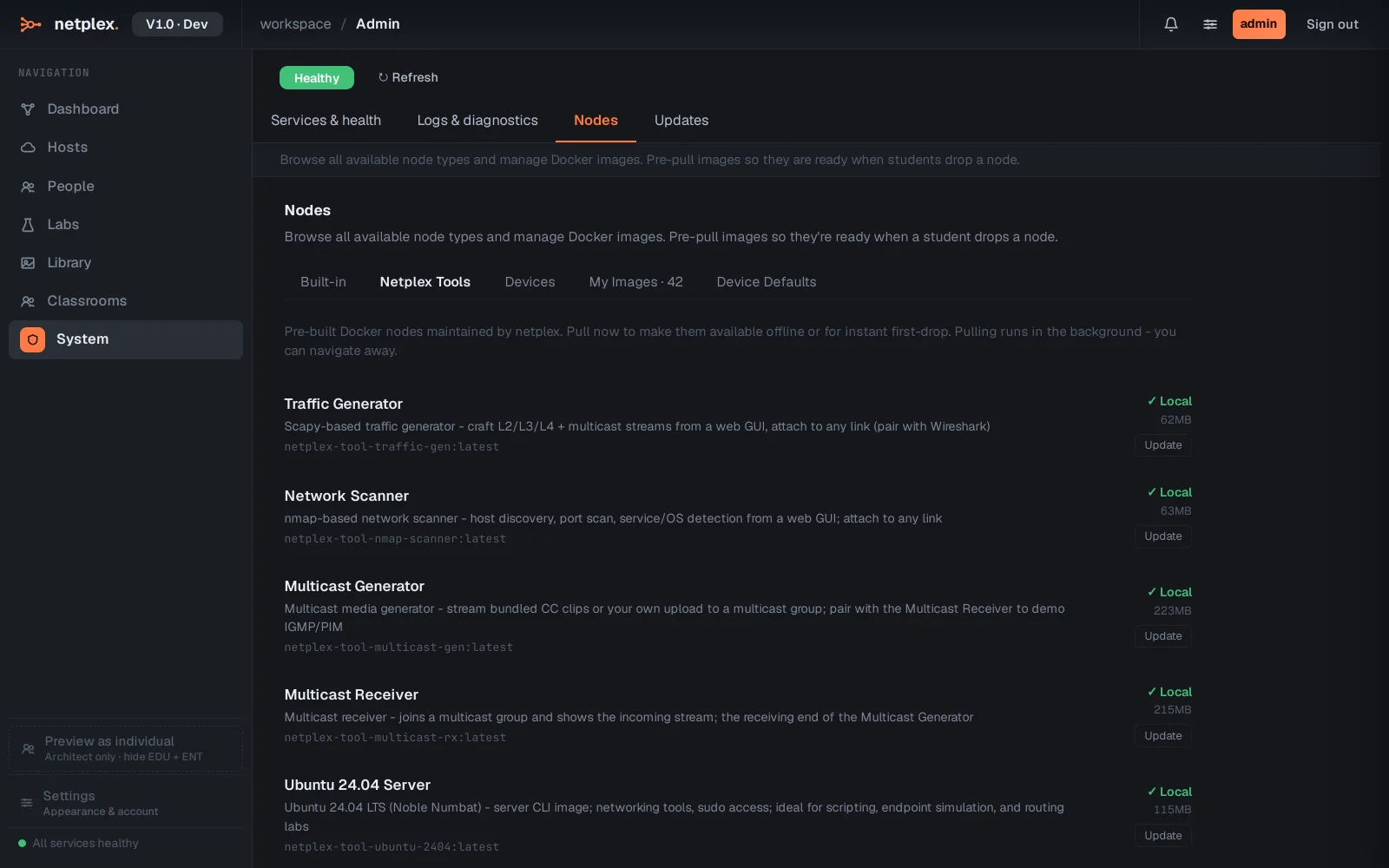
Already-pulled images show ✓ Local with their real on-disk size, and an Update button to refresh to the latest build - useful right before an offline deployment ships, so every tool node is current the moment the box goes dark.
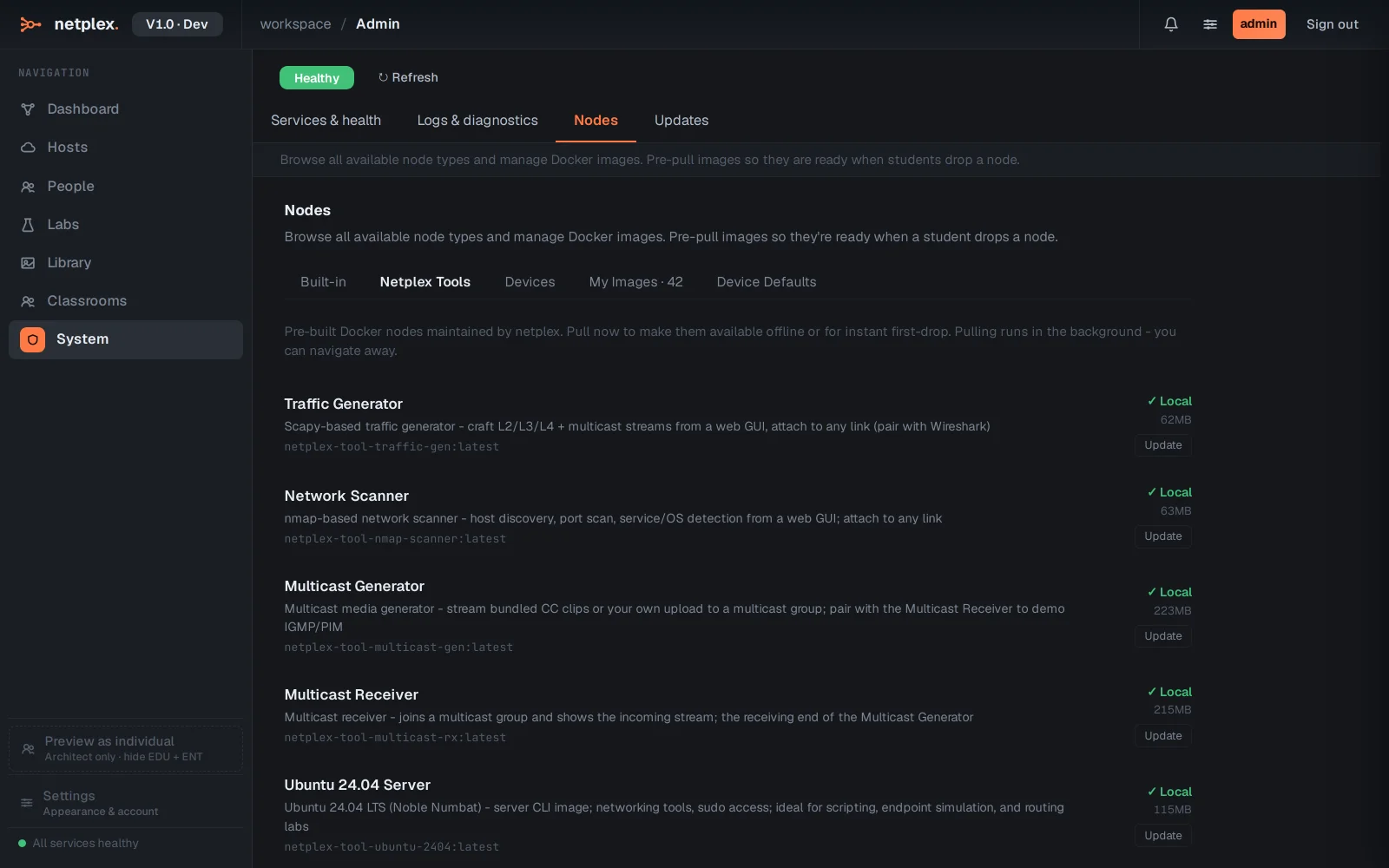
This complements the full device catalogue in the Devices tab, which covers every platform netplex. knows about, not just the curated tool set. For a whole offline appliance, this is the manual equivalent of the build-time image pre-pull the ISO/OVA installers already run.