Programming environment nodes: a language sandbox with Monaco built in
Eleven language sandboxes - Python, Node/TypeScript, Java, C#, C/C++, Go, Rust, SQL, Bash, a plain web stack - are one click away from + Add → Add node → Programming. Each is a real Docker node with the toolchain pre-installed, and its console opens straight into a Monaco (VS Code engine) editor instead of a bare terminal.
Open + Add → Add node → Programming. Each card is a real environment - toolchain and common libraries already installed, not an empty container to provision from scratch.
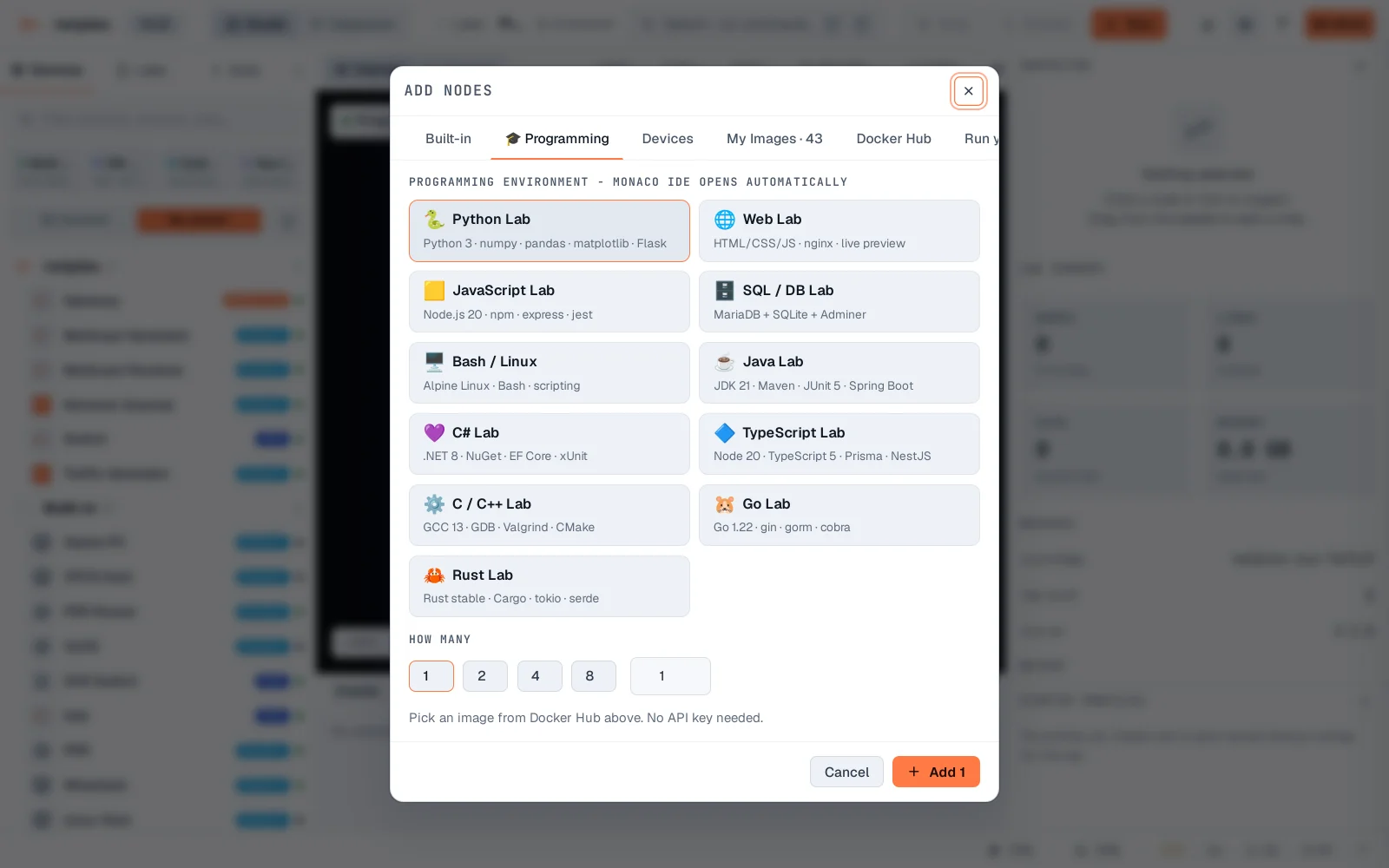
Pick Python Lab and Add 1. One real node lands on the canvas, wired for Python 3 with numpy/pandas/matplotlib/Flask already in the image.
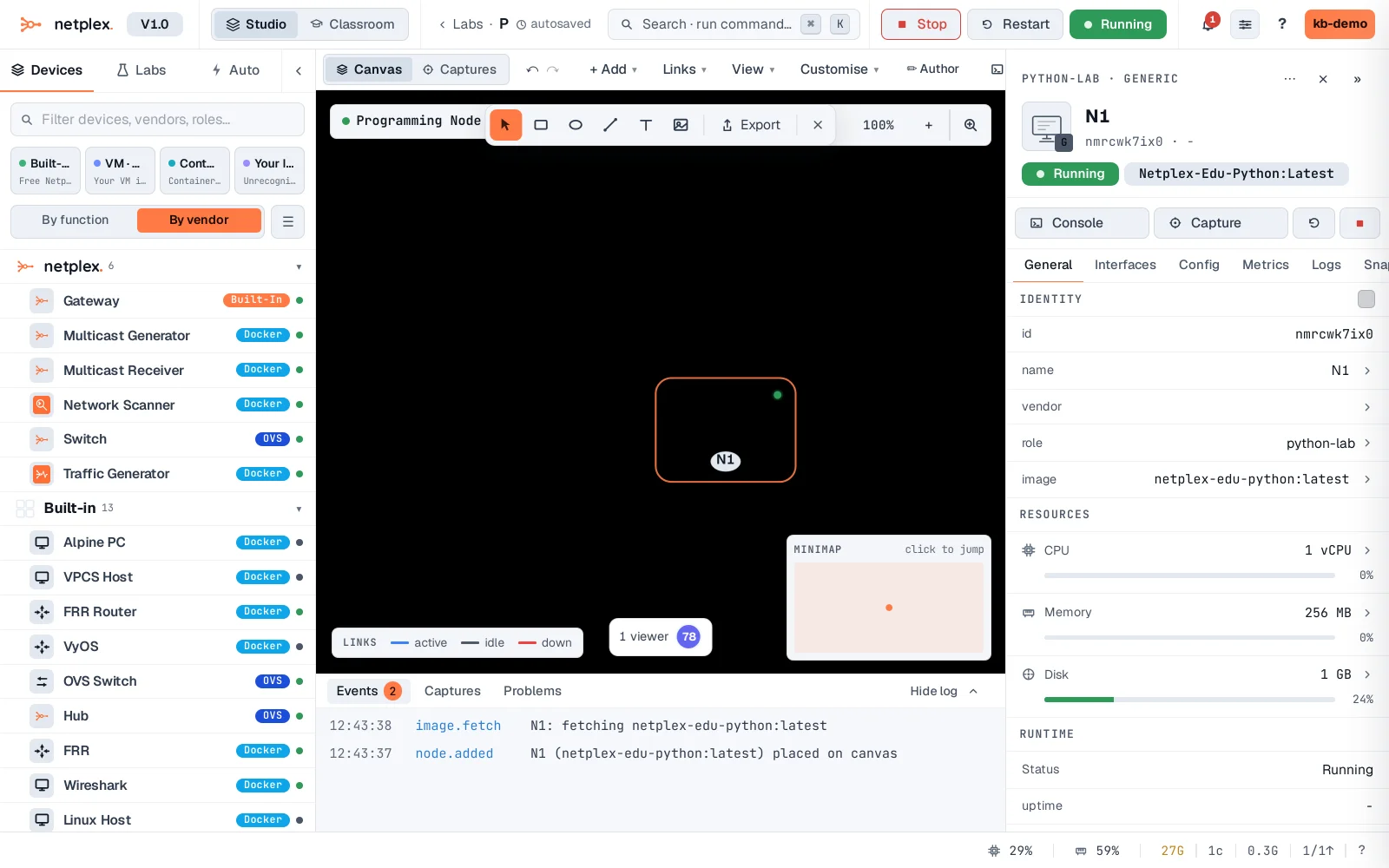
Double-click it. Instead of a shell prompt, the console opens a real Monaco editor - the same engine VS Code uses, syntax highlighting and all.
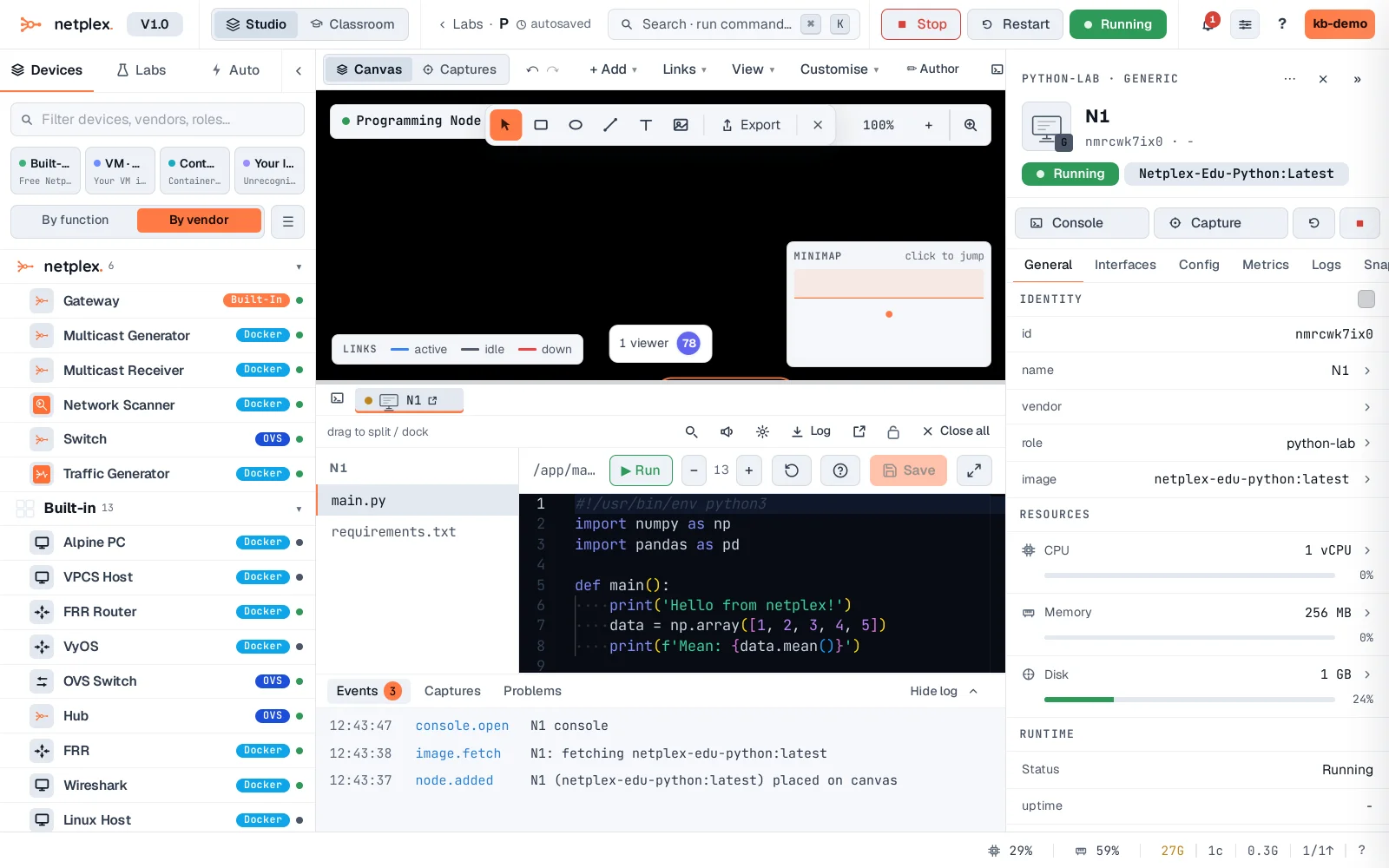
Every language on the list works the same way - pick it, add it, double-click for an editor tuned to that toolchain. These are ordinary Docker nodes underneath, so they wire into a topology, get a console history, and can be linked to other devices exactly like any other node.