Pull an LXC system-container image
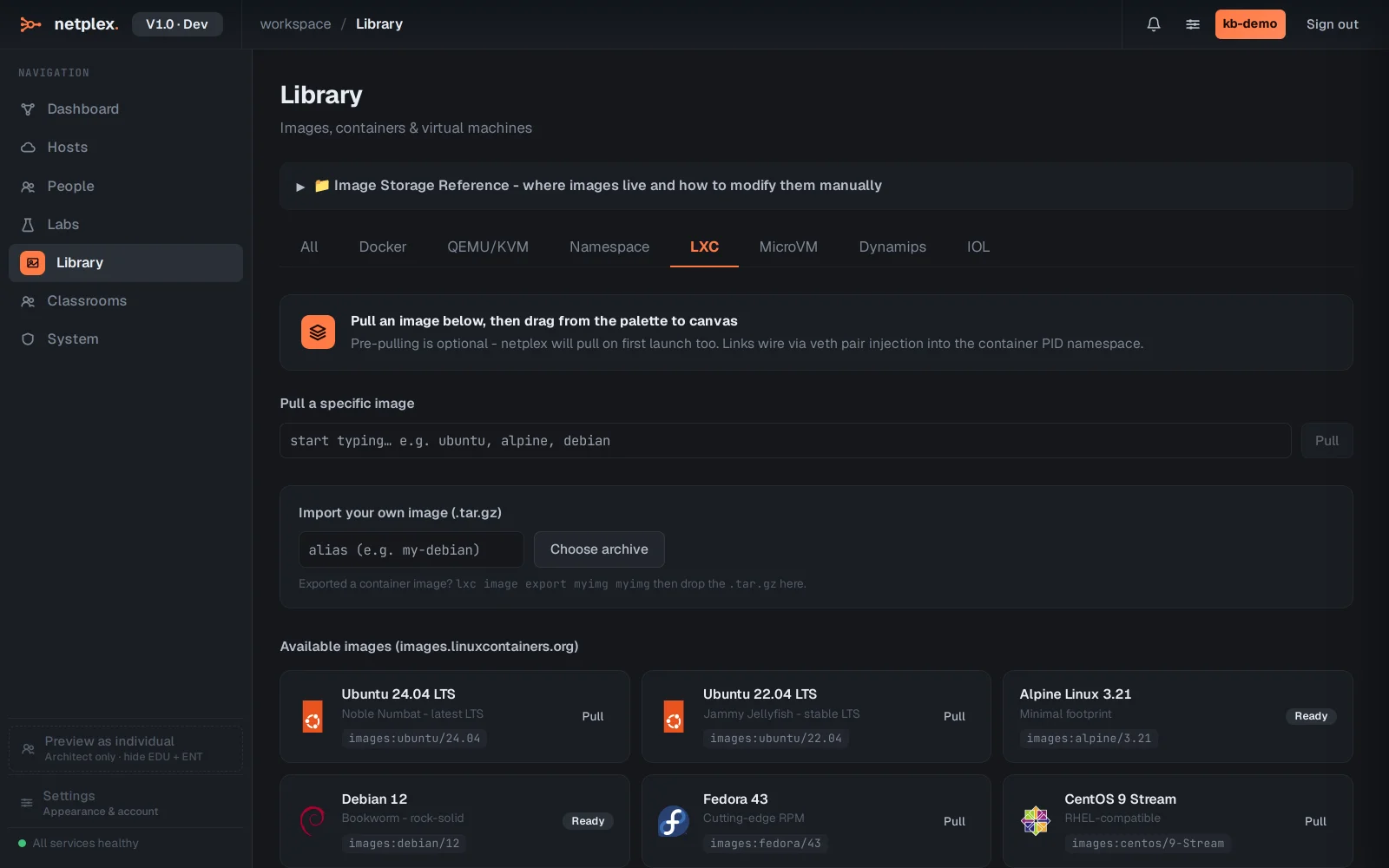
LXC images come from images.linuxcontainers.org, a separate catalogue from Docker Hub - Ubuntu, Alpine, Debian, Fedora, CentOS and Arch are curated with one-click Pull, and the search box below takes any other images: alias directly.
Open Library → LXC and click Pull on Alpine Linux. A job starts in the background - the button reads Pulling… until the image lands.
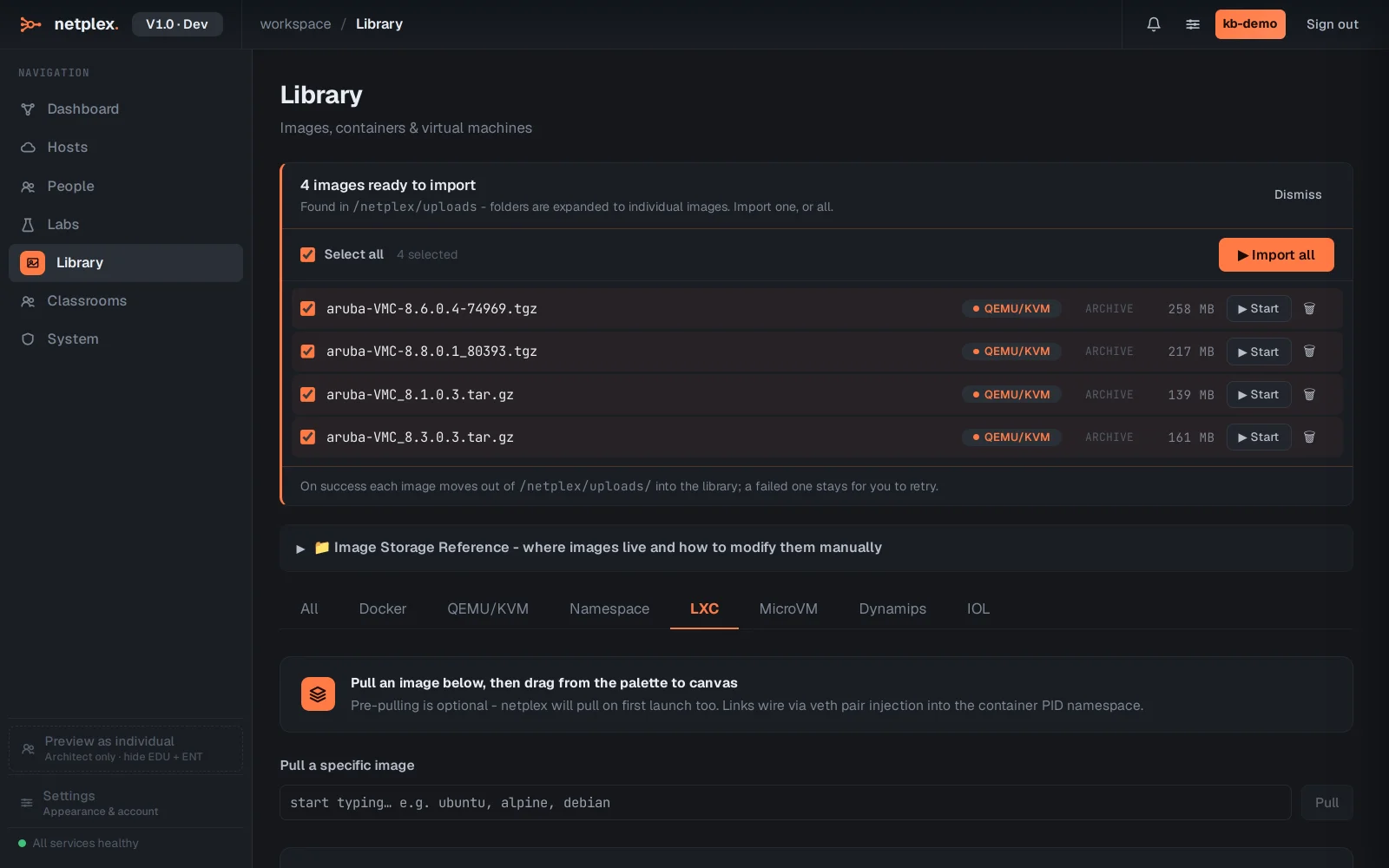
Once pulled, the image moves to the On this host list with its real size, and the catalogue tile above now reads Ready instead of Pull - it is available to any LXC node from here on, with no wait on first launch.
Pre-pulling is optional - drag an LXC device onto the canvas and netplex. pulls it on first launch if it is not already local, exactly like Docker. Pre-pulling just avoids that first-drop wait. See "LXC nodes: full-system Linux containers" for what runs once it is on the canvas.